
Unlock the Magic: 10 Hidden Canva Keywords for Sci-Fi & Fantasy Book Covers [2026 Cheat Sheet]

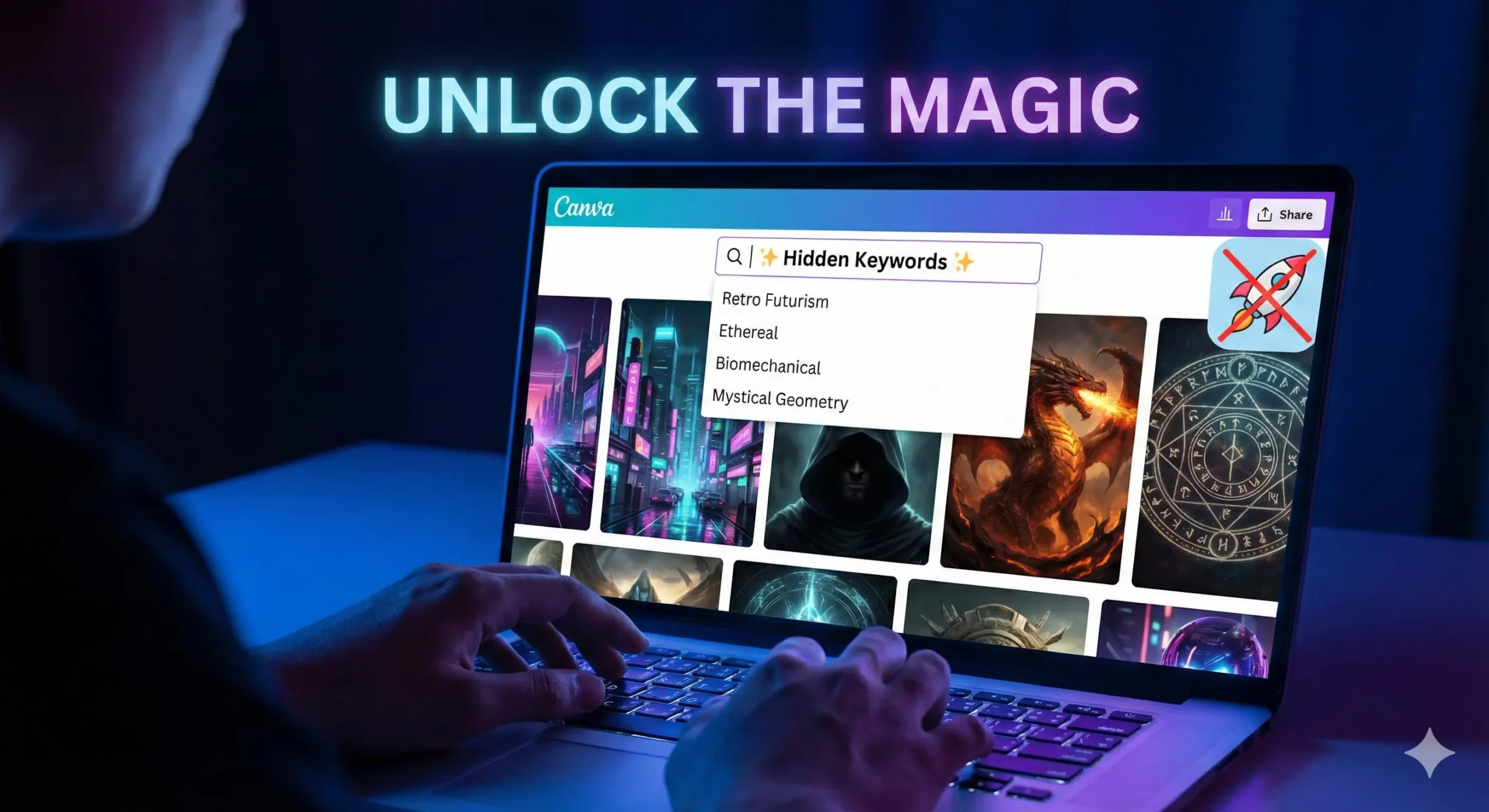
A laptop screen displaying the Canva design interface featuring a split view: one side showing a neon 'Retro Futurism' Sci-Fi book cover and the other a glowing 'Mystical Geometry' Fantasy book cover, illustrating hidden design keywords for authors. Canva keywords.

You know the feeling.

It is 11:00 PM. You have finished writing your novel. The hard part is supposed to be over. You open Canva, full of hope, ready to design a placeholder cover that doesn’t look terrible. You type “Spaceship” into the search bar.

And then your heart sinks.

Instead of the epic, interstellar dreadnought you imagined, Canva gives you a cartoon rocket that looks like it belongs on a kindergartner’s lunchbox. You type in “Magic,” and you get a clip-art rabbit in a hat.

This is the “Stock Photo Nightmare.” It is the moment you realize that your wallet can’t afford a $500 professional designer, but your pride can’t stomach a cover that looks amateur. You feel stuck. You start wondering if you should just use a solid color background and call it “minimalist.”

But here is the secret that professional designers don’t want you to know: Canva isn’t the problem. The platform is packed with incredible, high-definition, cinematic art that looks like it cost thousands of dollars to commission. The problem isn’t the library; it is your vocabulary.

You aren’t finding the good stuff because you don’t know the magic words to ask for it.

By the end of this article, you will have a “Cheat Sheet” of Canva keywords that unlocks the hidden tier of design assets. We are going to turn your free account into a high-end design studio.


Why the Right Canva Keywords Change Everything

To understand why your searches are failing, you have to understand how the algorithm works. Canva’s search bar is literal, not intuitive. If you search for generic terms, you get generic results.

When you type “Space,” the algorithm serves you the most popular, most used assets. Unfortunately, the most used assets are often simple icons used by teachers and students for presentations. They are flat, colorful, and completely wrong for a serious Sci-Fi novel.

Professional designers—even those using Canva—do not search for “Space.” They search for art styles and texture types.

They know that to get a gritty, realistic look, you need to use keywords that describe the mood and the technique, not just the object. Mastering these Canva keywords is the difference between a cover that screams “Self-Published” and a cover that looks like it belongs on a Barnes & Noble shelf next to Andy Weir or Sarah J. Maas.


The “Book Cover Recipe”: Ingredients for a Bestseller

Before we dive into the specific keywords, you need to understand how to build the scene. A professional book cover is never just one photo. If you just slap a photo of a dragon on a page and add text, it will look flat.

Great covers are composites. They are like sandwiches; you need layers to make them taste good. You generally need three specific types of assets to build a cohesive scene.

Use this recipe table to understand what you should be searching for.

The 3-Layer Cover Recipe

LayerThe Role it PlaysWhy You Need ItCanva Keyword Examples
1. The BaseSets the atmosphere and setting.This fills the background. It should never be plain white or black.Nebula, Dark Forest, Cyberpunk City, Grunge Texture
2. The HeroThe focal point.This is what catches the eye. Usually a character or a symbolic object.Silhouette Man, Cyborg, Hooded Figure, Rusty Sword
3. The GlueBlends layers together.This hides the bad Photoshop lines and adds depth/lighting.Dust Overlay, Lens Flare, Smoke, Fog, Vignette

If you skip Layer 3 (The Glue), your cover will look like a collage. If you skip Layer 1, it will look boring. You need all three.


Top 5 Hidden Canva Keywords for Sci-Fi Covers

If you are writing Space Opera, Cyberpunk, Dystopian, or Techno-Thriller fiction, you need imagery that feels sharp, technological, and vast. Stop searching for “Robot” and “Future.” Try these instead.

1. “Retro Futurism”

This is the goldmine for that 1980s, Blade Runner, Stranger Things aesthetic.

  • What you get: You will find neon grids, chrome typography, vintage sunsets, and laser landscapes.
  • Best for: Synth-wave style covers or “Space Opera” that wants to feel nostalgic.
  • Pro Tip: Combine this with a bold, metallic font to instantly signal “80s Sci-Fi.”

2. “Glitch”

In 2026, the “clean” future look is out. Readers want gritty, broken tech.

  • What you get: Distorted text, static noise, pixelated strips, and “broken screen” effects.
  • Best for: Techno-thrillers, stories about AI going rogue (like yours?), or dystopian hacking novels.
  • How to use it: Don’t use this as a background. Use it as an overlay on top of your title text to make it look like a computer error.

3. “Biomechanical”

This is arguably the creepiest keyword on the list, heavily inspired by H.R. Giger (the artist behind Alien).

  • What you get: Unsettling blends of human flesh and machinery, wires embedded in skin, and metallic bones.
  • Best for: Sci-Fi Horror or deep Space adventures where the aliens are terrifying, not cute.
  • Why it works: It provides texture. Even if you don’t use a full biomechanical creature, using a “biomechanical texture” background adds a sense of unease.

4. “HUD” (Heads Up Display)

This stands for “Heads Up Display.” It is the secret weapon for making a cover look “techy” without cluttering it.

  • What you get: Glowing targeting circles, data streams, coding lines, and cybernetic framing elements.
  • Best for: Military Sci-Fi or LitRPG.
  • How to use it: Lower the transparency to 20% and place these circles behind your main character. It instantly makes them look like they are being targeted or scanned.

5. “Synthwave Landscape”

If you need a background and you are tired of generic starry skies, this is your savior.

  • What you get: Infinite purple grids, mountains made of wireframes, and low-poly horizons.
  • Best for: Cyberpunk and Virtual Reality (VR) based stories.

Top 5 Hidden Canva Keywords for Fantasy Covers

Fantasy is harder to pull off in Canva because “bad” fantasy art looks really cheesy (think dragons that look like plastic toys). To get that gritty, Game of Thrones or Fourth Wing look, you need keywords that emphasize lighting and atmosphere.

6. “Ethereal”

This is the “Romantasy” (Romance Fantasy) essential.

  • What you get: Soft, ghostly clouds, dreamlike lighting, and spirits that fade into mist.
  • Best for: Paranormal romance, ghost stories, or High Fantasy involving elves.
  • Why it works: It softens the edges of your design. If your character cutout looks too sharp, put an “Ethereal” cloud in front of them.

7. “Mystical Geometry”

Stop searching for “magic circle.” It usually gives you cartoons.

  • What you get: Intricate mandalas, glowing gold lines, alchemy symbols, and sacred shapes.
  • Best for: “Magic Academy” books or Urban Fantasy.
  • How to use it: Place a gold geometric shape behind your title text. It frames the title and makes it look like a spell.

8. “Cinematic Lighting”

This is a “modifier” keyword. This is the single most important tip in this article.

  • The Hack: Do not just search for “Woman.” Search for “Woman Cinematic Lighting.”
  • What you get: Instead of a flat stock photo, you get 3D renders with dramatic shadows, rim lighting, and high contrast.
  • Best for: Finding your main character. This keyword filters out the “corporate stock photos” and leaves you with the epic, movie-poster style images.

9. “Dark Academia”

This trend is still huge in 2026.

  • What you get: Dusty libraries, burning candles, parchment textures, skulls, and leather-bound books.
  • Best for: Urban fantasy, secret society thrillers, or vampire novels.
  • Pro Tip: Use a “Dark Academia” background and darken it significantly so your white text pops off the cover.

10. “Double Exposure”

This is a specific artistic technique that blends two images together (usually a silhouette and a nature scene).

  • What you get: A wolf shape filled with a forest; a woman’s profile filled with a galaxy.
  • Best for: Literary fiction or high-concept fantasy.
  • Why it works: It looks incredibly expensive. If you find a good “Double Exposure” element, you often don’t need anything else on the cover except the title.

How to Combine These Elements (The “Blending” Secret)

Now that you have the ingredients, how do you cook the meal?

The biggest giveaway of an amateur cover is that the elements look “pasted on.” The character is clearly sitting on top of the background, not in it. The lighting doesn’t match.

To fix this, you need the “Glue“ (Layer 3 from our recipe table).

The “Gradient Fade” Trick

Search for “Gradient Fade” or “Black Gradient.”

You will get a square that fades from black to transparent. Place this at the bottom of your book cover. It hides the feet of your character (which are usually the hardest part to blend) and creates a dark area where your Author Name will be perfectly readable.

The “Smoke Overlay” Trick

Search for “Smoke Black Background” or “Fog.”

Place this over your character but under your text. Then, use the Transparency Slider (the checkerboard icon in the top right) to lower it to 30-50%. This creates “atmosphere” between the reader and the character, making the character feel like they are standing in a real environment.

The Color Filter Consistency

Once you have all your elements on the page, select your background image. Go to “Edit Photo” -> “Filters.” Pick a filter (like “Nordic” for cold fantasy or “Solar” for warm sci-fi).

Crucial Step: Apply that same filter to your character cutout. This forces the color grading to match, tricking the eye into thinking they were photographed in the same room.


FAQ: Mastering Canva Keywords for Book Design

Can I use Canva images for commercial book covers?

Yes, but you need to know the rules. According to Canva’s licensing agreement, you can use both Free and Pro elements in a design that you sell (like a book cover or PDF).

  • The Catch: You cannot sell the raw element. You can’t put a Canva dragon on a white background and sell it as a “Dragon Logo.” But if it is part of a composite design (Dragon + Background + Text), you are safe to publish on Amazon KDP.
  • Note: Always check Canva’s latest licensing page, as terms can update.

How do I find more Canva keywords like these?

There is a “Rabbit Hole” feature inside Canva.

  1. Find an element you love (e.g., a specific cyberpunk city).
  2. Hover over it in the side menu.
  3. Click the Three Dots (…).
  4. Select “See more like this.”
  5. Look at the keywords tags listed. Click on those tags to see everything else that artist has tagged with that hidden word.

Are these keywords available on the free plan?

Many of these keywords will show a mix of Free and Pro results. If you are strictly on the free plan, click the “Filter” icon in the search bar (the sliders) and check the box for “Free.”

However, specific lighting keywords like “Cinematic” or “3D Render” tend to have much better results in the Pro library. If you are serious about your book, the monthly fee for Pro is cheaper than buying one stock photo from Shutterstock.


Conclusion: Your Book Deserves a Best-Selling Face

You have spent hundreds of hours building worlds in your head. You have written dialogue that makes you cry and plot twists that keep you awake at night. Do not let all that work die in obscurity because of a “cartoon rocket” cover.

You do not need a degree in graphic design to create something beautiful. You just needed the right vocabulary. Now you have it.

Your book is the product, but the cover is the packaging. With these Canva keywords, you can finally create packaging that matches the quality of the story inside.

Now, I want to see what you create.

Open Canva right now. Pick one keyword from this list—maybe “Mystical Geometry” or “Retro Futurism”—and type it in. Just see what comes up.

Did you find a hidden gem? A perfect texture? Screenshot your design (even if it’s a rough draft) and tag us on Pinterest or Instagram. Let’s get your book the attention it deserves.

“Once you have the perfect cover, make sure your description is just as good by checking our guide to rewriting book blurbs.”

The Blurb Doctor: How to Rewrite Book Descriptions to Double Your Sales 2026

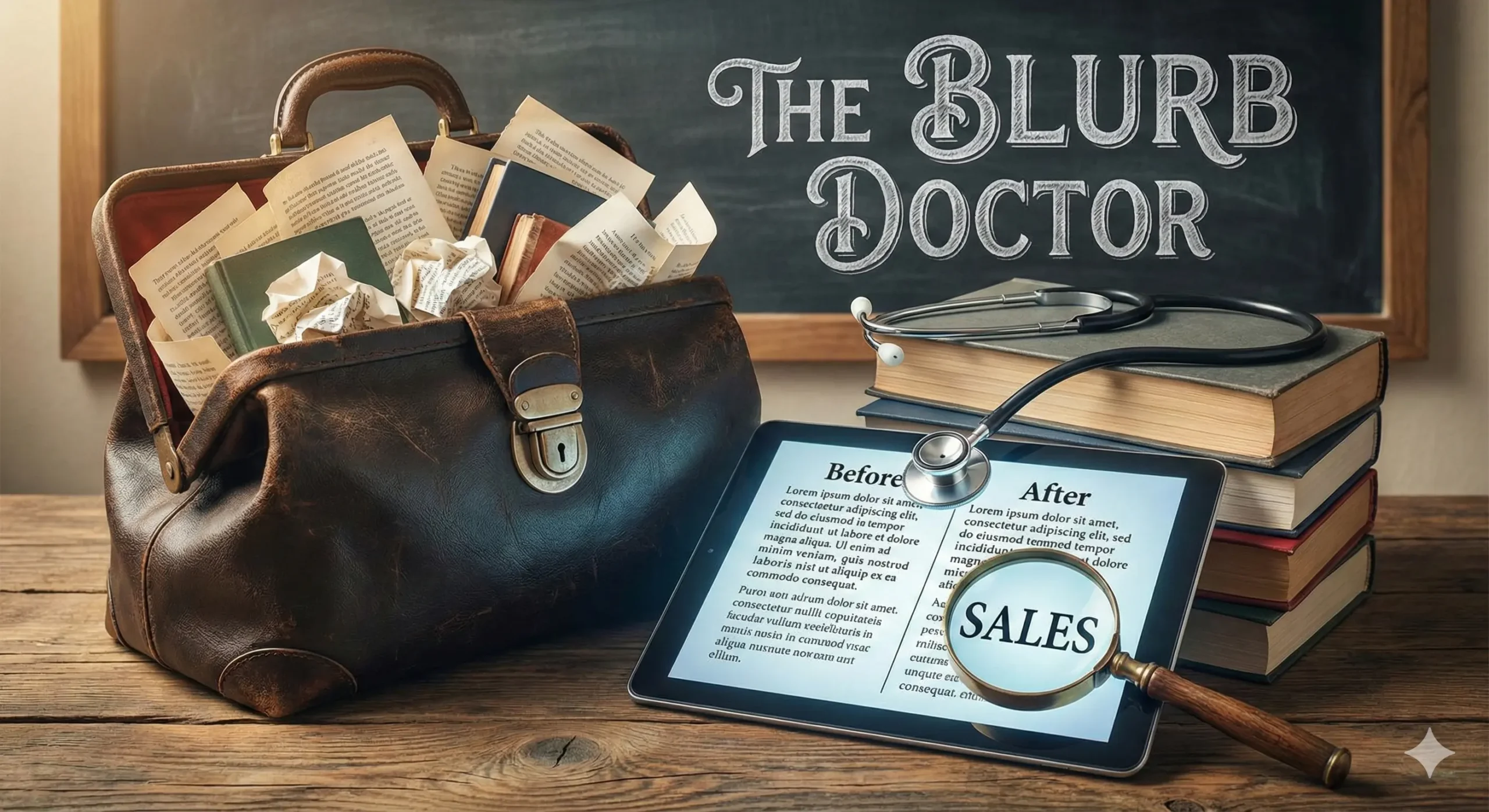
A creative illustration of a 'Blurb Doctor' examining a book manuscript with a stethoscope, symbolizing the process of rewriting book descriptions to fix low sales. The background features a rising sales graph, representing the goal to double book revenue. rwrite book

It is 7:00 AM. The house is quiet. You are sitting at your desk with a fresh cup of coffee, the steam still rising. You open your laptop, navigate to your KDP dashboard, and hold your breath.

You click “Reports.”

The line is flat. Zero sales. Maybe one page read (probably your mom).

The coffee suddenly tastes a little bitter.

You know your book is good. You spent months agonizing over the dialogue. You paid for a professional editor. You know that if a reader just opened the first page, they would be hooked. But they aren’t opening it. They are scrolling right past it.

This is the “Invisible Book” syndrome. It is the most painful condition an author can suffer from because it has nothing to do with your talent as a storyteller. It has everything to do with your storefront.

It is not your writing that is failing. It is your packaging.

Welcome to the clinic. Today, we are going to play “Blurb Doctor.” We aren’t just going to tweak a few adjectives; we are going to perform emergency surgery on your sales copy. We are going to take that flatlined book description and inject it with enough adrenaline to turn casual browsers into obsessed buyers.

If you are ready to rewrite book descriptions that actually convert, scrub in. It’s time to operate.


Why You Need to Rewrite Book Descriptions (It’s Not a Summary, It’s an Ad)

The single biggest mistake authors make—and the reason most self-published books fail—is a misunderstanding of what a blurb actually is.

Most authors think a blurb is a synopsis. They think their job is to summarize the plot so the reader knows what happens.

This is wrong.

A synopsis is for a book report. A blurb is an advertisement.

When a reader lands on your Amazon page, you are effectively on a blind date. You do not have thirty minutes to explain your life story. You have about six seconds. That is the “Six-Second Rule.” A potential reader looks at the cover art, glances at the title, and reads the first sentence of your description.

If they are not intrigued by the end of that first sentence, they click “Back.”

You need to shift your mindset. You aren’t explaining the story; you are selling the emotion of the story. You are selling the thrill, the romance, or the mystery. If your current description reads like a police report (“John went here, then he found a clue, then he went there”), you are killing your sales.

Learning to rewrite book blurbs is a marketing skill, distinct from creative writing. The good news? It is a skill you can learn quickly.


The Diagnosis: 3 Signs Your Blurb is Killing Sales

Before we can prescribe the cure, we need to diagnose the illness. Most ineffective book descriptions suffer from one of three common diseases. Read through these symptoms and see if any look familiar to you.

Symptom 1: “The Character Soup”

This happens when an author loves their world-building too much.

  • The Symptoms: The blurb introduces the protagonist, their best friend, the villain, the villain’s henchman, and the name of the magical sword within the first paragraph.
  • Why it kills sales: Readers are cognitively lazy. They don’t know these people yet. If you throw five proper nouns at them in two sentences, their brain shuts down. They feel overwhelmed before they have even bought the book.
  • The Cure: Focus on one character (or two for romance). Everyone else is just “the enemy” or “the ally.”

Symptom 2: “The Play-by-Play”

This is the “and then” problem.

  • The Symptoms: The description lists plot points in chronological order. “First, Sarah loses her job. Then she moves to New York. Then she meets a billionaire. Then they go to dinner.”
  • Why it kills sales: It removes all curiosity. If you tell the reader exactly what happens in the first 50%, why should they pay $4.99 to read it?
  • The Cure: Focus on the conflict, not the timeline.

Symptom 3: “The Vague Promise”

This is common in Thrillers and Sci-Fi.

  • The Symptoms: The blurb uses grand, empty phrases like “Secrets will be revealed,” “Everything will change,” or “The world will never be the same.”
  • Why it kills sales: These are clichés. They mean nothing because we don’t know what the specific danger is.
  • The Cure: Specificity. Don’t say “she risks everything.” Say “she risks losing custody of her daughter.”

The “Blurb Recipe”: Essential Ingredients for High-Converting Copy

A great book description isn’t magic; it is chemistry. You need the right elements in the right order. If you leave out the sugar, the cake tastes like flour. If you leave out the stakes, the book sounds boring.

Use this table to check if your current description has the necessary nutrients.

Ingredients of a 5-Star Blurb

IngredientAmount NeededThe Purpose
The Hook1 SentenceThis is your “Inciting Incident.” It must grab attention instantly. It disrupts the status quo.
The Hero1 ParagraphEstablishes who we are rooting for. We need to know their flaw or their desire immediately.
The Conflict1 ParagraphThe obstacle standing in the Hero’s way. The “But” that stops them from getting what they want.
The Stakes1 SentenceWhat happens if the Hero fails? This is the “Or Else.” Without stakes, there is no tension.
The Twist1 PinchA hint of mystery or a question that can only be answered by buying the book.

Step-by-Step: How to Rewrite Book Descriptions That Sell

You have your diagnosis, and you have your ingredients. Now, let’s perform the surgery. Follow this step-by-step process to rewrite book descriptions that convert.

Step 1: Identify the Hook (The “Status Quo” Disruptor)

Start with the moment the character’s life changes. Do not start with backstory. Do not start with the weather. Start with the problem.

  • Bad: “James was a detective who lived in London for twenty years.”
  • Good: “The body was found in the one place James swore he would never return to.”

Step 2: Raise the Stakes (The “Or Else”)

This is where most authors fail. They establish a problem but forget the consequences. Why should we care if James solves the murder?

You need to make it personal. “Saving the world” is boring. “Saving his reputation” is better. “Saving his wife” is best.

  • Action: Look at your current blurb. Add the words “If he fails, then…” to the end. What comes next? That is your stakes.

Step 3: Cut the Fluff (The Adjective Purge)

Go through your draft and remove every word that does not add tension. Adjectives are usually the enemy.

  • Cut: “Beautiful,” “amazing,” “stunning,” “complex.”
  • Keep: “Dangerous,” “impossible,” “broken,” “deadly.”You want to use “Power Verbs” that imply action, not description.

Step 4: The Cliffhanger Ending

Never resolve the tension in the blurb. You must leave the reader standing on the edge of a cliff. The only way down is to click “Buy Now.”

End with a question or a binary choice.

  • Example: “Now, she must choose between the kingdom she loves, or the man who stole her heart.”

Before vs. After: A “Blurb Doctor” Case Study

Ideally, you want to see this in action. Let’s look at a hypothetical Romance novel to see the difference between a “Summary” and a “Sales Pitch.”

The “Patient”:

A Historical Romance about a Duchess who has to marry a broke Duke to save her estate.

The “Before” Version (The Summary)

Lady Eleanor is a Duchess who lives in a big house. Her father lost all their money gambling, so now she is poor. She decides she needs to marry someone rich. She meets Duke Arthur, who is very handsome but has a bad reputation. They don’t like each other at first, but then they start to fall in love. But Arthur has a secret from his past that might ruin everything.

Why it fails: It’s boring. It’s a list of events. It feels like a school essay. “They start to fall in love” is passive.

The “After” Version (The Sales Pitch)

She needs a fortune. He needs a wife. Neither expected to lose their heart.

Lady Eleanor has one season to save her family from ruin. With her father’s gambling debts spiraling, she must auction herself off to the highest bidder. She needs a rich husband, and she needs him now.

Enter Duke Arthur. He possesses a scandalous reputation, a vast fortune, and a burning need for a convenient bride to secure his inheritance. Ideally, one who won’t ask questions.

It was supposed to be a cold business arrangement. But when a dark secret from Arthur’s past threatens to destroy them both, Eleanor realizes she isn’t just fighting for her estate… she’s fighting for a man who might break her.

Can love survive a foundation of lies?

Why it works:

  1. Bold Tagline: “She needs a fortune. He needs a wife.”
  2. Clear Stakes: “Save family from ruin.”
  3. Conflict: “Supposed to be a cold business arrangement.”
  4. Cliffhanger: “Can love survive…?”

Tools of the Trade: Using AI to Help Rewrite Book Summaries

If you are staring at a blank screen, you don’t have to do this alone. This is one of the best use cases for AI tools. You aren’t asking the AI to write the book; you are asking it to be your marketing copywriter.

Tools like ChatGPT or Claude are excellent at summarizing and punching up text.

Try this Prompt:

“I need to rewrite my book blurb. Here is the plot summary: [Insert Summary]. Act as a bestselling copywriter. Rewrite this into a compelling 150-word Amazon book description. Focus on the emotional stakes and end with a cliffhanger. Use short, punchy sentences.”

Note: For more on how to set up these tools, check out our guide on AI Tools for Authors.


FAQ: Common Questions About Rewriting Book Descriptions

How long should my book description be?

For Amazon KDP, the sweet spot is generally between 150 and 250 words.

  • Too short (under 100 words), and it feels insubstantial.
  • Too long (over 400 words), and the reader sees a “wall of text” on their mobile device and scrolls past.You want it to look inviting and easy to read.

Should I rewrite book blurbs for older books?

Absolutely. This is the “low hanging fruit” of book marketing. If you have a backlist book that isn’t selling, a new cover and a rewritten blurb are the cheapest ways to revive it. You don’t need to rewrite the book itself—just the store window.

Can I use quotes from reviews in my blurb?

Yes, but be careful.

  • Editorial Reviews: If you have a quote from a famous author or a big blog, put it at the very top (in bold).
  • Reader Reviews: If “Jane from Ohio” loved it, put that at the very bottom.Do not let quotes interrupt the flow of the story hook. The reader is there for the story, not the validation.

How often should I test a new description?

If you are sending traffic to your book (via ads or social media) and getting clicks but no sales, that is a red flag. It means your cover worked (they clicked), but your blurb failed (they didn’t buy). In that case, change the blurb immediately.

If you aren’t running ads, review your portfolio every 6 months to keep things fresh.


Conclusion: Your Book Deserves to Be Read

You have spent hundreds of hours writing your manuscript. You have lived with these characters in your head. You have edited, formatted, and polished until your eyes hurt.

Do not let all that work die because of a boring paragraph of text.

Your book is finished, but your job isn’t done until the sales copy sings. The “Invisible Book” syndrome is curable. You have the diagnosis, you have the ingredients, and you have the surgical tools.

Now, it is time to operate. Go to your dashboard, open that description box, and start cutting. Your future readers are waiting.

Do you have a blurb that needs a check-up? We want to help. Paste your current book description in the comments below, and I (or a fellow community member) will give it a quick “Blurb Doctor” critique! Let’s get those sales numbers moving.

How to Build Your First AI Agent: A Step-by-Step Tutorial for Non-Techies (2026 Guide)

A modern home office workspace featuring a computer screen with a friendly AI robot avatar and automation icons. A handwritten note on the desk reads "My First AI Agent - No Code!", illustrating the concept of building an AI agent for beginners.

You know that feeling. It’s 2:00 PM on a Tuesday. You have 15 tabs open on your browser. Your inbox is displaying a number that makes your blood pressure spike. You are bouncing between replying to emails, updating a spreadsheet, and trying to remember if you sent that invoice.

You aren’t doing “deep work.” You are just keeping the lights on.

For years, the advice for this problem was simple: “Hire an assistant.” But hiring is expensive, time-consuming, and risky.

Then came the AI revolution. Suddenly, everyone was talking about ChatGPT. But be honest—mostly, you’re just using it as a fancy search engine or a text generator. You ask a question, it gives an answer. It’s helpful, but it doesn’t do anything for you. It doesn’t take tasks off your plate; it just helps you complete them slightly faster.

That stops today.

We are moving past static chatbots. We are entering the era of the AI Agent.

Building an AI agent sounds like something that requires a Computer Science degree or thousands of dollars in software. It doesn’t. In fact, if you can write a clear email and upload a file, you have all the technical skills required to build a digital intern that works 24/7, never drinks your coffee, and doesn’t ask for a raise.

In this guide, you are going to learn exactly how to build your first AI agent from scratch—no code required.


What Exactly is an AI Agent? (And Why Should You Care?)

Before we start glueing tools together, we need to clarify what we are actually building. There is a massive difference between a standard AI tool (like basic ChatGPT) and an AI Agent.

Think of it like the difference between a Calculator and an Accountant.

  • A Calculator (Standard AI): It is passive. It sits on your desk waiting for you. If you type “2+2,” it says “4.” If you walk away, it does nothing. It requires your constant input to function.
  • An Accountant (AI Agent): It is active and goal-oriented. You give it a stack of receipts and say, “File my taxes.” It knows what to do, what rules to follow, and it completes the process without you hovering over its shoulder.

The “Remote Intern” Metaphor

The best way to think about your new AI agent is as a remote intern.

This intern is incredibly smart (they have read the entire internet), but they have zero common sense and they don’t know anything about your specific business. They don’t know your tone of voice, your pricing, or your rules.

Your job in this tutorial isn’t to write code. Your job is to create the Employee Handbook for this intern. Once you give them the handbook (instructions) and the files (knowledge), they can run on autopilot.


The “Ingredients” You Need Before You Start

You wouldn’t start baking a cake without checking the pantry first. Building an automated agent is no different. You don’t need complex software, but you do need a specific “stack” of tools to make this work.

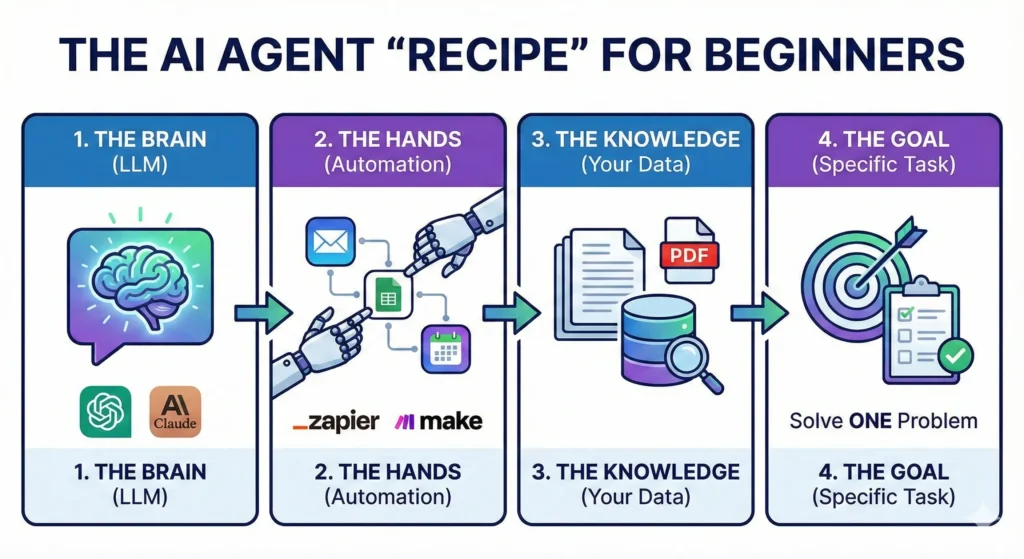
Here is your recipe for success.

The Automation Recipe Table

Ingredient (Tool)Role in the “Recipe”Cost (Estimated)Difficulty Level
The BrainLarge Language Model (e.g., ChatGPT Plus, Claude Projects)~$20/moEasy
The HandsAutomation Platform (e.g., Zapier, Make.com)Free – $20/moMedium
The KnowledgeYour Proprietary Data (PDFs, Spreadsheets, Past Emails)FreeEasy
The GoalA clear, single problem to solve (e.g., “Sort my emails”)FreeEasy

For this tutorial, we are going to focus on the most accessible entry point for non-techies: OpenAI’s Custom GPTs. This allows you to build a contained agent that lives inside ChatGPT but follows your specific rules.


Step 1: Define Your Agent’s “One Job”

The number one reason people fail at AI automation is ambition.

You might be tempted to build an agent that “Running My Entire Business.” You want it to answer emails, write blog posts, post to Instagram, and do your bookkeeping.

That will fail.

AI agents thrive on specificity. If you ask a human intern to “do everything,” they will panic and do nothing well. An AI is the same. You need to pick one specific workflow.

The “Boring Task” Test

To find your first agent idea, look at your calendar from last week. Identify a task that meets these three criteria:

  1. It happens frequently (daily or weekly).
  2. It requires data you already have (info is in a document or email).
  3. It is boring (you dread doing it).

Good Examples for a First Agent:

  • “Analyze this spreadsheet of monthly expenses and categorize them.”
  • “Take this meeting transcript and turn it into a list of Trello tasks.”
  • “Read this customer support email and draft a reply using our refund policy.”

Bad Examples:

  • “Make me viral on Twitter.” (Too vague).
  • “Write a bestselling book.” (Too complex).

For this guide, let’s build a “Customer Support Drafter.” This agent will take a messy email from an angry customer and draft a polite, policy-accurate response instantly.


Step 2: Choose Your No-Code Platform

Now that we have a job description, we need an office for our agent.

For non-techies in 2026, you generally have two main paths:

Option A: The “Walled Garden” (Custom GPTs)

This is what we will use today. It lives inside ChatGPT. You click “Create a GPT,” and you have a dedicated bot.

  • Pros: Zero setup time, no API keys, very cheap ($20/mo subscription covers it).
  • Cons: It usually can’t “leave” the chat window (unless you add advanced actions). It gives you text, but you still have to copy-paste that text into your email.

Option B: The “Workflow Builder” (Zapier / Make.com)

This is the advanced tier. This connects apps together.

  • Pros: It can actually send the email for you. It moves data from Gmail to Slack to Excel automatically.
  • Cons: It breaks easily if you don’t know logic paths, and it can get expensive.

The Strategy: Start with Option A. Build a Custom GPT. Once you trust it to write good emails, then you can graduate to automating the sending part with Zapier later.


Step 3: Writing the “System Instructions” (The Prompt)

This is the most critical step. If the “Brain” is the engine, the System Instructions are the steering wheel.

In a Custom GPT, there is a box called “Instructions.” Most people write two sentences here. That is why their agents suck. You need to write a detailed prompt using the Role-Context-Task framework.

The Role-Context-Task Framework

  1. Role: Who is the AI? Give it a persona.
  2. Context: What is the business? Who is the customer?
  3. Task: What exactly should it do? What are the constraints?

Example Prompt (Copy and Tweak This)

Role: You are an expert Customer Success Manager for “eBookTreasures,” a digital marketplace for authors. You are polite, empathetic, but firm on policy.

Context: We sell digital downloads. Customers often email us claiming they didn’t receive their file, or they want a refund because they didn’t realize it was a PDF.

Task: Whenever I paste a customer email below, you must:

  1. Analyze the customer’s sentiment (Are they angry? Confused?).
  2. Check our uploaded “Refund Policy” document to see if they qualify.
  3. Draft a response.

Constraints:

  • Never promise a refund if it has been more than 30 days.
  • Use a friendly, professional tone.
  • Keep the email under 150 words.
  • Sign off as “The eBookTreasures Support Team.”

Do you see the difference? You aren’t just asking for an email; you are giving it a brain.


Step 4: Giving Your AI Agent “Knowledge”

Standard ChatGPT knows everything about the world up to its training cutoff. But it knows nothing about your business. If you ask it about your refund policy, it will hallucinate (guess).

To fix this, we use a concept called RAG (Retrieval-Augmented Generation). In simple terms: we upload files.

In your Custom GPT setup, look for the section called “Knowledge” or “Upload Files.”

What should you upload?

This is where you give your intern their training manual.

  • PDFs: Your refund policy, your brand style guide, your employee handbook.
  • Excel/CSV: Your pricing list, your product catalog.
  • Text Files: Past examples of “perfect” emails you have written. (This is huge—AI mimics style very well).

Pro Tip: Clean your data first. If you upload a messy document with contradictory info, the AI will get confused. Create a clean, simple PDF called “Master Rules for Support” and upload that.

Now, update your instructions from Step 3 to say: “Always check the uploaded ‘Master Rules’ document before answering.”


Step 5: Testing and Refining Your Agent

You have built the bot. You have given it a brain and a handbook. Now, you need to try to break it.

Do not skip this step. If you deploy an untested agent, it might hallucinate a policy that costs you money.

The Stress Test

Open the chat window with your new agent and simulate worst-case scenarios.

  • The “Karen” Test: Paste a fake email that is incredibly rude and demanding a refund for a product bought 2 years ago. Does the agent stay polite but firm on the 30-day rule?
  • The “Vague” Test: Paste an email that just says “It doesn’t work.” Does the agent ask clarifying troubleshooting questions?

Iterating

Your first draft will not be perfect. It might be too formal, or it might be too long.

  • If it sounds robotic: Go back to Instructions and add: “Use casual language. Use contractions like ‘don’t’ instead of ‘do not’.”
  • If it misses facts: Go back to Instructions and add: “Read the Knowledge file ‘Pricing.pdf’ step-by-step before answering.”

Keep tweaking until you can trust the output 99% of the time.


FAQ: Common Questions About Building AI Agents

Do I need to know Python to build an AI agent?

Absolutely not. As we demonstrated, tools like OpenAI’s GPT Builder use natural language. If you can type English, you can program the agent. The skill you need is not “coding,” it is “communication.”

How much does it cost to run a personal AI agent?

For the method described in this guide (Custom GPTs), the cost is simply the subscription to ChatGPT Plus (usually $20/month). There are no “per usage” fees or server costs for this level of automation. If you move to API-based tools like Zapier later, costs may scale with usage.

Can my AI agent steal my data?

Security is a valid concern. When you upload files to a Custom GPT, that data stays within the OpenAI ecosystem. If you are on a generic “Free” or “Plus” plan, OpenAI may use interactions to train their models (though you can opt-out in settings). For sensitive business data, consider using ChatGPT Team or Enterprise, which legally guarantees your data is excluded from model training.

What is the best AI agent for beginners?

For absolute beginners, a Custom GPT is the best starting point. It is contained, safe, and easy to edit. Once you are comfortable, you can look into Microsoft Copilot Studio or Zapier Central for more complex integrations.


Conclusion: Your Future is Automated

We have covered a lot of ground. You learned the difference between a tool and an agent. You gathered your ingredients—the Brain, the Hands, and the Knowledge. You defined a specific role, wrote the “Employee Handbook” (instructions), and uploaded the training data.

The agent you built today might seem simple. Maybe it just drafts emails or summarizes meetings. But do not underestimate the compound interest of time.

If this agent saves you 20 minutes a day, that is 100 hours a year.

That is two and a half weeks of extra vacation. That is time you can spend writing your next book, playing with your kids, or just sleeping.

The future of work isn’t about who can type the fastest or who can work the longest hours. It is about who can build the best systems. You are no longer just a worker; you are the manager of a digital workforce.

Ready to build your first agent? Don’t overthink it. Open ChatGPT right now, click “Create a GPT,” and try creating a helper for the one task you are dreading today.

And hey, if you get stuck, drop a comment below or join our community discussions. We’d love to see what you build.

7 Viral YouTube Title Templates to Fix Your Low CTR in 2026 (Copy & Paste)

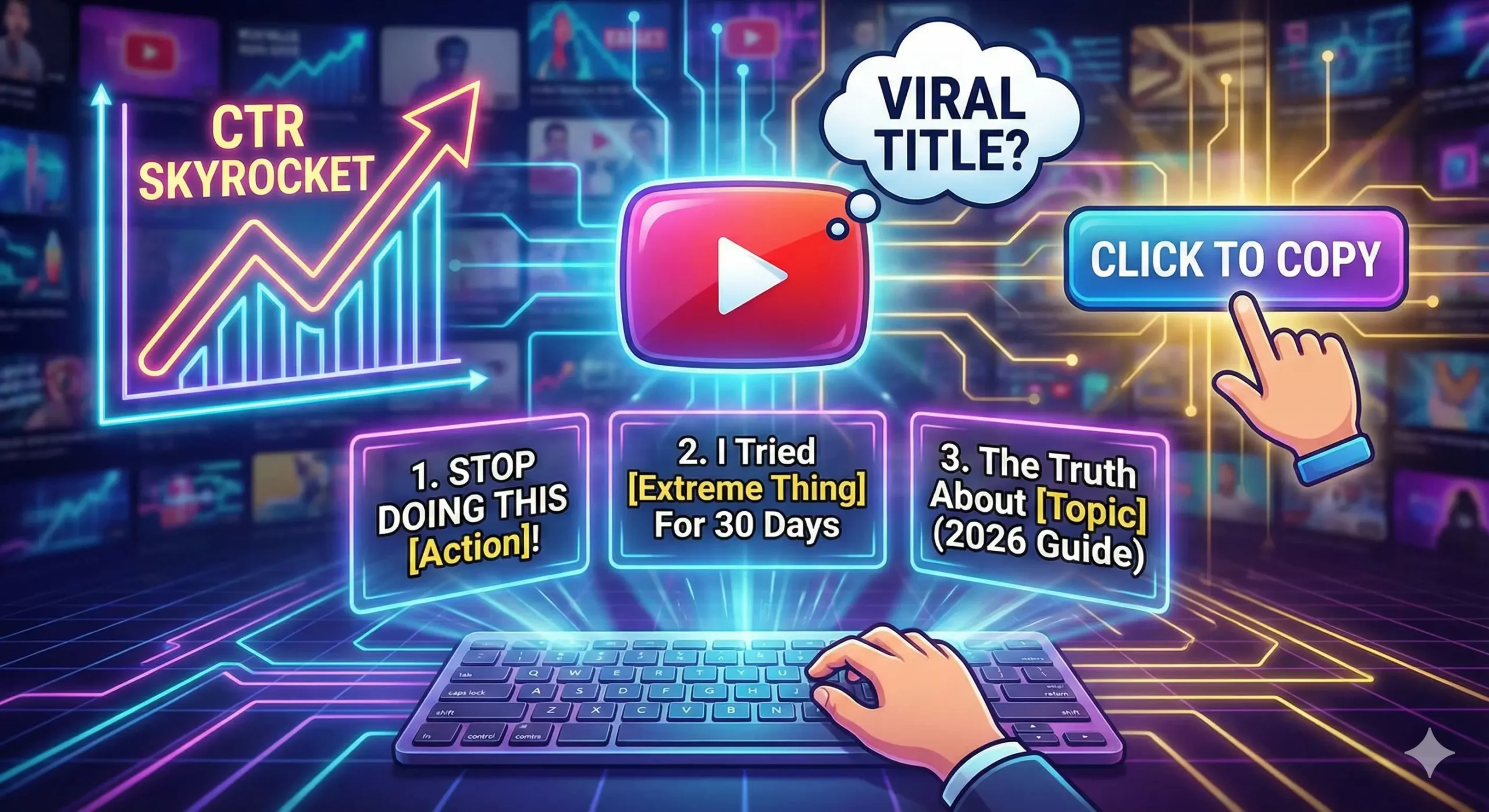
Conceptual illustration showing a digital interface for generating viral YouTube titles, featuring a rising "CTR Skyrocket" graph, a keyboard typing out template examples like "Stop Doing This" and "2026 Guide," and a "Click to Copy" button.

You know the feeling. It’s a physical knot in your stomach.

You spent the last week sweating over a video. You wrote the script, you nailed the lighting, you edited until 3:00 AM, and you finally hit “Publish” with a surge of adrenaline. You sit back, waiting for the views to roll in.

An hour passes. 10 views.

A day passes. 45 views.

And half of them are just you checking on your phone to see if the counter is broken.

It’s not broken. The video isn’t broken, either. In fact, your content might be Oscar-worthy. But nobody knows that, because nobody clicked. You just learned the hardest lesson of being a creator in 2026: The best content doesn’t win. The best packaging wins.

If your YouTube title doesn’t stop the scroll, the video doesn’t exist. It’s that simple.

The good news? You don’t need to be a poetic genius to write titles that get clicks. You just need to understand human psychology. The top 1% of creators—from MrBeast to productivity gurus—use the same handful of frameworks over and over again because they work on a biological level.

In this guide, we are going to fix your Click-Through Rate (CTR). We’re going to dismantle the exact “Title Recipes” used by the pros so you can copy, paste, and finally get the views your hard work deserves. YouTube Title


Why Your Current YouTube Titles Are Failing (The 2026 Algorithm)

Before we get to the templates, we need to address the elephant in the room. Why did your last video flop?

Most new creators think the YouTube algorithm is a robot that scans for keywords. They write titles like “How To Bake A Cake For Beginners” and wonder why they get buried.

Here is the reality of 2026: The algorithm is not a robot. The algorithm is a mirror of human behavior.

YouTube cares about one metric above all others: Click Satisfaction.

  1. Did they click? (CTR)
  2. Did they stay? (Average View Duration)

If you fail step one, step two doesn’t matter. YouTube Title

The 3-Second Rule

Research suggests that the average mobile user scrolls through their feed at a terrifying speed. You have roughly 3 seconds (often less) to grab their attention.

In those 3 seconds, your viewer’s brain is asking three rapid-fire questions:

  1. Is this for me?
  2. Is this new/surprising?
  3. Is this worth my time?

If your YouTube title is vague, boring, or looks like homework, the brain says “No” before the thumb even stops moving.

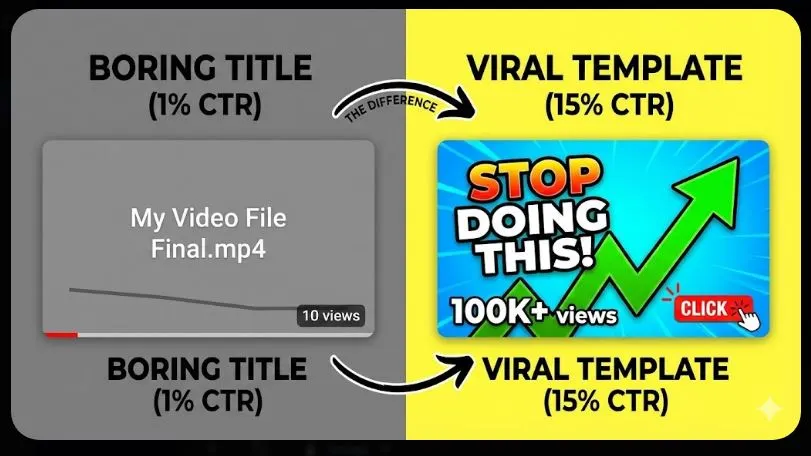
A “good” CTR for a small channel typically hovers between 4% and 8%. If you are sitting at 1% or 2%, your titles are the bottleneck. But don’t worry—we can fix that right now by adding the right ingredients. “YouTube Title”


The “Title Recipe” Table: Ingredients for Virality

Cooking a viral title is just like cooking a meal. If you leave out the salt, it tastes bland. If you leave out the “hook” in a title, it reads flat.

Here are the five core psychological triggers that force the human brain to pay attention. Every successful template we discuss later will use at least one of these.

IngredientWhy it MattersBoring VersionViral Version
Curiosity GapCreates an “itch” the brain must scratch. We hate not knowing the end of a story.“My Trip to Japan”“I Flew to Japan and Made a Huge Mistake”
Specific NumbersAdds credibility. “Some” is vague; “7” is a promise of structure.“Tips for Weight Loss”“Lost 10lbs in 14 Days: The Exact Diet”
Negativity BiasHumans are wired to avoid danger 2x more than they seek gain.“How to Invest Money”“Stop Investing Until You Watch This”
UrgencyMakes the viewer feel they are missing out (FOMO) if they don’t click now.“iPhone 16 Review”“Don’t Buy the iPhone 16 Yet”
TransformationPromises a clear result. We don’t want videos; we want the outcome.“Coding Tutorial”“From $0 to Hired: My Coding Journey”

Keep this table in mind. If you write a title and it feels weak, check this list. Did you forget the salt? YouTube Title


7 Viral YouTube Title Templates (Copy & Paste)

Here is the meat of the article. These are the frameworks used by channels with millions of subscribers. You don’t need to reinvent the wheel. Just take your niche, plug it into these templates, and watch your CTR climb.

1. The “Negative” Warning

This is arguably the most powerful template for beginners. Why? Because fear is a stronger motivator than desire.

If you tell someone “How to make $100,” they might click.

If you tell someone “You are losing $100 every day,” they must click.

This template targets the viewer’s insecurity that they are doing something wrong. It positions you as the expert who is going to save them from a disaster.

  • The Template: Stop [Action] If You Want [Result]
  • The Variation: [Number] Mistakes That Are Killing Your [Goal]

Examples in Different Niches:

  • Gaming: “Stop Playing Minecraft Like This (You’re Wasting Time)”
  • Finance: “7 Money Traps Keeping You Poor in 2026”
  • Fitness: “Stop Doing Sit-Ups! Do This Instead”
  • Cooking: “Why You Are Cooking Steak Wrong”

Why it works: It challenges the viewer’s current behavior. They think, “Wait, am I doing it wrong? I need to check.” YouTube Title”

2. The “Extreme” Case Study

Humans are voyeurs. We love watching other people do crazy, difficult, or extreme things—especially things we are too lazy to do ourselves.

This template leverages the concept of “Spectacle.” You are taking a journey and inviting the viewer to see the result. It works exceptionally well because it proves you put in effort. High-effort titles imply a high-quality video.

  • The Template: I [Did Extreme Thing] for [Timeframe] and This Happened
  • The Variation: I Tried [Popular Trend] So You Don’t Have To

Examples in Different Niches:

  • Self-Improvement: “I Woke Up at 4 AM for 30 Days (Here’s The Truth)”
  • Tech: “I Ditched My iPhone for a Flip Phone for 1 Week”
  • Art: “I Drew for 10 Hours Straight – Here Are The Results”
  • Business: “I Sent 1000 Cold Emails. Here Is How Much Money I Made.”

Pro Tip: For this to work, the result needs to be teased in the thumbnail. Don’t give away the ending in the title. YouTube Title

3. The “Beginner’s Guide” (The Search Engine Winner)

While viral hits are nice, sometimes you just want consistent, reliable traffic from Google and YouTube Search. This is where the “Beginner’s Guide” shines.

This template targets “High Intent” viewers. These are people actively searching for a solution. They don’t want mystery; they want clarity. They want to know that your video is the complete resource so they don’t have to watch five other videos.

  • The Template: How to [Skill] in 2026 (Step-by-Step)
  • The Variation: The Ultimate Guide to [Topic] for Beginners

Examples in Different Niches:

  • Marketing: “How to Start a Blog in 2026 (Complete Guide)”
  • DIY: “How to Change a Tire (Step-by-Step for Beginners)”
  • Gaming: “The Ultimate Elden Ring Guide for New Players”

Why it works: By adding the year (2026) and words like “Complete” or “Step-by-Step,” you signal that this is the most up-to-date and comprehensive resource available. YouTube Title

4. The “Listicle” with a Twist

Lists have been a staple of the internet since the dawn of blogging. But in 2026, a generic list isn’t enough. “10 Tips for Gardening” is boring.

To make a list viral, you need to add a “Twist” or a “Curiosity Hook” to the end. You need to imply that these aren’t just generic tips—they are secrets.

  • The Template: [Number] [Topic] Tips That Actually Work
  • The Variation: 7 [Topic] Hacks I Wish I Knew Sooner

Examples in Different Niches:

  • Productivity: “7 Productivity Apps That Aren’t Just Hype”
  • Photography: “5 Camera Tricks That Look Like Magic”
  • Travel: “10 Cheap Cities in Europe (That Tourists Don’t Know)”

Why it works: The brain loves order. A number promises a structured, easy-to-digest video. The “Twist” (e.g., “That Tourists Don’t Know”) adds the necessary curiosity to force the click. “YouTube Title”

5. The “Secret/Truth” Reveal

This template plays on the “Us vs. Them” mentality. It suggests that there is a mainstream lie that everyone believes, but you know the truth.

It creates an “Information Gap.” The viewer feels like they are on the outside looking in, and the only way to get “inside” is to click your video. YouTube Title

  • The Template: The Truth About [Popular Topic] (Nobody Tells You This)
  • The Variation: Why I Stopped [Popular Action]

Examples in Different Niches:

  • Career: “The Truth About Being a Software Engineer in 2026”
  • Health: “Why I Stopped Drinking Coffee (It Wasn’t Easy)”
  • Tech: “The Dark Side of AI That Nobody Talks About”

Pro Tip: Be careful not to lie. If you use “The Truth” in your title, your video needs to deliver an honest, raw, or controversial opinion.

6. The “Comparison” Battle

This is the “Money Maker” template. This targets viewers who are at the bottom of the funnel—they are ready to buy something or make a decision, but they are stuck between two options.

These videos often have high RPM (Revenue Per Mille) because advertisers love them.

  • The Template: [Product A] vs. [Product B]: Which is Worth It?
  • The Variation: Don’t Buy [Product A] Until You Watch This

Examples in Different Niches:

  • Tech: “MacBook Air vs. Pro: The Honest Review”
  • Software: “Rank Math vs. Yoast: Which SEO Plugin Wins?”
  • Beauty: “Cheap vs. Expensive Makeup: Can You Tell the Difference?”

Why it works: It promises to save the viewer money or prevent buyer’s remorse.

7. The “Instant Fix” Promise

We live in a lazy society. We want results, and we want them now.

This template appeals to the desire for speed and efficiency. It promises to solve a painful problem in a very short amount of time.

  • The Template: How to Fix [Problem] in [Short Time]
  • The Variation: Get [Result] in Just [Timeframe]

Examples in Different Niches:

  • Audio: “How to Fix Bad Audio in 1 Click (Free)”
  • Social Media: “Get Your First 100 Subscribers in 24 Hours”
  • Home: “Clean Your Entire House in 15 Minutes”

Why it works: It lowers the barrier to entry. The viewer thinks, “Oh, it only takes 15 minutes? I can spare that.”


The “Cheat Code” (Don’t Write From Scratch)

Let’s be honest for a second.

Reading these templates is great. But when you are staring at a blank screen after a long day of filming, your brain turns to mush. You try to remember “The Negative Warning” or “The Curiosity Gap,” but you end up writing something boring like “My Video About Cats.”

Writer’s block is the enemy of consistency.

That is exactly why I built a shortcut. You don’t have to guess or memorize these formulas.

I created a Free Viral YouTube Title Generator specifically for creators who struggle with CTR.

It’s not just a random word scrambler. It uses the exact psychological triggers we just talked about. You simply type in your topic (like “Bitcoin,” “Makeup,” or “Gaming”), and it instantly generates 50+ viral-style titles categorized by:

  • Clickbait/Curiosity
  • Listicles
  • Negative/Fear
  • How-To Guides

It’s completely free to use, there are no ads, and you don’t need to sign up. Just bookmark it and use it whenever your brain freezes up.

Try the Viral Title Generator Here


3 Rookie Mistakes That Kill Your YouTube Title

Even with the best templates, you can still ruin a title if you make these formatting errors. Avoid these three common traps:

Mistake 1: The “Cut-Off” Disaster

The majority of YouTube views come from mobile. On a phone screen, YouTube only displays about 50 to 60 characters of your title before cutting it off with an ellipsis (…).

  • Bad: “In this video I am going to show you exactly how to lose weight fast in the summer”
  • Mobile View: “In this video I am going to show you exact…”
  • Good: “Lose Weight Fast: The Summer Guide”

Fix: Put your “Hook” or your most important keyword at the very beginning of the title.

Mistake 2: Being “Too Clever”

There is a difference between “Curiosity” and “Confusion.”

If your title is an inside joke that only you understand, nobody will click. A confused mind always says no. Your title needs to be understood by a 5th grader instantly.

  • Confusing: “The Paradigm Shift of Solipsism”
  • Clear: “Is Reality Even Real?”

Mistake 3: Keyword Stuffing

This isn’t 2015. You don’t need to cram every keyword into the title.

  • Spammy: “How to cook steak, best steak recipe, cooking steak for dinner tutorial”
  • Viral: “The Perfect Steak (Only 3 Ingredients)”

Write for humans first, robots second.


FAQ: Mastering the Perfect YouTube Title

Since launching the Title Generator, I get asked a lot of specific questions about optimization. Here are the quick answers to help you rank.

How long should a YouTube title be?

Aim for under 60 characters to ensure it is fully visible on mobile devices. However, you can go up to 70 characters if the most critical information is at the start.

Should I put my channel name in the YouTube title?

No. Unless you are already famous (like PewDiePie or MrBeast), nobody is searching for your name. It just wastes valuable space. Put your channel name in the tags or description instead.

Can I change my YouTube title after posting?

Yes! In fact, you should. If a video is performing poorly after the first 24 hours, change the title and thumbnail. This “re-indexes” the video and gives it a second chance to find an audience.

Do caps lock titles help?

Used sparingly, yes. Capitalizing ONE important word (e.g., “Stop doing THIS”) draws the eye. But writing the WHOLE TITLE IN CAPS looks like spam and can actually hurt your CTR.

Do hashtags work in the title?

Don’t put hashtags in the title itself. YouTube allows you to put 3 hashtags in your description, and it will automatically display them above your title. Keeping them out of the title keeps it clean and easy to read.


Conclusion: It’s Time to Stop Being Ignored

Here is the hard truth about content creation: You are not owed an audience.

You can be the funniest, smartest, most talented creator on the platform, but if you don’t master the art of the YouTube title, you will remain invisible.

It feels unfair that you have to be a marketer and a creator, but that is the game we are playing.

The good news is that you don’t have to guess anymore. You have the psychology. You have the 7 Templates. You have the ingredients for curiosity, fear, and desire.

Your homework for your next video is simple:

  1. Don’t leave the title for the last minute.
  2. Write at least 5 different versions of your title before choosing one.
  3. If you get stuck, use the Viral Title Generator to spark some ideas.

The world needs to see the content you are making. Don’t let a bad title be the reason they miss it.

Now, go fix that CTR.

Reddit Traffic Strategy: The “Anti-Marketing” Guide to Avoiding Bans (2026)

"Digital illustration of Reddit marketing strategy showing upvote arrows and traffic growth charts for 2026."

A Letter to the Frustrated Creator

We have all been there. You spend ten hours writing the perfect blog post or three weeks coding a free tool. You are proud of it. You look at it and think, “The world needs to see this.”

You log into Reddit, find a community that loves exactly what you built, and you hit “Post.”

Three minutes later, you refresh the page, excited to see the upvotes rolling in. Instead, you see the red banner of death:

“Sorry, this post has been removed by the moderators of r/…”

It feels like a punch in the gut. It feels personal. It feels like the internet is a gated community and you don’t have the key. You start to think the system is rigged or that the moderators are on a power trip.

But here is the hard truth: You aren’t being banned because your content is bad. You are being banned because you are acting like a marketer in a room full of friends. You walked into a house party and immediately tried to sell insurance.

Today, we are going to change that. We are going to stop “marketing” and start “contributing.” If you can flip that switch in your brain, Reddit becomes the single most powerful source of free, high-quality traffic on the internet.

Here is how you can finally crack the code to driving massive Reddit traffic in 2026.


Understanding the “Reddit Hivemind”: Why Most Marketers Fail

Before you post a single link, you need to understand the psychology of the battlefield. Reddit is not social media. It is not Twitter, and it is definitely not Instagram.

On Instagram, the culture is “Look at me.” On Reddit, the culture is “Look at this.”

The platform is divided into thousands of “Subreddits” (communities), each acting as a walled garden. These gardens have their own inside jokes, their own culture, and—most importantly—their own immune system. The users and moderators act as white blood cells. Their job is to identify foreign objects (marketers) and kill them before they can infect the host.

The 2026 Context: The AI Spam War

Why is it harder now than it was five years ago? Because of AI.

In 2026, moderators are fighting a war against bots. Low-quality, AI-generated spam is flooding every subreddit. This means the “immune system” is on high alert. If you sound even remotely robotic, corporate, or salesy, you will be caught in the crossfire. To survive, you must be undeniably human.


Step 1: The “Warm-Up” Phase (Don’t Skip This)

If you just created a new account today, do not post a link. If you try to post a link from a brand-new account (Day 0), you are waving a giant red flag that says “I am a spammer.”

You need to establish a history. You need to look like a real person who has interests outside of your own business.

The 3-Month Rule

Ideally, you want an account that is “aged.” A 3-month-old account is infinitely more trusted than a 3-day-old account. If you don’t have one, create one today and let it sit. Browse. Upvote things. Let it “season.”

The 9:1 Ratio of Value to Promotion

This is the golden rule of Reddit marketing.

  • 9 Posts/Comments should be purely for the community (jokes, advice, questions, helpful comments).
  • 1 Post can be self-promotional (linking to your site).

If your profile history is just a list of links to yourwebsite.com, you will be shadowbanned. Reddit’s algorithm looks at your “domain frequency.” If 100% of your posts go to the same domain, you are marked as a spammer.

Karma is your credit score. Many large subreddits (like r/marketing or r/entrepreneur) have a hidden filter: “If Karma < 50, Auto-Delete.”

You need to get your Karma up quickly and safely.

  • Do: Go to r/AskReddit, sort by “Rising,” and answer simple questions honestly.
  • Don’t: Go to “FreeKarma4U” subreddits. Serious moderators will ban you just for participating there.

Step 2: Finding the Right Subreddits for Your Niche

This is where most people mess up. They either aim too high or too low.

If you post in r/funny (40 million members), you will be drowned out in seconds. If you post in r/SpecificCatFood (50 members), nobody will see it. You need the “Goldilocks Zone.”

The Subreddit Selection Recipe

You want to find communities that are active enough to give you traffic, but small enough that your post stays on the front page for a few hours.

Here is the exact data you should look for when choosing where to post:

Ingredient (Metric)Recommended AmountWhy it Matters
Member Count50,000 – 500,000Big enough for meaningful traffic, small enough to be noticed.
Active Users100+ currently onlineEnsures your post won’t die in “New” immediately.
Link Policy“Links allowed in comments”Check the sidebar. If it says “No external links,” don’t waste your time.
Moderation LevelMediumYou want mods who delete spam, but not mods who delete everything.

Pro Tip: Read the “Rules” sidebar on the right side of every Subreddit. If Rule #1 is “No Self Promotion,” respect it. Do not try to be clever. They will ban you.


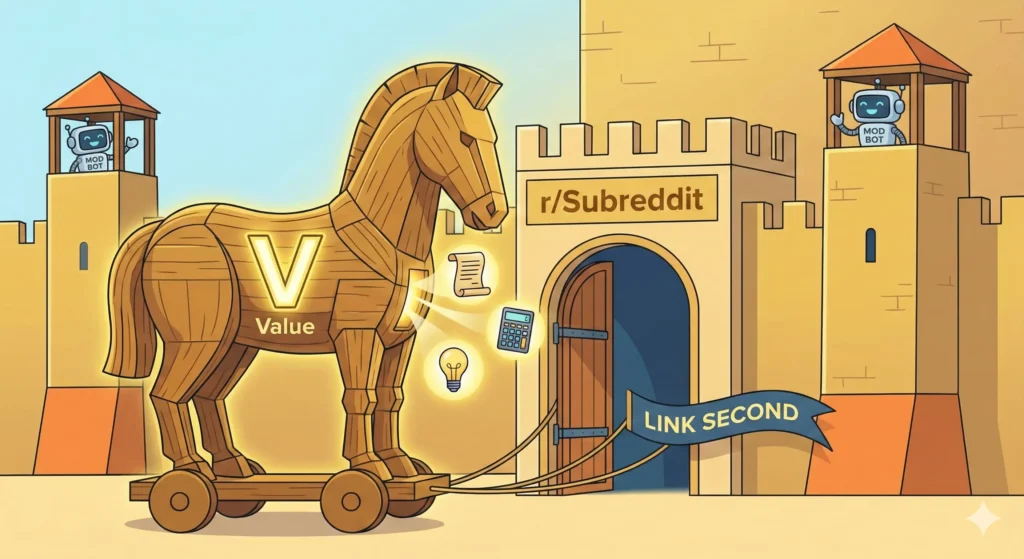
Step 3: The “Trojan Horse” Content Strategy

Now that you have the account and the target subreddit, how do you get them to your website? You use the Trojan Horse method.

You must bring a gift inside the gates (Value) before you let the soldiers out (The Link).

Method A: The Full-Value Post

This is the safest and most effective way to drive free traffic.

Instead of posting a link that says “Click here to read my article about SEO,” you simply copy and paste the entire article into Reddit.

I know what you are thinking: “But if I give it away for free, why would they click my link?”

Because you are building authority. You format the post beautifully on Reddit (using Bold, Lists, and Headers). You give them 90% of the value right there in the feed. Then, at the very bottom, you add the “Plug.”

Example of the Plug:

“Thanks for reading! This guide ended up being way longer than I expected. I actually included a few more charts and a video breakdown in the original post on my blog, but I think I covered the main points here. If you want to see the charts, you can check them out [Link].”

This works because you gave first. You earned the right to ask for a click.

Method B: The “Tool” Approach

Redditors hate blogs, but they love tools.

If you have built a YouTube Title Generator or a Thumbnail Downloader, you have a golden ticket.

Do not post it as a “marketing” post. Post it as a “project.”

  • Title: “I was tired of Writer’s Block, so I built a free tool to generate viral titles (No ads, no signup).”
  • Body: Explain why you built it. Explain the problem you had. Then drop the link.

Method C: The “I Made This” Narrative

Stories sell. Corporate announcements do not.

  • Bad: “Check out this new software for email marketing.” (Boring. Corporate. Ad.)
  • Good: “I spent 6 months coding this in my basement because I hated Mailchimp. Here is the result.” (Human. Struggle. Story.)

Even if your content is great, technical traps can still catch you. Reddit’s spam filters are aggressive.

Do not use Bit.ly, TinyURL, or any other shortener. Reddit hates them because they hide the destination. It looks like you are trying to trick people into clicking a virus. always use the full, naked URL or a clean hyperlink.

2. The “First Comment” Technique

If you are posting an image or a video (which often get more upvotes than text), you cannot put a clickable link in the title.

Instead, post the visual, and then immediately comment on your own post:

“Hey everyone, OP here. A lot of people asked for the source code / full guide, so I put it up here: [Link]”

This is a classic Reddit move. It feels helpful rather than intrusive.

3. Contextual Linking

The best links happen in the comments section of other people’s posts.

Find a question related to your niche. Answer it thoroughly. Write two paragraphs of genuine help.

Only then do you add: “I actually wrote a specific guide on this exact problem if you need more details: [Link]”

If you just drop the link without the two paragraphs of help, you get downvoted. If you help first, you get upvoted.


Common Mistakes That Will Get You Shadowbanned

You can do everything right and still get banned if you trip one of these wires.

Upvote Manipulation

This is the fastest way to lose your account forever.

Do not send your Reddit link to your friends on WhatsApp and say “Hey, go upvote this.”

Do not post the link in a Discord server asking for “engagement.”

Reddit tracks where traffic comes from. If a post gets 10 upvotes in 1 minute from 10 different accounts that all clicked a direct link, Reddit knows. They will “Shadowban” you—meaning you can keep posting, but nobody else will ever see your posts again.

The “Copy-Paste” Sprint

Do not take your article and post it to 10 different subreddits in 5 minutes.

This is “spam behavior.”

Post to one subreddit. Wait 4 hours. Reply to comments. Then post to a second subreddit. Slow down.

Using AI-Generated Text

As mentioned earlier, users can smell ChatGPT from a mile away. Words like “delve,” “paramount,” “landscape,” and “testament” are dead giveaways. Write like you speak at a bar. Be messy. Use slang. Be human.


FAQ: Mastering Reddit Traffic

Q: How much Reddit traffic can I realistically get?

A: It varies wildly. A single viral post on a medium-sized subreddit (like r/SideProject) can drive 5,000 to 20,000 visitors in 24 hours. However, don’t bank on “viral.” A consistent strategy of helpful comments and smaller posts usually yields 100–500 highly targeted visitors per week.

Q: What should I do if my Reddit post gets removed?

A: Do not argue with the moderator. I repeat: Do not fight the mods. Read the specific rule you broke, apologize if they message you, and try again in a few weeks with a different angle. If you argue, you risk a permanent ban from that community.

Q: Is it safe to use my main Reddit account for marketing?

A: It is risky. If your main account has embarrassing history or political arguments, you don’t want that tied to your business. It is often better to have a dedicated account for your niche (e.g., a “Developer” persona or a “Writer” persona) so your history stays relevant to the topic.

Q: Can I automate my Reddit posting?

A: Absolutely not. Automation tools that “auto-post” to Reddit are the fastest way to get your domain blacklisted site-wide. Reddit requires a human touch.


Conclusion

Driving free traffic from Reddit isn’t about outsmarting the algorithm; it’s about respecting the room.

The “Anti-Marketing” strategy is simple: You must stop looking at Reddit users as “Traffic” and start treating them as “People.” If you show up to give value first, if you entertain them, if you help them solve a problem, they will happily click your link. They will view your site not as spam, but as a resource.

Stop trying to “extract” clicks. Start trying to “contribute” knowledge.

The traffic will follow.

Now, go find your subreddit, read the room, and start engaging.

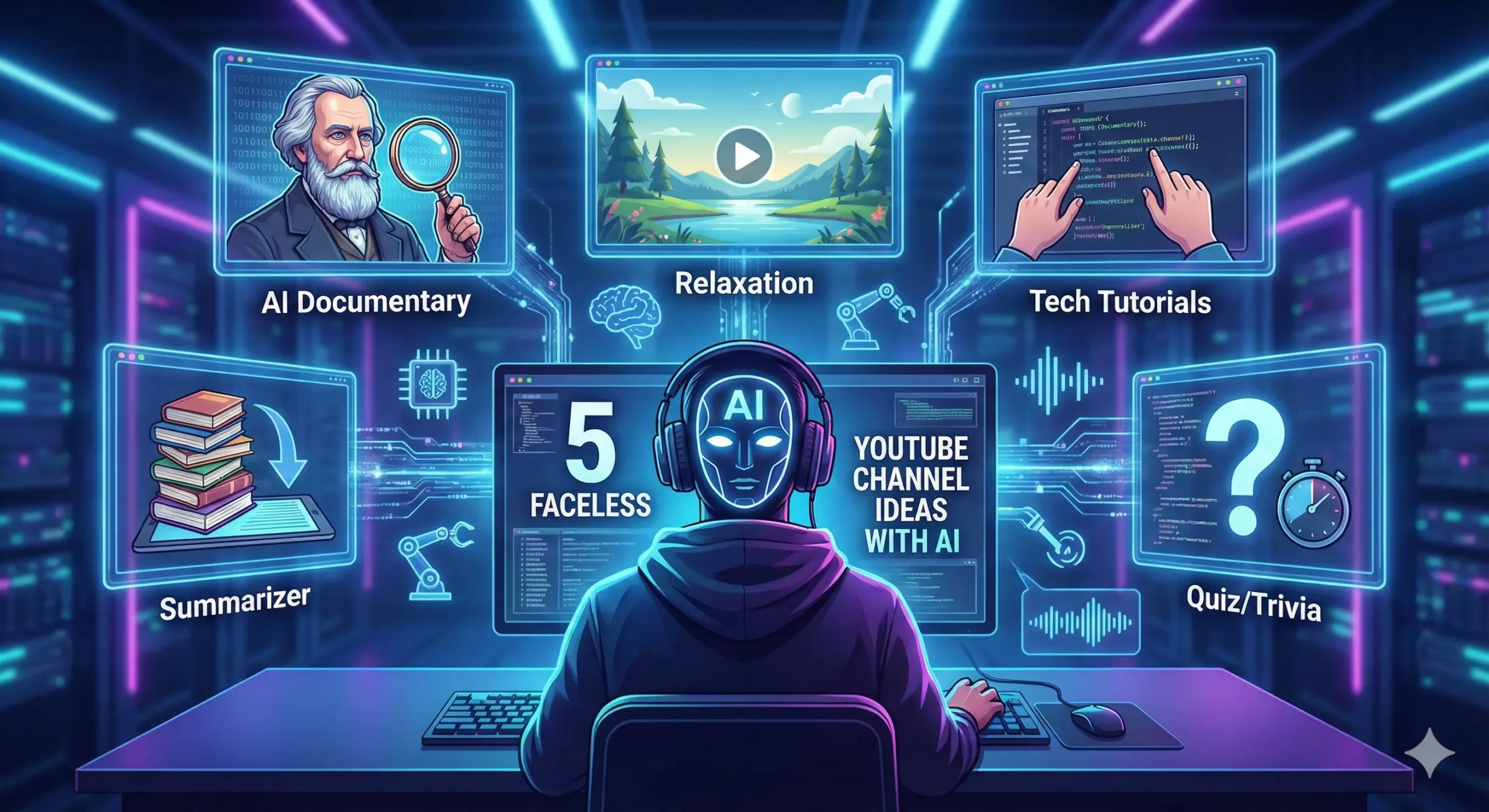
5 Faceless YouTube Channel Ideas You Can Start with AI Today (No Camera Needed)

"Digital content creator workspace showing video editing software and AI tools for a faceless YouTube channel, with 'Faceless YouTube Ideas' text overlay."

Imagine waking up to a notification on your phone: “You just earned $500.”

“Faceless YouTube Channel” : You didn’t clock into an office. You didn’t have to impress a boss. And most importantly—you never even turned on a camera.

For more than a decade, we were sold a lie. We were told that to be a “YouTuber,” you had to be a personality. You had to be loud, charismatic, and perfectly groomed. You had to be willing to plaster your face across the internet for millions to judge. That barrier stopped countless creative people—maybe even you—from sharing their voice.

But the game has changed. We are entering the “Ghost Economy,” an era where the content matters infinitely more than the face behind it.

I have seen shy writers, busy parents, and introverted students build digital empires from their bedrooms without ever showing their faces. They are earning full-time incomes while remaining completely anonymous. If you have a laptop, an internet connection, and a little imagination, you are already qualified.

This isn’t about becoming famous. It’s about building an asset. Let’s dive into how AI can become your production studio, your voice actor, and your video editor—allowing you to launch a profitable faceless YouTube channel today.


Why Start a Faceless YouTube Channel in 2026?

Before we get into the specific ideas, you need to understand why this is the smartest move you can make in the current digital landscape. It’s not just about being camera-shy; it is a strategic business decision.

1. The Ultimate Privacy

The internet never forgets. Once your face is out there, it is public property. A faceless channel allows you to build a massive brand without sacrificing your personal life. You can go to the grocery store without being recognized. You can keep your day job without your boss knowing about your side hustle. It offers the financial benefits of being an influencer with none of the loss of privacy.

2. Global Scalability

This is the hidden superpower of faceless content. If you film a vlog of yourself talking, you are limited to your language. But a faceless video? It’s just visuals and audio. You can use AI to translate your script and clone your voice into Spanish, French, Hindi, or Arabic instantly. Suddenly, your one channel becomes five channels, earning revenue from all over the world.

3. Lower Barrier to Entry

Forget the $2,000 Sony camera. Forget the three-point lighting setup. Forget the expensive microphone. When you use AI tools, your “production value” comes from software, not hardware. You can start with $0 and a free trial, leveling the playing field between you and the big studios.


Idea #1: The “AI Documentary” Channel (True Crime & History)

Human beings are wired for stories. We have sat around campfires telling ghost stories for thousands of years; now, we just do it digitally. The “AI Documentary” niche is one of the highest-paying categories on YouTube because advertisers love the long watch times.

The Concept

You create 10-20 minute deep dives into historical mysteries, unsolved true crimes, or biographies of famous figures. Think of channels like MagnatesMedia or The Infographics Show.

How to Execute It:

  • Scripting: Use ChatGPT or Claude to research the event. Ask it to “Write a suspenseful, narrative script about the sinking of the Titanic, focusing on the overlooked warning signs.”
  • Visuals: This is where the magic happens. Instead of stealing copyrighted images from Google (and risking a strike), use Midjourney or Leonardo.ai to generate custom, hyper-realistic historical images.
  • Motion: A still image is boring. Upload your AI images to LeiaPix or Runway Gen-2 to add “parallax” movement—making the image slowly breathe or pan, giving it a 3D cinematic feel.
  • Voice: Use ElevenLabs to generate a deep, serious narrator voice. It sounds indistinguishable from a human.

Why it Wins:

You are creating Netflix-quality documentaries from your bedroom. The retention rate on these videos is insane because people need to know how the story ends.


Idea #2: The “Relaxation & Ambience” Station

If you want a channel that earns money while you literally sleep, this is it. In a high-stress world, millions of people search for “Rain sounds for sleeping” or “Cozy coffee shop ambience” every single night.

The Concept

Long-form videos (1 to 10 hours) that feature a looping animated scene accompanied by calming audio. These videos are rarely skipped, leading to massive “Watch Time” metrics—the #1 factor YouTube loves.

The Automation Workflow:

  1. Visuals: Use Midjourney to generate a scene, such as “A cozy log cabin interior with a fireplace and a window showing a snowy forest, 4k, realistic.”
  2. Animation: Take that image to Runway or Pika Labs. innovative AI tools allow you to “animate” specific parts of the photo. You can make the fire crackle and the snow fall outside the window while the rest of the room stays still.
  3. Audio: Never use copyrighted music. Use AI music generators like Suno or Soundraw to generate “Lo-fi beats” or “Ambient drone sounds.” Combine this with free sound effects (like rain or fire crackling).

The Passive Income Angle:

Once you upload a 10-hour video, it works for you forever. It is an “evergreen” asset that requires zero maintenance.


Idea #3: The “Tech & Software” Tutorial Hub

This is arguably the most practical and high-paying niche on this list. Advertisers in the software and finance space pay huge CPMs (Cost Per Mille) to reach people interested in tech.

The Concept

You teach people how to use specific software—Excel, Photoshop, Python, or even new AI tools. The best part? You never need to show your face; the star of the show is your screen.

How to Stand Out:

Most tutorials are boring, with bad audio and rambling speakers. You can do better.

  • Record: Use OBS Studio (Free) to record your screen as you perform a task.
  • Enhance: Use an AI voiceover to explain the steps clearly and concisely. This eliminates “ums,” “ahs,” and background noise.
  • Promotion: This niche is perfect for promoting your own tools. For example, if you are making a video about “How to spy on competitor YouTube strategies,” you can seamlessly introduce your own [Free YouTube Thumbnail Downloader] as a way to get high-quality reference images.

Why it Pays:

People watching these videos are in “learning mode.” They are highly likely to click on affiliate links for the software you are reviewing.


Idea #4: The “Summarizer” Channel (Books & Podcasts)

We live in an information-overload society. Everyone wants to read Atomic Habits or The 4-Hour Workweek, but nobody has the time. You can save them time and get paid for it.

The Concept

You condense 300-page books or 3-hour podcasts into 10-minute animated video summaries. You provide the “key takeaways” for busy professionals.

The Workflow:

  1. Summarize: Feed a chapter of a book into Claude (which has a large context window) and ask for a “bullet-point summary of the 5 most actionable lessons.”
  2. Visualize: Use “Whiteboard Animation” software like VideoScribe or Doodly. Alternatively, use AI tools like Steve.ai which can turn text into simple animated cartoons automatically.

The Value:

You are selling time. Executives and students will subscribe to your channel because you make them smarter in less time. This audience is also very willing to buy courses or consulting later on.


Idea #5: The “Quiz & Trivia” Channel

If you want viral growth, this is your winning ticket. Trivia channels have exploded recently because they turn passive viewers into active participants.

The Concept

Videos like “Guess the Movie from the Emoji,” “General Knowledge Quiz,” or “Would You Rather?” These videos are addictive.

The Engagement Hack:

Because viewers are trying to guess the answer before the timer runs out, they are glued to the screen. They also flood the comments section with their scores, which signals to the YouTube algorithm that your video is highly engaging.

Data: Potential Earnings by Niche

To help you decide, here is a breakdown of the earning potential and difficulty for each niche.

NicheDifficulty LevelEst. RPM (Revenue Per 1k Views)Viral Potential
True Crime/DocuHigh$3.00 – $5.00High
Relaxation/AmbienceLow$1.00 – $2.00Medium
Tech TutorialsMedium$8.00 – $15.00Low
Book SummariesMedium$4.00 – $7.00Medium
Quiz/TriviaLow$2.00 – $4.00Very High

Essential Tools to Launch Your Faceless Channel

You don’t need all of these, but this is the “Modern Creator Stack” that will save you hundreds of hours.

  • Scripting & Research: ChatGPT (Plus) or Claude. Don’t just ask for a script; ask for an outline first, then flesh it out section by section.
  • Voiceover: ElevenLabs. It is currently the gold standard. It captures intonation, pausing, and emotion better than anything else.
  • Video Editing: CapCut (Desktop Version). It has built-in AI captions, transitions, and effects. It is free and easier to learn than Premiere Pro.
  • Competitor Research: You cannot succeed if you don’t know what works. Use our [Free YouTube Thumbnail Downloader] to grab the thumbnails of the top-performing videos in your niche. Analyze their colors, text size, and layout to understand why people clicked.

Frequently Asked Questions (FAQ)

Can I really monetize a faceless YouTube channel?

Yes, absolutely. YouTube monetizes content based on adherence to community guidelines and viewership metrics, not whether your face is shown. Giants like Kurzgesagt, The Infographics Show, and Daily Dose of Internet are fully monetized faceless channels.

Is it illegal to use AI voices on YouTube?

No, it is not illegal. However, YouTube has introduced new policies requiring transparency. If your content is significantly generated by AI (especially realistic scenes), you must check the “AI Generated” box when uploading. Always be honest with your audience.

How much does it cost to start?

Technically, $0.

  • Scripting: ChatGPT (Free version)
  • Voice: ElevenLabs (Free tier offers 10k characters)
  • Visuals: Bing Image Creator (Free)
  • Editing: CapCut (Free)You can upgrade to paid tools once you start earning ad revenue.

Conclusion

The era of the “Celebrity YouTuber” isn’t over, but the era of the “Creative Entrepreneur” has just begun.

Starting a faceless YouTube channel is no longer about hiding; it’s about letting your ideas take center stage. You don’t need to be an actor. You don’t need to be a model. You just need to be a curator of good content.

You have the tools. You have the ideas. You have the blueprint. The only thing missing now is action.

Your Next Step:

Before you write a single word of your script, you need to see what you are up against. Success leaves clues. Go to YouTube, find the top 5 channels in your chosen niche, and look at their best videos.

Use our Free YouTube Thumbnail Downloader (COMING SOON ) to save their highest-performing thumbnails in HD. Study them. Mimic their psychology. Then, go build something even better.

Click here to use the Thumbnail Downloader for free (COMING SOON)

FREE ONLINE TOOLS

use our free tools forever and for free

The 5 Best AI Video Generators of 2026 (Ranked by Realism & Speed)

The 5 Best AI Video Generators of 2026 comparison showing OpenAI Sora, Kling AI, and Runway Gen-3 interfaces in a futuristic workspace.

Best AI Video Generators : You remember the feeling, don’t you? The “Creative Gap.”

It’s that frustrating disconnect between the movie playing in your head and what you can actually put on a screen. For years, if you wanted to bridge that gap, you needed a $5,000 camera rig, a lighting crew, and a master’s degree in After Effects. Or, you had to settle for cheesy stock footage of “business people shaking hands” that cost you $50 a clip.

You had the story. You just didn’t have the budget.

But 2026 has flipped the script. The barrier to entry for high-end filmmaking has collapsed. We aren’t just talking about “text-to-video” anymore; we are talking about Prompt-to-Cinema. The new wave of AI video generators can conjure rain-slicked cyberpunk cities, emotional close-ups, and sweeping drone shots that look so real, they feel like memories.

But here is the problem: The market is flooded. Between OpenAI, Google, and a dozen hungry startups, it is impossible to know which subscription is actually worth your money.

We tested the heavy hitters so you don’t have to. Whether you are a YouTuber, a filmmaker, or a marketing agency, this is your definitive guide to the Best AI Video Generators of 2026.


The New Standard: What Changed in 2026?

Before we dive into the rankings, you need to understand why this year is different.

In 2024 and 2025, AI video was… okay. It was impressive, sure, but it had tell-tale signs. Hands morphed into spaghetti. People walked like they were sliding on ice. And the lighting? It never quite matched the background.

The models we are reviewing today have solved the “Physics Problem.”

The top tools in 2026 understand how light refracts through glass. They understand gravity. They understand that if a character turns their head, their face shouldn’t melt. This shift from “Pattern Recognition” to “World Simulation” is why you can finally use these clips in professional productions without your audience cringing.

Let’s look at the contenders.

Quick Comparison: The 2026 Leaderboard “Best AI Video Generators”

If you are in a rush, here is the cheat sheet.

AI ModelBest Use CaseRealismSpeedCost
1. OpenAI SoraPhotorealism & Physics10/10SlowHigh
2. Kling AIHuman Characters9.5/10FastMedium
3. Runway Gen-3Music Videos/Art9/10MediumMedium
4. Google VeoDocumentary/Film9/10VariableEnterprise
5. Luma Dream MachineSocial Media/Memes8/10InstantLow

1. OpenAI Sora: The “Reality Simulator” Best AI Video Generators

The Verdict: The absolute gold standard for physics-based realism.

When OpenAI first teased Sora, the internet didn’t believe it. It looked too good. Now that it is in the hands of creators, the hype was justified. Sora isn’t just generating pixels; it is simulating a 3D world.

Why It Wins on Physics Best AI Video Generators

If you prompt Sora to create a “reflection of a neon sign in a rainy puddle,” it doesn’t just paste a blurry light on the ground. It calculates the angle of reflection based on the camera’s position. It creates ripples in the water that distort the light accurately.

This creates a subconscious feeling of “truth” for the viewer. Your brain knows when physics are wrong, even if you can’t explain why. Sora tricks your brain into thinking the footage was shot on a lens.

The “60-Second” Advantage Best AI Video Generators

Most competitors struggle to keep a video coherent for more than 5 or 10 seconds. Characters start to warp; backgrounds shift. Sora can hold a scene for up to 60 seconds without breaking the illusion. This allows for long, lingering tracking shots that feel cinematic rather than frantic.

Pros:

  • Unmatched understanding of light and textures.
  • Consistent character identity over long clips.
  • Handles complex camera movements (pan, tilt, dolly) flawlessly.

Cons:

  • Render Time: It is computationally heavy. Do not expect instant results.
  • Cost: It remains the most expensive option on this list.

2. Kling AI: The “Sora” Killer “Best AI Video Generators”

The Verdict: The best choice for storytellers who need believable human actors.

While the world was waiting for Sora, a competitor emerged from the shadows and stunned everyone. Kling AI has rapidly become the favorite tool for narrative filmmakers. Why? Because it understands people.

The “Uncanny Valley” Solution “Best AI Video Generators”

AI has historically been terrible at human movement. AI people tend to float, or their limbs move at weird angles. Kling AI has cracked the code on kinetics.

If you prompt a character to “walk down the street, stop, check their phone, and look frustrated,” Kling executes that sequence with human weight. You can see the shift in posture. You can see the micro-expressions on the face.

Eating and Drinking

This sounds trivial, but it’s a massive technical hurdle. Most AIs cannot depict someone eating without merging the burger into the person’s face. Kling handles these complex object interactions effortlessly. If you are making a commercial involving food or products, this is your tool.

Pros:

  • Best-in-class human movement and facial expressions.
  • Fast generation times compared to Sora.
  • Allows for video extensions (turning a 5s clip into 2 minutes).

Cons:

  • Sometimes struggles with very abstract or surreal prompts compared to Runway.

3. Runway Gen-3 Alpha: The Artist’s Brush “Best AI Video Generators”

The Verdict: The ultimate creative suite for music videos and abstract art.

Runway has never tried to be just a “generator.” They are building a Photoshop for video. If you are a control freak (in a good way) who wants to dictate exactly how every pixel moves, Gen-3 Alpha is your weapon of choice.

The Magic of “Motion Brush”

This is the feature that leaves other tools in the dust. With Motion Brush, you don’t just type a prompt and hope for the best. You can literally paint over specific parts of your image to tell the AI what to move.

  • Want the clouds to move left? Paint them and drag an arrow left.
  • Want the water to flow right? Paint it and drag an arrow right.
  • Want the person in the foreground to stay perfectly still? Don’t paint them.

This granular control makes Runway the king of B-Roll and Music Videos. You aren’t gambling with your credits; you are directing the shot. Best AI Video Generators

Pros:

  • Motion Brush: Unbeatable control over specific elements.
  • Style Presets: Easily mimics anime, claymation, or 35mm film styles.
  • Timeline Editor: Built-in editing tools to splice clips together.

Cons:

  • Can be less “photorealistic” out of the box than Sora; requires more tweaking.

4. Google Veo: The Filmmaker’s Choice

The Verdict: Perfect for documentary makers and commercial directors.

Google Veo wasn’t trained on random internet videos; it feels like it was trained on cinema history. It speaks the language of a Director of Photography.

It Speaks “Director”

With other tools, you have to describe the visual: “Show a close up that moves back.”

With Veo, you can use industry terminology: “Start with an extreme close-up on the eye, then dolly zoom out to reveal the chaotic city.”

Veo understands what a “Rack Focus” is. It knows the difference between a “Pan” and a “Truck.” If you are a film student or a professional using AI for storyboarding, this tool will feel the most natural to you. “Best AI Video Generators”

High Definition Output

Veo excels at native 1080p+ generation. The footage is crisp, with less of the “AI fuzz” or noise that plagues lower-tier models. This makes it ideal for YouTube documentaries where image clarity is non-negotiable.

Pros:

  • Understands cinematic camera terminology perfectly.
  • High-resolution output suitable for large screens.
  • Deep integration with other Google Workspace tools (coming soon).

Cons:

  • Access is often gated behind enterprise tiers or waitlists.

5. Luma Dream Machine: The Speed Demon

The Verdict: The best tool for social media managers, memes, and quick reactions.

Not every video needs to be a cinematic masterpiece. Sometimes, you just need a funny clip for a Tweet, or a cool visual for a TikTok background, and you need it now.

Luma Dream Machine is built for speed. “Best AI Video Generators”

Content at the Speed of Social

While Sora might take 10-20 minutes to render a complex scene, Luma churns out high-quality 5-second loops in under two minutes. In the fast-paced world of social media, that speed is money.

Image-to-Video Excellence

Luma shines when you give it a starting image. Do you have a funny meme format or a product photo? Upload it to Luma, type “make the camera orbit around the product,” and boom—you have a dynamic video asset ready for Instagram Stories.

Pros:

  • Fast: The quickest render times on the market.
  • Free Trial: Very generous free tier for testing.
  • User Friendly: The simplest interface for beginners.

Cons:

  • Physics aren’t as solid as Sora; you might see some morphing glitches.
  • Short duration (usually caps at 5 seconds per generation).

How to Build a “Faceless” Channel Strategy in 2026

So, you have the tools. Now, how do you actually make money with them?

The biggest mistake creators make is thinking the video is the hard part. It’s not anymore. The hard part is the workflow. Here is how to combine these AI generators with other free utilities to build a content factory.

Step 1: The Script (The Backbone)

Visuals attract the click, but the story keeps the retention. Use ChatGPT or Claude to draft your script.

  • Pro Tip: YouTube Shorts need to be punchy. Aim for 130–150 words for a 60-second video.
  • Tool: Use a Free Word Counter to check your script length before you start generating voiceovers. If you are over 160 words, you are going to talk too fast.

Step 2: The Voice (The Soul)

Don’t use the robotic TikTok voice. Use ElevenLabs or OpenAI’s Voice Mode. A warm, human-sounding voice is critical for trust.

Step 3: The Visuals (The Hook)

This is where your new AI video tools come in.

  • Use Kling for scenes involving people (e.g., “A detective walking in the rain”).
  • Use Runway for abstract concepts (e.g., “A brain glowing with electricity”).
  • Use Luma for quick transition clips.

Step 4: The Thumbnail (The Click)

You can spend days making a video, but if the thumbnail is bad, nobody watches it.

  • Generate a high-contrast image using Midjourney.
  • Ensure it is the right size (1280×720) and under 2MB so it loads fast.
  • Tool: Use a Free Image Resizer to optimize your thumbnail without losing quality.

Frequently Asked Questions (FAQ)

Q: Can I monetize AI-generated videos on YouTube?

A: Yes. As of 2026, YouTube fully allows monetization of AI content. However, you are required to check the “Synthetic Media” box when you upload. If you hide the fact that it is AI, you risk getting your channel suspended. Transparency is key.

Q: Which tool is the best value for money?

A: If you are on a budget, Luma Dream Machine offers the best “bang for your buck” with its generous free tier. If you are a professional, the subscription to Kling AI pays for itself in one project.

Q: Do I need a powerful computer to run these?

A: No. That is the beauty of 2026. All these tools are “Cloud-Based.” The rendering happens on their massive servers, not your laptop. You could generate a 4K movie on a Chromebook if you wanted to.

Q: How do I keep the characters consistent?

A: This is the “Holy Grail” of AI video. Currently, OpenAI Sora and Kling have the best character consistency (Cref). You can upload a photo of a person and tell the AI to keep using that same face in multiple scenes.


Conclusion: The Director is You

We are living through a creative renaissance. The “Gatekeepers” of Hollywood—the budget, the gear, the connections—have been bypassed.

The only limit left is your ability to describe what you see in your mind.

If you are just starting out, don’t get paralyzed by the choices. Start with Luma to get the hang of prompting. When you are ready to tell a deeper story, upgrade to Kling or Sora.

But remember: AI is just a tool. It generates the pixels, but you generate the vision. A beautiful video with a bad script is still a bad video. Focus on your storytelling first.

Ready to start creating?

The cameras are rolling. Action.

The Ultimate AI Tech Stack: Building a Six-Figure Business on Autopilot

"Futuristic digital workspace showing a solopreneur managing an automated business empire using glowing holographic interfaces for Claude, n8n, and Midjourney, representing the ultimate 2026 AI tech stack."

Do you remember the moment you decided to go it alone? The rush of freedom was intoxicating. No boss, no commute, no ceiling on your income. It felt like you had hacked the system.

But then, reality set in.

I remember my lowest point vividly. It was 3:00 AM on a Tuesday. I had seventeen browser tabs open. I was trying to write a blog post in one, debug a broken email sequence in another, and design a thumbnail in a third. My coffee was cold, and my motivation was colder. I wasn’t a “CEO.” I was an overworked employee in a company of one. I was drowning in the “Hustle.”

We are sold a lie that “hard work” is the only path. But in 2026, hard work without leverage is just burnout waiting to happen. You don’t need to work more hours. You need a clone. Actually, you need an army of clones.

This isn’t just another list of “Cool AI Tools.” This is the blueprint I used to fire myself from the busy work. This is the Ultimate AI Tech Stack that allows one person to outproduce a marketing agency of ten.


The “Solopreneur’s Trap”: Why Most Tech Stacks Fail

Before we build your system, we need to dismantle a bad habit. It’s called Shiny Object Syndrome.

You see a YouTuber talking about a new AI video generator, so you sign up for the free trial. Then you see a new copywriting tool, and you grab that too. Before you know it, you have 12 subscriptions costing $400 a month, and none of them talk to each other.

A “Stack” isn’t a collection of toys. It is a cohesive ecosystem. Every tool must have a specific job description, just like an employee.

If you want to build a “Zero-Employee Enterprise,” you need to stop hiring tools that look cool and start hiring tools that do the work. We are going to divide your business into four departments: Strategy (The Brain), Logistics (The Hands), Creative (The Artist), and Operations (The Instruction).


The “Ingredients”: Your 4-Part AI Business System

Here is the exact recipe for a lean, mean, automated machine. This setup covers every aspect of running a digital business, from content creation to customer service.

Table: The 6-Figure Automation Recipe

DepartmentThe Ingredient (Tool)Monthly CostFunction
The BrainClaude 3.5 Sonnet / ChatGPT$20Writing, Coding, Strategic Logic
The Handsn8n (Self-Hosted)Free – $20Moving data, posting content, email automation
The ArtistMidjourney / Flux$10 – $30Thumbnails, Branding, Book Covers
The VoiceElevenLabs / RVCFree – $20Video narration, Podcasts, Audiobooks
The TeacherPrompt LibraryOne-timeEnsuring your AI outputs quality work

Phase 1: “The Brain” – Choosing Your Intelligence

Every business needs a decision-maker. In a traditional company, this is the Creative Director or the Lead Writer. In your solopreneur stack, this is your LLM (Large Language Model).

This is the engine that powers everything else. But in 2026, the market is crowded. Do you go with OpenAI’s ChatGPT? Anthropic’s Claude? Google’s Gemini?

Here is the brutal truth: Loyalty is for losers. You shouldn’t be “Team ChatGPT” or “Team Claude.” You should use the model that fits the specific task.

The Writer vs. The Logician

If you are writing blog posts, newsletters, or ebook chapters, Claude is currently unmatched. It has a warmth and nuance that feels distinctly human. It understands subtext. It doesn’t sound like a robot trying to sell you a used car.

However, if you are coding a website, analyzing a massive spreadsheet, or building a complex logic tree for your automation, ChatGPT (or the new Gemini models) is often sharper. It follows strict instructions better and hallucinates less when dealing with hard data.

Deep Dive: We pitted the two giants against each other in a brutal head-to-head test. Before you subscribe to either, read our detailed breakdown:

👉 [Claude vs ChatGPT: The Ultimate Guide for Writers, Developers, and Marketers]

Your Action Step: Pick one primary subscription to start. For most content creators, I recommend prioritizing the one that writes better prose (Claude), and using the free tier of the others for logic checks.


Phase 2: “The Hands” – Automating the Grunt Work

Now that you have a “Brain” to create the content, you need “Hands” to deliver it.

This is where most creators fail. They write the article, but then they spend 2 hours formatting it, posting it to Twitter, sharing it on LinkedIn, and emailing their list. That is administrative drudgery.

The Problem with Zapier

For years, Zapier was the king of automation. “If this, then that.” Simple. But as you scale, Zapier punishes you. Their pricing model charges you per “task.” If your blog post goes viral and triggers 5,000 automations, you get hit with a massive bill. It’s a “Success Tax.”

Enter n8n: The Solopreneur’s Secret Weapon

This is why we switched to n8n. It is a workflow automation tool that puts Zapier to shame.

  • Visual Control: It uses a node-based system (like a mind map) that lets you see exactly where your data is going.
  • Cost: You can self-host it for free on your own server, or pay a small flat fee. You don’t get punished for volume.
  • Power: It connects with everything. You can build a workflow that takes a new blog post, asks Claude to summarize it, generates a tweet, and posts it—all while you sleep.

Deep Dive: Want to see why we cancelled our expensive Zapier contract?

👉 [Unlock Limitless Automation: 5 Reasons n8n Blows Zapier Out of the Water]


Phase 3: “The Artist” – Branding Without a Designer

You can have the best writing in the world, but if your packaging looks amateur, nobody will click. In the past, you had two choices: pay a designer $500 for a book cover, or use a generic stock photo that everyone else has used.

The “Artist” layer of your stack solves this. Generative AI allows you to create custom, high-definition assets for pennies.

Consistent Branding is Key

The mistake beginners make with Midjourney or DALL-E is randomness. They generate one cool image, but it doesn’t match their brand. You need to develop a “Style String”—a specific set of prompt keywords that you use every time to ensure your blog headers, thumbnails, and product covers look like they came from the same studio.

For self-publishers especially, this is a game-changer. You can A/B test five different book covers in a single afternoon to see which one gets the best Click-Through Rate (CTR).

Deep Dive: Are you an author or digital seller? Don’t launch your next product with an ugly cover.

👉 [7 Best AI Book Cover Generators for Self-Publishers]


Phase 4: “The Instruction” – Speaking the Language

You have the Brain, the Hands, and the Artist. But there is one final piece of the puzzle that creates the “Ultimate” stack.

The instructions you give.

You can buy the most expensive Ferrari, but if you don’t know how to drive manual, you aren’t going anywhere. The same applies to AI. The difference between a generic, boring blog post and a viral masterpiece often comes down to the Prompt.

Garbage In, Garbage Out

Most people talk to AI like it’s a search engine. “Write a blog post about SEO.”

The result? “In the fast-paced world of digital marketing…” Boring. Detectable. Useless.

You need to learn Prompt Engineering. You need to give the AI a Persona, a Context, a Goal, and Constraints.

  • Persona: “Act as a grumpy SEO expert…”
  • Constraint: “Use short sentences. Avoid jargon.”
  • Format: “Output as a markdown table.”

If you don’t want to spend 100 hours learning this trial-by-error, you need a cheat sheet.

Deep Dive: Don’t stare at a blank cursor. We curated the massive library that powers our entire content engine.

👉 [The Alchemist’s Guide: How to Use 50,000 ChatGPT Prompts to Build a Digital Empire]


Looking Ahead: The Rise of AI Agents (2026)

The stack we built above is powerful today. But what about tomorrow?

We are currently transitioning from the era of Chatbots (which wait for you to ask a question) to the era of Agents (which act on their own).

Imagine telling your AI: “Research the top 5 competitors for my new keyword, write a draft article, generate images, and ping me when it’s ready for review.” That isn’t science fiction. With the release of models like Gemini 2025 and the integration of deep reasoning, this “Autonomous Loop” is becoming reality.

Your job as a solopreneur is shifting. You are no longer the “Worker.” You are the “Manager” of a digital workforce.

Deep Dive: Stay ahead of the curve. Read our analysis of Google’s latest moves.

👉 [Google Gemini 2025: Ushering in a New Era of Intelligent AI]


Frequently Asked Questions (FAQ)

What is the best ultimate AI tool for beginners?

If you can only pick one tool to start, pick a premium LLM like Claude 3.5 Sonnet or ChatGPT Plus. It serves as a writer, coder, and consultant all in one. It offers the highest ROI for your $20.

Can I build a business with just free AI tools?

Absolutely. You can use the free version of ChatGPT for writing, the self-hosted version of n8n (free) for automation, and open-source models like Stable Diffusion for images. The “Paid” stack just buys you speed and convenience.

How much does a full AI tech stack cost per month?

Our recommended “Pro” stack (Claude + Midjourney + Hosting for n8n) costs around $40–$50 per month. Compare that to the cost of hiring a virtual assistant ($500+) or a graphic designer ($1000+), and the value is undeniable.

Is n8n really better than Zapier for automation?

For power users and those on a budget, yes. Zapier is easier to learn for total beginners, but n8n offers infinite scalability without the massive price tag.


Conclusion: You Are The Architect

The tools listed in this article—Claude, n8n, Midjourney—are just ingredients. They don’t cook the meal themselves. You are the chef.

The “Ultimate AI Tech Stack” isn’t about buying software; it’s about building a mindset. It’s about refusing to do repetitive tasks. It’s about valuing your time at $1,000 an hour and outsourcing everything that falls below that rate to your digital workforce.

Don’t try to build the whole system tonight. Start with Phase 1. Go read our detailed breakdown of the AI giants next, and decide who your first “digital employee” is going to be.

👉 Read Next: Claude vs ChatGPT – The Ultimate Guide

FOR SEO : ai tech, ai tech, ai tech, ai tech, ai tech, ai tech, ai tech, ai tech, ai tech, ai tech, ai tech, ai tech, ai tech, ai tech, ai tech, ai tech, ai tech, ai tech,

Beyond ElevenLabs: How to Clone Your Voice for Free (The 2026 Guide)

"Futuristic cyberpunk woman wearing high-tech headphones interacting with a glowing blue digital voice waveform, representing free AI voice cloning and ElevenLabs alternatives."

Do you remember the first time you heard your own voice played back on a recording? It probably made you cringe. It sounded thin, alien, wrong. But then, you tried AI.

I remember sitting in front of my computer late one night, mic in hand, staring at the ElevenLabs subscription page. I had a vision for an audio drama, a project that required five different characters, all played by me. The technology was there—magic, really—but the price tag was a gatekeeper. $22 a month for a few hours of audio? For an indie creator with big dreams and a zero-dollar budget, it felt like the future was locked behind a paywall.

That frustration sparked a journey. I spent months digging through GitHub repositories, breaking Python code, and testing open-source models until I found it: The “Holy Grail” of voice synthesis.

If you are reading this, you are probably standing where I stood: You have a story to tell, a game to narrate, or a channel to grow, but you refuse to pay a “voice tax” every month. Good news. The monopoly is over. In 2026, you don’t need a credit card to clone your voice. You just need this guide.


Why Look Beyond ElevenLabs? (The State of AI Voice in 2026)

Let’s address the elephant in the room. ElevenLabs is fantastic. They set the standard for quality. But in 2026, relying on a cloud-based subscription for voice cloning comes with three major problems that open-source tools solve.

1. The “Voice Tax”

If you are producing an audiobook or a long-form YouTube video, you eat through characters fast. A standard 10-hour audiobook requires roughly 600,000 characters. On a cloud platform, that single project could cost you upwards of $300. With local AI, it costs you $0.

2. True Ownership

When you clone your voice on a cloud server, who owns the biometrics? The terms of service are often murky. When you run an RVC (Retrieval-based Voice Conversion) model locally on your PC, that file (.pth) lives on your hard drive. No server, no data leaks, no corporate overreach.

3. The “Censorship” Filter

Cloud tools have strict safety filters. While necessary for safety, they often flag creative content—like a villain’s monologue in a video game—as “inappropriate.” Local tools have no moral compass; they simply generate what you tell them to.


The “Voice Cloning Recipe”: What You Need

Before we start cooking, we need to prep the kitchen. You aren’t just downloading an app; you are setting up a local AI workstation.

The good news? In 2026, optimization has gotten so good that you don’t need a NASA supercomputer. However, you do need a dedicated GPU.

Table: The Cloning Kitchen (Hardware & Software)

Ingredient CategoryRecommended Item (2026)Minimum Requirement
Main Hardware (GPU)NVIDIA RTX 5060 (12GB VRAM)NVIDIA RTX 3060 (12GB VRAM)
The “Oven” (Software)Pinokio Browser (One-click installer)Python 3.10 + Git (Manual install)
MicrophoneUSB Condenser (e.g., Blue Yeti X)Smartphone Voice Memo (Quiet Room)
The “Secret Sauce”20 Minutes of Clean, Dry Audio3 Minutes of Clean Audio
AI ArchitectureApplio (RVC v3)XTTS-Unlimited

⚠️ Warning for Mac Users: While Apple Silicon (M3/M4) chips can run these tools, they are significantly slower than NVIDIA GPUs. If you are on a Mac, expect render times to be 5x longer.


Top 3 Free ElevenLabs Alternatives (Open Source)

The open-source community moves fast. As of 2026, three main contenders have risen to the top. Each serves a different purpose.

1. XTTS-Unlimited (The All-Rounder)

  • Best For: Text-to-Speech (TTS).
  • How it works: You type text, and it speaks in your cloned voice.
  • The Pro: It captures the “cadence” of speech incredibly well. It pauses where you would pause.
  • The Con: It can sometimes hallucinate (repeat words) if the sentence is too long.

2. RVC v3 (Retrieval-based Voice Conversion)

  • Best For: Speech-to-Speech (STS).
  • How it works: You speak into the mic, and it changes your voice into the target voice.
  • The Pro: Unbeatable emotion. Because you are acting out the lines, the AI copies your intonation perfectly. If you whisper, the clone whispers. If you scream, the clone screams.
  • The Con: You have to record the lines yourself first.

3. OpenVoice V2 (The Speed Demon)

  • Best For: Instant Zero-Shot Cloning.
  • How it works: You upload a 10-second clip, and it clones the voice instantly without training.
  • The Pro: Speed. You can clone a new voice in seconds.
  • The Con: It lacks the deep, rich resonance of a fully trained RVC model.

Step-by-Step: How to Clone Your Voice with RVC (Free)

We are going to focus on RVC (Applio) because it offers the highest quality. If done right, it is indistinguishable from reality.

Step 1: The Dataset (Garbage In, Garbage Out)

Your clone is only as good as your audio. You need “Dry” audio—voice recordings with zero reverb or background noise.

  1. Go to a closet (clothes dampen sound).
  2. Record yourself reading a book for 10–20 minutes.
  3. Save it as a single .wav file (Mono, 44.1kHz).
  4. Crucial: Do not act too much. Speak in your natural, consistent range.

Step 2: The Environment (Pinokio)

Forget using the Command Prompt. We will use Pinokio, an AI browser that installs complex tools with one click.

  1. Download and install Pinokio.
  2. Search for “Applio” (The 2026 interface for RVC).
  3. Click “Install.”
  4. Wait for it to download the dependencies (PyTorch, FFmpeg).
  5. Click “Start.” A web interface will open in your browser.

Step 3: Training Your Model

This is where the magic happens.

  1. Navigate to the “Train” tab in Applio.
  2. Experiment Name: Name your model (e.g., “MyVoice_v1”).
  3. Dataset Path: Paste the location of your .wav file.
  4. Settings:
    • Epochs: Set to 200. (Less is too robotic; more will “overtrain” and sound metallic).
    • Batch Size: Set to 8 (if you have 8GB VRAM) or 16 (if you have 12GB+).
    • Sample Rate: 40k.
  5. Click “One-Click Train.”
  6. Go make a coffee. Depending on your GPU, this will take 30 minutes to 2 hours.

Step 4: Inference (Testing)

Once finished, go to the “Inference” tab.

  1. Upload Audio: Upload a clip of you speaking (or anyone speaking).
  2. Select Model: Choose the “MyVoice_v1.pth” file you just created.
  3. Convert: Click the button.
  4. Result: The audio will play back, but now it sounds exactly like your cloned voice.

Troubleshooting Common Voice Glitches

Even in 2026, AI can be finicky. If your clone sounds “off,” here is how to fix it.

The “Metallic” Robot Sound

  • Diagnosis: You overtrained the model.
  • The Fix: Go back to your training folder. RVC saves a “checkpoint” every 10 epochs. Try loading the file from Epoch 150 instead of 200.

The “Slurring” Effect

  • Diagnosis: The AI is struggling to match the pitch of the input audio to the clone.
  • The Fix: Adjust the “Hop Length” (or Index Rate). Lowering the hop length (e.g., to 64) increases quality but takes longer to render. Also, ensure your input audio is clear.

Pronunciation Errors

  • Diagnosis: This usually happens in XTTS (Text-to-Speech) when it encounters complex names.
  • The Fix: Use Phonetic Spelling. If the AI says “Resume” (verb) instead of “Resume” (noun), type it as “Reh-zoom-ay.”

Advanced Techniques: The Hybrid Workflow

For the ultimate professional quality, don’t use just one tool. Use the Hybrid Method.

The “Sandwich” Strategy

  1. Generate Text: Use XTTS-Unlimited to generate your script. It will have perfect pronunciation but “okay” emotion.
  2. Refine Audio: Take that generated audio and run it through RVC (Speech-to-Speech) using your high-quality voice model.
  3. Result: You get the ease of typing (TTS) with the rich audio quality of RVC (STS).

Ethical Responsibility: With Great Power…

We need to have a serious talk. Voice cloning is a superpower, and in 2026, the lines between reality and fiction are blurry.

  • Consent is King: Never, ever clone a voice without that person’s explicit permission. It is not just unethical; in many jurisdictions (like the EU and parts of the US), it is now illegal under “Right of Publicity” laws.
  • Watermarking: New tools in 2026 allow you to embed an inaudible audio watermark into your clones. This proves the audio is AI-generated. Use this to protect yourself from accusations of fraud.
  • The Scam Warning: Be aware that “Voice Phishing” is real. If you publicize your voice model, scammers can use it. Keep your .pth model files offline and secure.

“…once you have the audio, you need the visuals. Learn how to make Viral AI Thumbnails to complete your package.”

Frequently Asked Questions (FAQ)

Is there a free alternative to ElevenLabs that is just as good?

Yes. RVC v3 (Applio) is arguably better than ElevenLabs for “Speech-to-Speech” because it captures the exact emotion of the performance. For “Text-to-Speech,” ElevenLabs still holds a slight edge in ease of use, but XTTS-Unlimited is closing the gap rapidly.

Do I need a powerful PC to run AI voice cloning locally?

You need a dedicated NVIDIA GPU. A RTX 3060 (12GB) is the budget king in 2026. If you have an AMD card or a Mac, you can run these tools, but they will be significantly slower.

Can I use RVC voice models for commercial YouTube videos?

Generally, yes—if you trained the model on your own voice. If you trained the model on a celebrity’s voice (e.g., Morgan Freeman), you cannot use it commercially. You own the copyright to your recording, but you do not own the rights to someone else’s vocal likeness.

How long does it take to clone a voice using open source tools?

With OpenVoice V2, it takes seconds. With RVC, training a high-quality model takes about 30 to 60 minutes on a modern GPU.


Conclusion: Your Voice, Your Rules

The era of paying for every spoken word is over. While tools like ElevenLabs offer convenience, they lease you your freedom. Open-source tools like RVC and XTTS give you ownership.

It requires a little more work. You have to install Pinokio. You have to record a dataset. You have to tweak settings. But the reward is a voice that is uniquely yours, unlimited by credits, paywalls, or censorship.

Don’t just read about it. Download Pinokio, grab your microphone, and create your first clone tonight. The future of content creation isn’t about who has the biggest budget—it’s about who has the best tools.

FOR SEO :

elevenlabs, elevenlabs, elevenlabs, elevenlabs, elevenlabs, elevenlabs, elevenlabs, elevenlabs,

The Clickbait Science: How to Use AI to Generate Viral YouTube Thumbnails in Seconds (2026)

Comparison of a boring YouTube thumbnail versus a viral AI-generated thumbnail created with Midjourney and Ideogram, featuring the text 'Clickbait Science' how to use ai.

“How To use ai” : Let’s be honest for a second. You could have the greatest video script since The Godfather. You could edit with the precision of a Hollywood director. You could have perfect audio, amazing lighting, and a joke every thirty seconds.

But if your thumbnail sucks, nobody will ever know.

This is the brutal reality of YouTube in 2026. The algorithm doesn’t “watch” your video first; it looks at the data. And the most important data point it craves is CTR (Click-Through Rate). If people scroll past your video without stopping, the algorithm assumes your content is boring and buries it.

For years, the top creators—the MrBeasts, the MKBHDs—had a massive advantage. They could afford to pay professional graphic designers $50, $100, or even $500 for a single image. They had teams tweaking contrast curves and facial expressions while you were struggling with a blurry screenshot in Canva.

That gap is gone.

With the arrival of Midjourney v7 and Ideogram 2.0, the playing field hasn’t just leveled; it has completely flipped. You now have a digital art department at your fingertips that costs pennies.

In this guide, we aren’t just going to give you a few prompts. We are going to break down the psychology of the click, the exact AI workflow to generate “God-tier” images, and the post-production secrets that separate the amateurs from the pros.

Buckle up. We are about to fix your Click-Through Rate forever.


The 1-Second Rule: Why You Lose Views

Human attention spans are shrinking. When a viewer opens YouTube on their phone, they scroll at a speed of about two videos per second.

That means you have roughly 0.5 to 1 second to stop their thumb.

If your thumbnail is dark, cluttered, or confusing, you lose. If your text is too small to read on an iPhone Mini, you lose. If your image looks like a generic stock photo, you lose.

Your thumbnail has one job: To sell the click. It is not there to summarize the video. It is there to open a “loop” in the viewer’s brain that can only be closed by watching the content.

The reason AI is such a game-changer here is speed. In the old days, if you had an idea for a thumbnail, you had to stage a photoshoot, set up lights, take 50 photos, and edit them. If the concept didn’t work, you wasted a whole day.

Now? You can imagine a scenario—“A golden retriever piloting a spaceship to Mars”—and see four high-resolution variations of it in sixty seconds. You can fail faster, iterate quicker, and find the winning concept before you even open Photoshop.


Phase 1: The Psychology of a “Viral” Image

How to Use AI Effectively for Thumbnails

Before you type a single prompt into Discord, you need to understand what you are asking for. AI is a tool, not a brain. If you ask for garbage, it will give you high-resolution garbage.

To get a “Viral” result, your prompt must target the lizard brain of your viewer. Every 10/10 thumbnail relies on these three psychological pillars:

1. High-Dynamic Contrast

Look at the trending tab. What do you see? You see bright, saturated colors—Cyan, Magenta, Lime Green—popping against dark, moody backgrounds. This isn’t an accident. Most YouTube viewing happens on mobile devices in “Dark Mode.” A thumbnail with low contrast blends into the background. A thumbnail with High Contrast screams for attention.

  • The Lesson: When prompting AI, you don’t just want “lighting.” You want “volumetric lighting,” “neon accents,” or “dramatic rim lighting.”

2. Biological Emotion

We are hardwired to look at faces. It’s an evolutionary survival trait. When we see a face showing extreme emotion—fear, shock, uncontrollable laughter—our brains instinctively want to know why. A neutral face is boring. A face that looks like it just saw a ghost is clickbait gold.

  • The Lesson: You need AI to generate characters with “exaggerated expressions.”

3. The “Story Gap”

This is the most advanced technique. A bad thumbnail shows exactly what happens in the video. A great thumbnail shows a conflict without the resolution.

  • Bad: A picture of a clean room. Text: “I cleaned my room.”
  • Good: A picture of a room filled with radioactive waste barrels. Text: “I bought the dirtiest house in America.” The viewer’s brain asks: “Wait, is that real? How bad is it?” They have to click to find out.

Phase 2: The Tool Stack (Midjourney vs. Ideogram)

In 2026, you have two heavyweights in the generative AI space. Knowing which one to use is half the battle.

The Artist: Midjourney v7

Midjourney is the undisputed king of texture, lighting, and “vibes.” It understands cinematic composition better than most human photographers.

  • Use it for: Backgrounds, fantasy elements, hyper-realistic textures, and object-focused images.
  • The Vibe: It looks expensive. The images have depth, bokeh (background blur), and detailed skin textures.
  • The Weakness: While v7 is better at text, it can still struggle with complex sentences or specific logo placement.

The Designer: Ideogram 2.0

Ideogram was built with one goal: To fix the “text problem.”

  • Use it for: Thumbnails where the text needs to be embedded in the image (e.g., a neon sign, a billboard, or text on a shirt).
  • The Vibe: It feels more “graphic design” and less “cinematic art.”
  • The Strength: You can literally prompt: “A YouTube thumbnail with a big red arrow and the text ‘DO NOT BUY’ in bold white letters” and it will actually do it.

My Recommendation: Use a hybrid workflow. Use Midjourney to generate the stunning background and character, then bring it into Canva/Photoshop to add your text. This gives you the best of both worlds.


Phase 3: The Step-by-Step Workflow

Stop guessing. Here is the exact pipeline you can copy to create a thumbnail that looks like you paid $100 for it.

Step 1: The Concept Prompt (Midjourney)

Let’s say you are making a tech review video about a bad laptop. You want a dramatic, high-contrast image.

Open Discord and type this command. Notice the specific keywords used to trigger the “YouTuber Aesthetic.”

/imagine prompt: A YouTube thumbnail split screen composition. Left side: An old, dusty, broken laptop in a dark room, cobwebs, sad blue lighting. Right side: A futuristic glowing high-tech laptop, neon orange and teal lighting, sparks flying. In the center, a person looking shocked and pointing at the right side. Hyper-realistic, 8k, cinematic lighting, high contrast --ar 16:9 --stylize 400 --v 7

Breakdown of the Prompt:

  • --ar 16:9: This ensures the image is the correct shape for YouTube.
  • --stylize 400: This tells Midjourney to be more artistic and less literal.
  • Split screen: A classic YouTube trope that implies comparison.

Step 2: The Face Swap (The Personal Branding Hack)

This is where most people fail. They leave the generic AI person in the thumbnail. Do not do this. If viewers see a fake AI person, they assume the video is spam. You need your face on the thumbnail to build a connection.

You don’t need to be a Photoshop wizard to fix this. You can use an automated “Face Swap.”

  1. Take a Selfie: Stand against a white wall. Make the exact face you want (Shocked, Angry, Happy). Good lighting helps.
  2. Use InsightFace (Discord Bot): This is a free tool you can invite to your own Discord server.
    • Command: /saveid [name] [upload your selfie]
    • Command: /swapid [name] [upload the Midjourney image]
  3. The Result: The bot will take the lighting, angle, and composition of the cool AI image but paste your facial features onto the character. It looks seamless and takes 10 seconds.

Step 3: The Upscale

Midjourney images are great, but they can be a bit soft when you zoom in. Before you finalize, run your image through an AI upscaler.

  • Paid Tool: Topaz Gigapixel (The industry standard).
  • Free Tool: Upscayl (Open source and fantastic).
  • Why? Crisp edges make your thumbnail look professional on 4K monitors and TVs.

Step 4: The Typography (Don’t Let AI Do This)

Even if Ideogram can do text, you should usually do it yourself. You want full control over the font weight, color, and shadow.

Take your image into your editor (Canva, Photoshop, or Photopea).

The Rules of Text:

  1. Less is More: Never use more than 4 words. (e.g., “STOP DOING THIS” or “I WAS WRONG”).
  2. The Font Matters: Stop using Arial or Times New Roman. You need thick, bold, impact fonts.
    • Favorites: Bebas Neue, Montserrat ExtraBold, Komika Axis.
    • Pro Tip: If you want to stand out, stop using the free Google fonts everyone else uses. A premium font can be the subtle difference that makes your channel look like a brand. (Check out our Luxury Font Bundle if you want a curated list of high-CTR typefaces).
  3. Contrast is King: If the background is dark, use white text. If the background is light, use black or red text. Always add a drop shadow or a black “stroke” (outline) around your text to ensure it is readable against any background.

Strategy for the “Faceless” Channel

What if you are running a “Cash Cow” channel (Meditation, Scary Stories, Tech News) and you don’t want to show your face?

You have an advantage here. You don’t need to worry about face swapping. Your goal is Object Fetishization.

You want to take a mundane object and make it look supernatural.

Example: A video about Bitcoin.

  • Boring Prompt: “A bitcoin on a table.”
  • Viral Prompt: “A hyper-realistic 3D render of a golden physical bitcoin melting into liquid gold, placed on a dark obsidian table, ominous red lighting, smoke rising, dramatic cinematic angle –ar 16:9”

Example: A video about a Scary Story.

  • Viral Prompt: “A first-person view from inside a closet looking out at a dark bedroom, a glowing pair of red eyes under the bed, foggy atmosphere, horror movie style –ar 16:9”

To make these pop, you often need to add graphical elements—big red arrows, circles highlighting a detail, or “exclamation mark” emojis. Don’t just search Google Images for “Red Arrow PNG” (you usually get fake transparent backgrounds that are annoying). We built a specific Graphic Design Bundle for this exact purpose—high-quality overlays that you can drag and drop onto your AI art.


Common Pitfalls: How to Ruin a Good AI Image

Just because it is AI doesn’t mean it is perfect. Here are the mistakes that will tank your CTR.

1. The “Plastic” Look Midjourney v6 and v7 can sometimes make skin look too smooth, like plastic action figures.

  • Fix: Add keywords like skin texture, detailed pores, grit, or raw photo to your prompt. You want it to look human, not like a doll.

2. Visual Clutter AI loves to add details. Sometimes it adds too many details. If your background has 50 different items on a shelf, the thumbnail becomes “noisy.”

  • Fix: Use the command --no clutter or --no text in your prompt. Or, use the “Blur” tool in Photoshop to blur out the background so the focus stays on the subject.

3. The “Uncanny Valley” Hands Yes, even in 2026, AI can sometimes mess up fingers. Always double-check the hands in your generated image.

  • Fix: If the hands are weird, crop the image so the hands aren’t visible, or use the “Vary Region” (Inpainting) tool in Midjourney to re-roll just the hands until they look right.

Conclusion: Data Over Ego

The most beautiful art in the world is useless if nobody clicks on it. The ugly, bright, high-contrast image often wins.

The beauty of this AI workflow is that it removes your ego from the equation. In the past, you fell in love with a thumbnail because you spent 3 hours making it. Now, you can spend 3 minutes making five different versions.

Test them. Show them to a friend. Scroll past them quickly on your phone and see which one grabs your eye.

You have the tools. You have the prompts. You have the strategy. The only excuse left is you not doing the work.

Go open Discord, type /imagine, and start creating the best thumbnails of your career.


Ready to Build Your Toolkit?

You have the strategy, but do you have the assets?

Stop scrolling. Start creating.

SEO is Dead. Long Live AEO: How to Rank in ChatGPT Search in 2026

"Futuristic concept art depicting the shift from traditional SEO to Answer Engine Optimization (AEO) in 2026, featuring a glowing AI search interface."

The “Zero-Click” Heartbreak

AEO : Do you remember the first time you felt it? That specific, sinking feeling in your stomach when you checked your analytics dashboard.

For years, you played the game perfectly. You followed every rule. You wrote the exhaustive 2,000-word guides, you painstakingly built backlinks, and you prayed to the Google algorithm gods. And for a long time, it worked. The traffic flowed. The ad revenue clicked. You felt like you understood how the internet worked.

But lately, the silence is deafening.

You look at your rankings, and they are holding steady. You are still on Page 1. Yet, the clicks are drying up. The traffic line is flattening. Why? Because your readers aren’t clicking anymore. They are asking. They are having full conversations with AI agents, getting the exact answers you worked so hard to write, without ever visiting your website.

It feels like a betrayal. It feels like the digital empire you built is crumbling foundation first.

But I am here to tell you that this isn’t the end of your story. It is simply a plot twist. The game hasn’t ended; the board has just changed shape. Traditional SEO is fading, but AEO (Answer Engine Optimization) is rising. And if you adapt your strategy right now, you won’t just survive the shift of 2026—you will own it.


What is AEO? (And Why It’s Killing Traditional SEO)

To survive this shift, you first need to understand the fundamental difference in how the world searches today compared to three years ago.

For two decades, we optimized for Search Engines (like Google). The goal of a search engine is to provide a menu. You ask a question, and Google hands you a list of links, effectively saying, “Here are ten websites; go find the answer yourself.”

Today, we are optimizing for Answer Engines (like ChatGPT, Perplexity, and Google’s AI Overviews). The goal of an answer engine is to provide a meal. The user asks a question, and the AI reads ten websites in a millisecond, synthesizes the information, and hands the user the direct answer.

The Data Doesn’t Lie

We are seeing a massive shift toward “Zero-Click Searches.” By early 2026, industry data suggests that over 40% of informational queries are being handled by AI agents without the user ever clicking a blue link.

If your entire business model relies on someone clicking a link to read a definition, you are in trouble. But here is the opportunity: AI models need sources. They need data to train on and to cite. The goal of AEO is no longer to be “Result #1” on a page of links. The goal is to be the Primary Citation—the trusted source the AI uses to construct its answer.


The Anatomy of an AI-Friendly Post

If you want to be that citation, you have to stop writing for humans who like to skim, and start writing for machines that need data. AI models hate fluff. They struggle with nuance, sarcasm, and buried leads. They crave structure.

This brings us to the most important rule of AEO: The Inverted Pyramid.

In the old days of blogging, you wanted to keep the user on the page as long as possible (dwell time). So, you buried the answer at the bottom. You wrote long, winding introductions about your childhood to pad the word count.

Why “Storytime” Intros Are Dead If you write a recipe post in 2026 and start with a 500-word story about your grandmother’s apple orchard, the AI will ignore you. It considers that “noise.” It will move to your competitor’s site, which lists the ingredients in the first paragraph, and cite them instead.

To rank in ChatGPT Search, you must give the answer immediately—in the first 50 words—and then use the rest of the article to add context, nuance, and examples.


The “AEO Ranking Recipe”: Essential Ingredients

Think of your content as a database entry. If the data is messy, the AI can’t read it. If the data is clean, structured, and labelled, the AI will prefer it every time.

Below is the exact “recipe” you need to follow for every single blog post you publish from today onward.

Table: The Perfect AEO Optimization Recipe

IngredientAmountFunction
Direct Answer50 Words (Max)The specific, concise answer to the user’s question. Place this directly under your H1 or H2.
Structured DataSchema.org MarkupJSON-LD code that tells the AI exactly what the content is (e.g., FAQ, Recipe, How-To).
Authority Statistics2-3 Cited SourcesAI trusts numbers. Use proprietary data or cite reputable studies to back up your claims so the AI verifies you as “fact.”
Conversational ToneNatural LanguageWrite like you speak. AI matches user intent, which is usually conversational (e.g., “How do I fix this?”).
List FormattingBullet PointsAI parses lists faster than paragraphs. Break complex ideas down into steps.

Export to Sheets


How to Structure Your Content for “Citations”

In the AEO economy, a backlink is nice, but a “citation” is currency. A citation happens when ChatGPT says, “According to eBookTreasures, the best way to…”

How do you force the AI to cite you? You use Entity-Based SEO.

Search engines used to look for keywords (strings of text). Answer engines look for Entities (concepts and relationships). If you want to rank for “Best Content Tools,” you can’t just repeat that phrase. You need to map out the entities related to it: “Video Editing,” “Productivity,” “Automation,” “Software Cost.”

The Q&A Strategy

The easiest way to implement this is to turn your headers into specific questions.

  1. Use a tool like AnswerThePublic or look at the “People Also Ask” box in Google to find specific questions your audience is shouting into their phones.
  2. Make those questions your H2s.
  3. Provide the Direct Answer immediately under the header.

Bad H2: Understanding The Nuances of Camera Aperture AEO H2: What is the Best Aperture for Portraits? The Answer: The best aperture for portraits is typically between f/1.8 and f/2.8. This creates a shallow depth of field that blurs the background while keeping the subject sharp.

See the difference? The second example is “machine-readable.” It is a direct question and a direct answer.


Tools You Need to Win the AEO War

You cannot fight this war manually. The sheer volume of content required to become a topical authority means you need a tech stack that works as hard as you do.

Rank Math Pro

We have mentioned this before, but it bears repeating. You need an SEO plugin that understands the AI era. Rank Math’s new features, specifically the ability to generate llms.txt files and advanced Schema markup, are non-negotiable. This plugin effectively translates your human writing into robot language.

Specialized AI Writing Assistants

Here is the catch: You can’t just ask ChatGPT to “write a blog post.” It will give you generic, unoptimized fluff that won’t rank in its own search engine.

To win, you need to “program” your AI writer. You need specific prompts that force the AI to use the Inverted Pyramid, to add data tables, and to structure for citations.

  • Pro Tip: Don’t rely on default prompts. If you want to speed up your workflow, check out our SEO Blog Post Prompts in the shop. We designed these specifically to format articles for AEO, saving you hours of formatting time.

🚀 fast-track your ranking

You could spend hours trying to figure out the right commands to give ChatGPT… or you could just copy mine.

I’ve packaged my Top 10 AEO-Engineered Prompts (including the “Zero-Click Analyzer” and “Schema Generator”) into a simple copy-paste bundle.

Stop guessing. Start ranking.

👉 Download the AEO Ranking Prompt Bundle ($1.99)


Frequently Asked Questions about AEO (FAQ)

Note: This section is crucial. By formatting these as an FAQ with Schema markup, you increase your chances of being featured in voice search results.

Is SEO completely dead in 2026?

No, traditional SEO is not dead. “Transactional” searches (like “Buy Nike shoes size 10”) still happen on Google and Amazon. However, “Informational” SEO (like “How to clean running shoes”) is rapidly moving to Answer Engines. You need a hybrid strategy to capture both.

How do I track AEO traffic?

This is tricky because AI agents don’t always leave a cookie. You need to look beyond “Organic Search” in your analytics. Monitor your “Direct” traffic and “Referral” traffic from sources like OpenAI, Perplexity, and Bing Chat. These are often the footprints of AI users finding you.

What is the most important factor for AEO ranking?

Authority and Clarity. The AI must trust your domain (Authority), and it must be able to parse your answer easily (Clarity). If your site is slow, cluttered with pop-ups, or written in confusing academic language, the AI will bypass you.


Conclusion

The horizon hasn’t disappeared; it has just expanded.

The creators who cling to the old ways—the keyword stuffers, the recipe bloggers with 10-page life stories, the click-baiters—they are going to vanish. They are optimizing for a machine that is slowly being turned off.

But you? You are building a library of answers. By shifting to AEO, you are positioning yourself as the expert in the room. You are becoming the trusted voice that the AI relies on to make sense of the world.

Don’t fear the machine. Feed it. Optimize your content for the answer engine, provide undeniable value upfront, and you will find that while the cheap “click” might be dead, your influence is stronger than ever.

Ready to future-proof your content? Don’t leave your rankings to chance. Download our SEO Blog Post Prompts today and start structuring every single article for the AEO era. The future is already here—make sure you are written into it.

The Ultimate Content Creator Toolkit 2026: The Only Tools You Need to Scale

Futuristic digital workspace displaying a holographic interface of the ultimate content creator toolkit for 2026, including video, audio, and design AI tools.

toolkit : Introduction

In 2026, the “starving artist” is a choice, not a destiny.

For more than a decade, creators were told the same story: grind harder, post more, wait for the algorithm to “bless” you. The winners were called influencers, and everyone else was left chasing scraps.

That era is ending.

We are now in the age of the Solo Media Company.

In this new model, you don’t need a staff of ten editors, designers, writers, and managers. You don’t need a studio, expensive gear, or endless hours glued to a timeline. What you need is the right technology stack—tools that multiply your output, compress time, and let one person operate at the level of a small company.

This guide is not another random list of apps.

It is a complete, battle-tested ecosystem covering:

  • Video
  • Audio
  • Design
  • Writing & SEO
  • Analytics & Management

We have tested hundreds of tools so you don’t have to. What follows is the definitive creator toolkit for 2026—the exact system modern creators use to scale faster, work smarter, and build sustainable income.

This is the hub. Everything else connects here.


Section 1: The Video Engine (YouTube & Reels)

The Context: Video Is Mandatory, Manual Editing Is Obsolete

Video is no longer optional. In 2026, if you are not publishing video, you are invisible.

But here’s the truth most people won’t tell you:
manual editing is dead.

Creators who still cut every clip by hand are competing against AI-powered workflows that produce 10x the output in a fraction of the time. The goal is no longer perfection—it’s speed, consistency, and scale.


Tool 1: AI Video Generators (Text → Video)

AI video generators allow you to transform scripts, blog posts, or even bullet points into complete videos—visuals, transitions, and pacing included.

These tools are ideal for:

  • Explainer videos
  • News-style content
  • Educational YouTube channels
  • Short-form content farms

They are not “Hollywood-level,” but they don’t need to be. They are fast, cheap, and scalable, which is exactly what wins in 2026.

Internal Link:
The Ultimate AI Video Generator Showdown: Comparing the Top 5 Tools for Content Creators – Read our full comparison here.


Tool 2: The “Faceless” Strategy (Stock Footage + Auto-Captions)

One of the biggest myths is that you need to be on camera to succeed.

You don’t.

Faceless channels—powered by stock footage, screen recordings, AI visuals, and bold captions—are dominating niches like:

  • Finance
  • Motivation
  • Documentaries
  • Tech explainers

Auto-caption tools are critical here. In a world where most content is watched muted, captions are not optional—they are the hook.

Internal Link:
The 2026 Roadmap to a “Faceless” YouTube Channel (Using Only Free AI Tools)


Tool 3: Short-Form Repurposing (Clips That Multiply Reach)

Long-form content is the foundation. Short-form clips are the distribution engine.

Tools like OpusClip analyze your long videos and automatically extract:

  • High-retention moments
  • Viral hooks
  • Platform-optimized clips

One YouTube video can become:

  • 5–10 Shorts
  • 5 Reels
  • 5 TikToks

That’s leverage.

Shop Integration:
Don’t stare at a blank timeline. Download our 50K Chatgpt Prompts to write viral scripts in seconds.


Section 2: The Audio Lab (Podcasting & Voiceovers)

The Context: Bad Audio Destroys Trust

Viewers will forgive average visuals.
They will not forgive bad audio.

In 2026, clean, professional sound is the baseline—not a luxury. Whether you run a podcast, a YouTube channel, or faceless narrations, your audio quality directly affects:

  • Retention
  • Authority
  • Perceived professionalism

Tool 1: AI Voice Cloning & Narration

AI voice technology has matured. The best tools now produce voices that are natural, expressive, and emotionally convincing.

ElevenLabs has emerged as the industry leader, offering:

  • Realistic narration
  • Multiple voice styles
  • Scalable production for audiobooks and videos

This unlocks:

  • Faceless channels
  • Audiobook creation
  • Multilingual content

Internal Link:
How to Use AI to Narrate Your Audiobook: A Guide to ElevenLabs (2025)


Tool 2: Audio Enhancement & Cleanup

Not everyone has a studio microphone—and that’s fine.

AI-powered enhancement tools can now:

  • Remove background noise
  • Balance levels
  • Improve clarity

Tools like Adobe Podcast AI turn bad recordings into usable audio, which dramatically lowers the barrier to entry.

Shop Integration:
Starting a podcast? Grab our SHOP to sound professional from episode one.


Section 3: The Design Studio (Thumbnails & Branding)

The Context: You Have 0.4 Seconds to Win the Click

Design is not decoration.
Design is attention engineering.

Your thumbnail, font, and color choices decide whether your content is clicked or ignored. In 2026, design speed matters as much as design quality.


Tool 1: The Non-Negotiable – Canva

For 90% of creators, Canva is mandatory.

Why?

  • Speed
  • Templates
  • Consistency
  • Team-free workflows

From thumbnails to PDFs to brand kits, Canva is the backbone of modern creator design.


Tool 2: The AI Artist (Midjourney & ImageFX)

AI image generation allows you to create:

  • Unique thumbnail art
  • Custom illustrations
  • Concept visuals

Google’s ImageFX (nicknamed “Nano Banana”) and Midjourney give creators access to visuals that once required professional illustrators.

Internal Link:

How to Use Google’s Viral “Nano Banana” Tool to Create Professional Designs (for Free) 2025


Tool 3: Background Removal & Asset Cleanup

Clear visuals matter.

Background removal tools allow you to create:

  • Clean PNGs
  • Cutout thumbnails
  • Professional overlays

These small details significantly increase click-through rates.

Internal Link:
How to Master the Art of Background Removal: A Complete Guide 2025

Shop Integration:
Skip the design struggle. Get our Luxury Font Bundle for $1.99 and look professional instantly.


Section 4: The Brain (Writing & SEO)

The Context: Volume + Quality Wins in 2026

The creators who win are not necessarily the most talented.
They are the most consistent and strategic.

AI writing tools are no longer optional—they are your thinking partner.


Tool 1: ChatGPT vs. Claude (Use Both Correctly)

Each tool has strengths:

  • ChatGPT: Best for brainstorming, outlining, strategy, prompts
  • Claude: Excellent for long-form, structured writing

Using both gives you speed and depth.


Tool 2: SEO Optimization (WordPress Foundation)

If you use WordPress, Rank Math is a must-have.

It helps with:

  • On-page SEO
  • Schema markup
  • Internal linking
  • Content optimization

Affiliate Link:
Rank Math Pro

SEO ensures your content works while you sleep.


Tool 3: The Secret Weapon – Prompts

AI is only as good as the instructions you give it.

Generic prompts = generic content.
Strategic prompts = authority-level output.

This is where most creators fail.

Shop Integration:
Stop getting generic AI text. Unlock the full potential of AI with our 50k Prompt Bundle.


Section 5: The Command Center (Analytics & Management)

The Context: What You Don’t Measure, You Can’t Scale

Posting blindly is gambling.
Professional creators operate with data.


Tool 1: Social Media Scheduling & Analytics

Metricool is one of the most complete platforms for:

  • Scheduling posts
  • Tracking growth
  • Analyzing performance

It replaces multiple tools with one dashboard.

Internal Link:
“Metricool: All-in-One Solution”


Tool 2: Hosting & Infrastructure

Your website is your headquarters.

Reliable hosting ensures:

  • Speed
  • Security
  • SEO performance

Hostinger provides a solid foundation for creator businesses.

Internal Link:
Hostinger Review: Affordable, Fast, and Reliable Web Hosting for Your Needs


How to Afford This Stack (The Monetization Reality)

Let’s be honest.

These tools cost money. Subscriptions add up.
The solution is not to avoid tools—it’s to make them pay for themselves.

The smartest creators use these tools to build digital assets:

  • eBooks
  • Templates
  • Prompt packs
  • Checklists

Once created, these assets sell repeatedly with no extra work.

Internal Link:
“Ebooks Are Thriving in 2026”

This is how the Solo Media Company sustains itself.


Conclusion

You now have the roadmap.

The Solo Media Company is not a fantasy—it is a system. With the right toolkit, one person can:

  • Publish at scale
  • Build authority
  • Generate sustainable income

You don’t need to master everything today.

Pick one category—Video, Writing, or Design—and start there. Build momentum, then expand.

When you’re ready to move faster, check out our Shop for shortcuts that turn these tools into real leverage.

The future belongs to creators who build systems.
Now you have one.

The Alchemist’s Guide: How to Use 50,000 ChatGPT Prompts to Build a Digital Empire

Young professional woman sitting at a glass desk in a high-rise city office at night, interacting with glowing futuristic AI interface screens and data charts. chatgpt prompts.

The Emotional Hook: From the “Blinking Cursor” to Infinite Creation

You know that hollow feeling in the pit of your stomach—the one that surfaces at 2:00 AM when you’re staring at a blank Google Doc? It’s the weight of “potential” meeting the wall of “execution.” You have the drive. You have the vision of a life defined by freedom, where your bank account grows while you’re out for a walk or spending time with family. But then, the blinking cursor returns. It mocks you. It reminds you that between your current reality and your digital empire, there is a mountain of content, marketing, and technical jargon that you simply don’t have the hours to climb.

I want you to take a breath and realize something vital: You aren’t failing because you lack talent. You are struggling because you are trying to build a skyscraper with a hand-saw. In the age of artificial intelligence, the divide between the “struggling freelancer” and the “digital mogul” isn’t just hard work—it’s leverage.

Imagine having a master key for every locked door in the online business world. Imagine never having to “wonder” what to write, what to sell, or how to market again. This is the story of how a massive, curated library of ChatGPT Prompts becomes the nervous system of your business, turning your solo endeavor into a high-output conglomerate.


Why a Massive Library of ChatGPT Prompts is Your Unfair Advantage

In the current digital landscape, speed is no longer the ultimate metric; depth is. Google’s latest algorithm updates have moved toward rewarding “Topical Authority.” This means if you want to rank for a subject, you can’t just write one good post. You need to cover every nook and cranny of that niche.

When you possess a vault of 50,000 ChatGPT Prompts, you aren’t just “using AI.” You are deploying a systematic army of logic. While your competitors are scratching their heads trying to come up with a single catchy headline, you are using “cluster prompting” to generate 50 headlines, 10 content pillars, and 100 social media hooks in the time it takes to brew a cup of coffee.

According to the 2025 Creator Economy Report, solopreneurs utilizing advanced AI workflows are reaching the $10,000-per-month milestone 40% faster than those relying on manual content creation. This isn’t just about being fast; it’s about being comprehensive. A massive library allows you to pivot instantly. One day you are a fitness influencer; the next, you are launching a SaaS marketing agency. The prompts provide the expertise; you provide the direction.


The Empire Ingredients: What’s Inside the 50,000 Prompt Vault?

Building a business is like baking a complex soufflé. If you miss one ingredient—be it market research or an airtight email sequence—the whole thing collapses. Most people treat AI like a toy, asking it simple questions. To build an empire, you need to treat it like a master chef with a precise recipe.

Table: The Digital Empire “Recipe” Ingredients

CategoryIngredient (Prompt Type)Purpose for the Empire
FoundationMarket Research & Niche SelectionIdentifying “Blue Oceans” with zero competition and high-profit potential.
InfrastructureSEO & Web CopywritingBuilding a digital storefront that ranks on Page 1 while you sleep.
Growth JuiceSocial Media & Viral ContentDriving “free” organic traffic from TikTok, X (Twitter), and Instagram.
The ProductEbook & Course OutlinesCreating high-value digital assets in 1/10th of the traditional time.
Customer RetentionEmail Marketing SequencesTurning one-time buyers into lifelong fans and repeat customers.
ScaleAutomation & ScriptingBuilding systems that allow the business to run without your constant input.

3 Proven Strategies to Monetize Your Prompt Library

Possessing the library is the first step. Knowing how to weaponize it for profit is where the “Empire” part comes in. Here are three distinct pathways you can take starting today.

Strategy 1: The “Low-Ticket” Digital Asset Factory

The fastest way to see “proof of concept” is by creating small, high-value assets. People are tired of $2,000 courses; they want $7 to $20 solutions to specific problems.

  • The Workflow: Use your ChatGPT Prompts to identify a “boring” but necessary niche. Let’s take “Landscaping Business Marketing.”
  • The Action List:
    1. Use a “Niche Pain Point” prompt to find out what landscapers struggle with (e.g., getting reviews).
    2. Use a “Digital Product Outline” prompt to create a “Review Generation Toolkit for Landscapers.”
    3. Generate 50 Instagram caption prompts specifically for that niche.
    4. Package these as a PDF on your website.
  • The Result: You’ve created a “Tripwire” product that builds your email list and pays for your ad spend simultaneously.

Strategy 2: High-Ticket AI Consulting

Businesses are terrified of being left behind by AI, but they are also too busy to learn it. You don’t sell them “prompts”—you sell them Workflows.

You can walk into a local law firm or a dental office and show them how a specific sequence of 10 prompts can automate their client onboarding or their monthly newsletter. Because you have a library of 50,000, you have a solution for every department: HR, Sales, Legal, and Creative. You aren’t a freelancer; you are an AI Implementation Architect.

Scrabble tiles spelling 'CHATGPT'

Strategy 3: The Authority Blog & Affiliate Machine

In 2025, “Thin Content” is dead. To rank on search engines, your articles must be authoritative and exhaustive.

  • The Strategy: Use “Multi-Step Prompting.”
    • Prompt 1: Create a semantic keyword map for [Your Topic].
    • Prompt 2: Write a 2,000-word article using a “Pros and Cons” investigative tone.
    • Prompt 3: Generate a FAQ section based on “People Also Ask” data.
  • By repeating this 50 times, you build a “Content Fortress” that attracts affiliate commissions and ad revenue 24/7.

Organizing Chaos: How to Navigate 50,000 ChatGPT Prompts

If you don’t organize your library, you’ll spend more time searching than creating. To manage an empire-level vault, you need a system.

Categorization is Queen

Divide your library into functional departments. Your “Marketing” prompts shouldn’t be in the same folder as your “Product Development” prompts. Use a tool like Notion or a simple structured folder system on your desktop.

The “Seed & Refine” Method

Don’t just copy a prompt and accept the first answer.

  1. Seed: Use a broad prompt from the library to get the “clay” on the table.
  2. Refine: Use a “Critique” prompt from your vault to tell the AI what it did wrong (e.g., “This sounds too corporate; make it punchier”).
  3. Polish: Use a “Humanizer” prompt to add those unique quirks and rhythmic variations that make your content indistinguishable from a top-tier human writer.

Essential Tools for your Workflow

  • Notion: For prompt storage and project management.
  • Rank Math: To ensure your AI-generated content hits all the SEO benchmarks.
  • EbookTreasures.net: Your primary source for acquiring the high-fidelity ChatGPT Prompts necessary for this scale.

Conclusion: Your Empire is One Prompt Away

The digital world is currently split into two camps: those who see AI as a threat and those who see it as a mechanical advantage. The “Digital Empire” you’ve been dreaming of isn’t a fantasy—it’s a data problem. When you have the right inputs (the prompts), the output (the profit) becomes predictable.

You no longer have an excuse to be stuck. The mountain of work has been leveled. The blinking cursor has been silenced. Whether you want to launch a fleet of niche blogs, a consulting firm, or a digital product store, the 50,000 ChatGPT Prompts vault provides the blueprints, the bricks, and the mortar.

Stop playing small. Stop treating your dreams like a hobby. It is time to step into the role of the Architect.


Frequently Asked Questions (FAQ)

Q1: Why do I need 50,000 ChatGPT Prompts? Isn’t that overkill?

Answer: Think of it like a dictionary. You don’t use every word every day, but having the full vocabulary allows you to express any idea. A massive library ensures that no matter what business challenge you face—from legal disclaimers to viral scripts—you have a specialized tool ready to go.

Q2: Will using ChatGPT Prompts make my content sound “robotic”?

Answer: Only if you use “lazy” prompts. Our vault includes specific “Persona” and “Style-Transfer” prompts. These instruct the AI to use varying sentence lengths, personal anecdotes, and specific emotional triggers that bypass the “flat” tone usually associated with AI.

Q3: Can I use these prompts for other AI models like Claude or Gemini?

Answer: Yes. While optimized for ChatGPT Prompts, the underlying logic of “Prompt Engineering” (context, task, constraints) is universal. These prompts perform exceptionally well across all high-level Large Language Models.

Q4: How do I start if I’m a complete beginner?

Answer: Start with the “Foundation” category. Use the prompts to identify a niche you are interested in. Then, move to the “Product” category to create your first lead magnet. The library is designed to walk you through the business lifecycle.


Ready to stop staring at the blank screen and start building your legacy? Click here to secure your 50,000 ChatGPT Prompts Bundle at EbookTreasures.net and claim your unfair advantage today!

How to Write an eBook in One Hour: The Ultimate AI Blueprint (Step-by-Step) 2026

A digital illustration of a writer working on a laptop with glowing AI elements and book icons, representing how to write an eBook fast using artificial intelligence.

Write an eBook !! We have all had the dream. You are scrolling through Amazon or seeing a competitor’s post on LinkedIn, and you see it: they published another book. They are building authority, capturing leads, and making passive income while they sleep.

And then there is you. You have the expertise. You have the stories. You probably have a dozen half-started drafts sitting in a folder on your desktop labeled “Book Ideas.”

But then reality hits. You sit down to write, and the cursor just blinks. The coffee you poured twenty minutes ago is now cold. The sheer mountain of writing 2,000 or 5,000 words feels impossible to climb when you have a full-time job, a family, and a life. So, you close the laptop. “I’ll do it when I have more time,” you tell yourself.

But we both know “more time” never comes.

100 Digital Product Ideas to Boost Your Sales Effortlessly

Original price was: $ 19,99.Current price is: $ 1,99.

Feeling stuck in the “idea phase”? 🤔 Turn your creative passion into profit with this ultimate list of digital product ideas!

This guide is your secret weapon to finally stop brainstorming and start selling. 🚀

Here is the good news: the rules have changed. The barrier to entry has crumbled. Today, you don’t need a cabin in the woods and six months of solitude to become an author. You need a solid idea, an internet connection, and about sixty minutes.

This isn’t about cheating. It isn’t about letting a robot churn out garbage. It is about using technology to bypass the resistance that keeps you silent. Today, we are going to walk through exactly how to write an eBook in one hour using AI, transforming you from an “aspiring writer” to a published authority figure before lunch.


Why You Should Write an eBook with AI Today

You might be hesitating. Is this “real” writing? Is it cheating? Let’s reframe that. If you hire a ghostwriter, is that cheating? CEOs and politicians do it every day. AI is simply the most affordable, fastest ghostwriter you will ever hire.

Speed is the New Currency

In the digital economy, speed matters. While traditional authors spend years perfecting a manuscript, digital creators are publishing weekly. By the time the perfectionist releases one book, the AI-assisted creator has released ten, gathered feedback, and built a massive email list.

Crushing the Blank Page

The hardest part of writing isn’t editing; it’s creating the first draft. AI eliminates the “blank page syndrome.” It gives you clay to mold. It is infinitely easier to fix a mediocre page of text than to fill an empty one.

The Market is Waiting

The e-learning and digital product market is exploding. People are hungry for specific, actionable information. They don’t want a 300-page memoir; they want a 2,000-word solution to their problem. If you can solve that problem, they will pay you for it.


The “Prompt Recipe” for AI Success

Most people fail at writing with AI because they treat it like a search engine. They type, “Write a book about gardening,” and get a generic, robotic mess.

To get high-quality output, you need to think like a chef. You need a recipe. If you leave out the salt, the bread tastes like cardboard. If you leave out the context in a prompt, the writing sounds like… well, a robot.

Below is the ingredient list you must include in every single prompt you feed the AI to ensure the output sounds like you.

IngredientAmount/TypePurpose
Role/Persona1 Expert PersonaTells the AI who to be (e.g., “Act as a Senior Marketing Strategist with 10 years of experience”).
Topic1 Specific NicheKeeps the content laser-focused (e.g., “Affiliate Marketing for Busy Moms,” not just “Marketing”).
Word Count~500 Words per sectionDefines the scope. AI struggles to write 2,000 words at once; break it down.
FormatStructured (H1, H2, Bullets)Ensures readability so you don’t get a wall of text.
ToneEngaging & DirectPrevents the AI from using fluffy, academic language.

Table: The AI eBook Ingredient List

Step 1: The “Skeleton” Strategy (5 Minutes)

Do not start writing yet. If you start generating text without a map, you will end up with a wandering, repetitive mess. You need a skeleton.

Your goal in the first 5 minutes is to get a rock-solid outline that covers the “Reader’s Journey.” Where are they starting (pain point), and where do they end (solution)?

Copy and paste this prompt into ChatGPT or Claude:

“Act as an expert book editor. I want to write a short, actionable eBook (approx. 2,000 words) about [INSERT YOUR TOPIC]. The target audience is [INSERT AUDIENCE] who are struggling with [PAIN POINT].

Please create a detailed 5-chapter outline.

  • Chapter 1: The Hook/Problem.
  • Chapters 2-4: The Actionable Steps/Solution.
  • Chapter 5: Conclusion and Call to Action.

Under each chapter title, list 3 bullet points of exactly what needs to be covered. Keep the titles catchy and benefit-driven.”

The Human Check:

Once the AI generates the outline, spend two minutes tweaking it. Does Chapter 3 make sense? Is the order logical? If not, tell the AI: “Swap Chapter 2 and 3, and make Chapter 4 more focused on beginner tips.”


Step 2: The “Chunking” Method (45 Minutes)

Here is the secret sauce. The biggest mistake rookies make is asking the AI: “Write the whole book now based on this outline.”

If you do that, you will get a 600-word summary that glazes over the details. To get a 2,000-word eBook that actually provides value, you must use the Chunking Method. You are going to write one chapter at a time.

Generating Chapter 1: The Hook

You need to grab the reader by the throat (metaphorically) in the first paragraph.

  • The Prompt: “Great. Now, write Chapter 1 in full. Use a storytelling tone. Start with a relatable scenario that illustrates the reader’s pain point. Use short sentences and avoid academic jargon. Aim for 400 words.”

Generating the “Meat” (Chapters 2-4)

This is where the value lives. These chapters need to be instructional. You want actionable steps, not fluff.

  • The Prompt: “Now write Chapter 2. This is a ‘How-To’ chapter. Use a clear, instructional tone. Include a numbered list of steps the reader should take. Use bold text for key terms. Aim for 500 words.”

Repeat this process for Chapter 3 and 4, tweaking the prompt slightly if you need a specific format (like a checklist or a case study).

Generating the Conclusion

Don’t just fade to black. Your conclusion is your sales pitch. It’s where you tell them what to do next.

  • The Prompt: “Write Chapter 5. Summarize the key takeaways in a bulleted list. Then, transition into a strong Call to Action encouraging them to [INSERT YOUR GOAL: e.g., sign up for my newsletter / buy my course]. make it empowering and high-energy.”

Step 3: The Human Polish (10 Minutes)

At this point, you have about 2,000 words of raw text. It took you roughly 45 minutes. But you aren’t done.

If you publish this raw, it will read like a Wikipedia entry. It will lack soul. You now need to switch hats from “Manager” to “Editor.”

Scan through your document and look for the “AI Tells.” These are words that AI loves but humans rarely use in casual conversation.

The “Banned Word” List:

  • “In the digital landscape…”
  • “Delve into…”
  • “Unlock your potential…”
  • “A tapestry of…”
  • “In conclusion…”

Delete these. Replace them with how you actually talk.

  • Instead of “Let us delve into the nuances of…” write “Let’s look at…”
  • Instead of “In the fast-paced digital landscape…” write “Online, things move fast.”

Fact-Checking:

AI is a creative writer, not a fact-checker. If your book mentions a specific statistic (e.g., “80% of businesses fail”), verify it. AI effectively “hallucinates” data to make a point stronger. Never publish a number you haven’t Googled yourself.


Tools You Need to Write an eBook Fast

You don’t need expensive software. You likely have everything you need already.

  1. ChatGPT (Plus) or Claude 3.5 Sonnet: These are currently the gold standard for long-form writing. Claude has a larger “context window,” meaning it remembers earlier chapters better than the free version of ChatGPT.
  2. Google Docs / Microsoft Word: For compiling your text. Use the “Voice Typing” feature if you want to dictate some personal anecdotes to mix in with the AI text.
  3. Canva: You need a cover. Go to Canva, search “eBook Cover,” pick a template, and change the text. Do not spend more than 10 minutes on this.
  4. Grammarly: AI makes grammatical mistakes too. Run your final draft through Grammarly to catch any weird phrasing or commas in the wrong places.

Frequently Asked Questions (FAQ)

You might still have a few questions about the ethics and logistics of this process. Let’s answer them.

Q: Can I legally sell an eBook written by AI?

A: Generally, yes. In the US and most regions, you can sell content generated by AI. However, you cannot copyright the AI-generated text itself (meaning you can’t sue someone for copying it). If you edit it significantly (Step 3), it becomes a human-AI collaboration, which is safer. Note: Always check the Terms of Service of the specific AI tool you use.

Q: Will the content sound robotic if I write an eBook with AI?

A: It will only sound robotic if you skip Step 3: The Human Polish. AI is a tool for drafting, not for final publishing. Your unique voice comes from the editing process and the specific anecdotes you add.

Q: Can AI really write 2,000 words in one hour?

A: Absolutely. The actual text generation takes seconds. If you have your outline ready (Step 1), the AI can generate 500 words in about 30 seconds. The “hour” timeline includes your prompting, reading, and refining time.

Q: What is the best AI tool to write an eBook?

A: Right now, Claude 3.5 Sonnet is widely considered the best for writing because it sounds more natural and human-like than GPT-4. However, ChatGPT is excellent for brainstorming the outline and chapter ideas.


Conclusion

The era of the “tortured artist” is over. You do not need to suffer to create value. You do not need to lock yourself away for months to become an author.

The only thing standing between you and a finished product—a product that can generate leads, build trust, and make sales—is one hour of focused work. You have the blueprint. You have the “Ingredient Recipe.” You have the strategy.

So, here is your challenge: Don’t just bookmark this article. Don’t save it for “someday.” Open a new tab right now. Open your AI tool of choice. Copy the prompt from Step 1, and hit enter.

By this time next hour, you could be an author.

Ready to start? Copy the prompt below and generate your outline now.

FOR SEO :

Write an eBook, Write an eBook, Write an eBook, Write an eBook, Write an eBook, Write an eBook, Write an eBook, Write an eBook, Write an eBook, Write an eBook, Write an eBook, Write an eBook, Write an eBook, Write an eBook,

How to Generate 50 Click-Worthy Blog Titles in 1 Minute with AI

"A content creator working on a laptop, using AI software to rapidly generate a list of creative blog titles."

It is 9:00 PM. The house is finally quiet. You have your coffee (or maybe it’s cold by now), and you are sitting in front of your laptop. You have done the hard part—or so you thought. The research is done. The outline is ready. You know exactly what you want to say about your topic.

But the cursor is just blinking at you.

You type a headline. Delete. You type another one. Delete. You stare at the empty white space at the top of your document, feeling that creeping anxiety that maybe, just maybe, nobody is going to read this hard work because you can’t figure out what to call it.

We have all been there. It is the writer’s specific brand of paralysis. You know that a bad title renders the best article invisible, and that pressure can be paralyzing.

But what if you had a brainstorming partner who never got tired? What if you could sip that coffee and watch a digital assistant spit out 50 distinct, creative, and optimized options before you could even find your mouse? This isn’t about letting a robot do your thinking; it’s about survival in the content game. It’s about leveraging technology to get past the “blank page” hurdle so you can focus on the magic only you can create.

Here is how you can stop staring at the cursor and start generating click-worthy headlines in seconds.

+4,500 Premium Fonts Vol 1

Original price was: $ 5,99.Current price is: $ 1,99.

Stop searching for the perfect font and start designing with a collection that gives you all the creative freedom you need, right at your fingertips. 🤩 Add this essential “A” font bundle to your cart today and give your work a head start! 🛒


Why Your Blog Title Matters More Than the Content

You might have written the most insightful, life-changing article on the internet. But if the sign on the door is boring, nobody is walking in.

There is an old adage in the copywriting world, often attributed to advertising legend David Ogilvy: On average, five times as many people read the headline as read the body copy. This is often called the 80/20 rule. 80% of your visitors will read the headline, but only 20% will actually click through to finish the article.

In the modern era of infinite scrolling, TikTok attention spans, and crowded search results, that statistic is probably even more brutal.

The SEO Reality Check

Beyond human psychology, there is the algorithmic reality. Your blog title (often functioning as your H1 and Title Tag) is the primary signal you send to search engines. It tells Google exactly what your page is about. If your title is vague, Google gets confused. If Google gets confused, you don’t rank.

A mediocre post with a brilliant, keyword-rich title will almost always outperform a masterpiece with a vague, “clever” title. Your title has two jobs, and it must do them simultaneously:

  1. Hook the Human: Invoke curiosity, urgency, or benefit.
  2. Feed the Bot: Clearly state the topic and keyword relevance.

If you fail at either, the content dies in the dark. That is why using AI to generate volume—giving you options you might not have thought of—is a strategic superpower.


The “Secret Recipe” for the Perfect AI Prompt

Most people fail with AI for one simple reason: they are lazy with their requests. If you open ChatGPT and type, “Write me catchy titles about baking,” you will get generic, boring results. You will get “The Joys of Baking” or “How to Bake.”

To get 50 usable, high-converting titles, you need to treat the AI like a junior copywriter. You have to give it a brief. You need to feed it the right ingredients.

Think of your prompt as a recipe. If you leave out the salt, the bread tastes like cardboard. If you leave out the constraints in a prompt, the output feels robotic.

The Ultimate Blog Title Prompt Ingredients

Here is the exact breakdown of what you need to include in your request to get professional-grade results.

IngredientQuantity/TypeWhy It Matters
Topic1 Specific SubjectGives the AI a clear focus (e.g., “Vegan Baking” instead of just “Food”).
Target Audience1 Defined PersonaEnsures the language resonates (e.g., “Busy Moms” vs. “Professional Chefs”).
Primary Keyword1 Main SEO TermEssential for search ranking (e.g., “Gluten-free cookies”).
Tones of Voice3 Distinct StylesProvides variety. If you only ask for one tone, you get repetitive results. (e.g., Witty, Urgent, Educational).
Formatting Rules2 ConstraintsKeeps titles concise and usable (e.g., “Under 60 characters,” “Use numbers”).

When you combine these elements, you force the AI to think laterally. You stop it from being generic and force it to be specific to your needs.


Step-by-Step: Generating 50 Titles in 60 Seconds

Now that you understand the ingredients, let’s look at the method. You don’t need to be a “prompt engineer” to do this, but you do need a process. Follow these three steps to turn your 1-hour brainstorming session into a 1-minute task.

Step 1: Define Your Angle

Before you even open your AI tool (whether it’s ChatGPT, Claude, or Jasper), you need to know your goal. A blog post can take many forms, and the title must reflect the structure.

Ask yourself:

  • Am I teaching something? (You need “How-To” titles).
  • Am I curating resources? (You need “Listicle” titles).
  • Am I sharing a controversial thought? (You need “Opinion” titles).
  • Am I trying to rank for a specific term? (You need SEO-heavy titles).

Jot down your primary keyword. For this example, let’s say you are writing about “Container Gardening.”

Step 2: The “Mega-Prompt” Strategy

Do not ask for one title. Do not ask for five. Ask for a massive batch categorized by psychological triggers. This helps you see the same topic from different emotional angles.

Copy and paste this prompt structure:

“Act as a professional SEO copywriter. I am writing a blog post about [TOPIC: Container Gardening] for [AUDIENCE: Urban dwellers with small balconies].

Please generate 50 blog titles. To ensure variety, categorize them into these 5 specific groups (10 titles per group):

  1. Fear of Missing Out (FOMO)/Urgency: Focus on mistakes to avoid or secrets.
  2. How-To / Educational: Clear, benefit-driven guides.
  3. Listicles: Numbered lists (e.g., 7 ways, 10 tips).
  4. Controversial / Opinion: Challenge common beliefs.
  5. SEO-Optimized: Focus strictly on the keyword ‘[KEYWORD: small balcony garden]’ at the start of the title.

Constraints: Keep all titles under 60 characters where possible. Make them sound human, not robotic.”

Step 3: Review and Refine

You hit enter. In about 30 to 60 seconds, the AI will spit out a categorized list.

Now, you scan. You are looking for diamonds in the rough.

  • Check for Hallucinations: AI might generate a title like “How to Grow Watermelons in a Coffee Mug.” If your article doesn’t teach that (or if it’s impossible), discard it.
  • Mix and Match: Maybe you like the beginning of Title #3 and the ending of Title #12. Combine them. The AI provides the raw clay; you are the sculptor.

How to Choose the Winner from the List

You now have 50 options. Having too many choices can sometimes be as paralyzing as having none. How do you pick the one that will actually drive traffic? You need a filtering system.

1. The “Eyebrow Test”

Read the title out loud. Does it make your eyebrow go up?

  • Boring: “How to Garden on a Balcony.” (No reaction).
  • Better: “Why Your Balcony Garden Keeps Dying (And How to Fix It).” (Eyebrow raised—curiosity piqued).

If the title feels flat to you, it will be invisible to your reader. You are looking for an emotional reaction—surprise, fear, excitement, or relief.

2. Check the Search Volume

Take your top 3 favorites and run them through a keyword tool (like Ahrefs, Ubersuggest, or even Google Trends).

Does the phrase used in the title actually have search volume?

Sometimes AI gets “creative” and uses words nobody searches for. For example, AI might suggest “Horticulture for Tiny Spaces.” It sounds fancy, but real people search for “small apartment gardening.” Always default to the language your audience actually types into Google.

3. Inject Power Words

Look at your shortlist. Can you punch them up with “Power Words”? These are emotionally charged words that increase click-through rates (CTR).

  • Instead of “Good ways to…” use “Proven ways to…”
  • Instead of “Things to avoid…” use “Deadly mistakes…”
  • Instead of “Fast tips…” use “Instant hacks…”

Words like Ultimate, Essential, Easy, Fast, Mistakes, Secret, and Complete are staples in copywriting for a reason—they work.

rank math pro

3 Common Mistakes When Using AI for Titles

Using AI is a skill. If you aren’t careful, you will end up with titles that scream “I was written by a robot.” Here are the three traps to avoid.

1. Being Too Vague

We touched on this, but it bears repeating.

  • Bad Prompt: “Write titles about dogs.”
  • Result: “All About Dogs.”
  • Good Prompt: “Write titles about training stubborn beagles who bark at the mailman.”
  • Result: “How to Stop Your Beagle’s Barking: A Mailman’s Guide.”

The more context you give, the less generic the output. Specificity is the enemy of AI hallucinations and boredom.

2. Ignoring Brand Voice

AI tends to default to a very enthusiastic, salesy tone (often using words like “Unleash,” “Unlock,” or “Elevate”).

If you run a serious medical blog or a high-end financial consultancy, a title like “Unleash the Power of Your 401k!” sounds cheap and untrustworthy.

You must tell the AI your voice. If you want to be serious, tell it: “Use a professional, corporate tone. Avoid exclamation points.”

3. Forgetting Human Edits (The “Colon” Problem)

AI loves the “Colon Structure.” You have definitely seen this before:

  • The Art of Gardening: How to Grow Plants
  • Digital Marketing: The Ultimate Guide
  • Remote Work: Tips for Success

While this is grammatically correct, it is incredibly repetitive and signals “AI-generated.” Humans speak more fluidly.

  • AI: “Remote Work: Tips for Success”
  • Human: “The Real Reason You’re Failing at Remote Work.”

Always manually tweak the syntax to break that robotic rhythm.


Frequently Asked Questions (FAQ)

You might still have some reservations about handing the keys over to an algorithm. Here are the answers to the most common questions creators ask.

Q: Can Google penalize me for using AI to generate my blog title?

A: No. Google has explicitly stated that they care about helpful content, regardless of how it is produced. As long as the title is relevant, accurate, and not misleading (clickbait that doesn’t deliver), Google does not care if you brainstormed it or ChatGPT did. The penalty comes from low-quality content, not the tool used to create it.

Q: How do I include my SEO keyword in an AI-generated blog title?

A: You cannot just hope the AI guesses your keyword. You must explicitly tell it in the prompt. Use a command like: “Include the exact phrase ‘[Your Keyword]’ in every title, preferably at the beginning.” If the AI misses it, ask for a revision: “Rewrite list #3 but ensure the keyword is included.”

Q: Which AI tool is best for generating blog titles?

A: For pure creativity and understanding nuance, ChatGPT (GPT-4) and Claude are currently the industry leaders. However, if you want a tool that is specifically built for marketing copy, tools like Jasper or Copy.ai have pre-built templates specifically designed for headlines that might save you even more time.

Q: Should I use clickbait titles?

A: There is a difference between “Clickbait” and a “Curiosity Gap.”

  • Bad Clickbait: “You Won’t Believe What This Dog Did!” (And the video is just a dog sitting). This destroys trust and increases your bounce rate (people leaving your site immediately).
  • Good Curiosity: “The One Training Mistake That Makes Beagles Aggressive.” This promises specific value.
  • Rule: If your title promises a solution or a shock, your article must deliver it. If you lie in the title, you lose the reader forever.

Conclusion

Writer’s block is often treated like a curse—something that just happens to you. But in the age of AI, staring at a blank page is a choice.

You have the tools at your fingertips to generate more ideas in one minute than most writers generate in a year. By using the “Mega-Prompt” strategy and understanding the ingredients of a perfect headline, you can turn the most agonizing part of blogging into the easiest.

The goal isn’t to let the robot take over your blog. It isn’t to sound like a machine. The goal is to let the AI handle the heavy lifting of structure and variety so you can focus on the creative magic. You are the editor; the AI is just the intern.

So, here is your next step. Do not just close this tab. Open ChatGPT right now. Copy the prompt recipe from the table above. Plug in your latest topic, hit enter, and watch 50 ideas flood your screen.

Ready to fill your content calendar? Generate your list, pick the winner, and start writing content that actually gets read.

blog titles, blog titles, blog titles, blog titles, blog titles, blog titles, blog titles, blog titles, blog titles, blog titles, blog titles, blog titles, blog titles, blog titles, blog titles, blog titles, blog titles, blog titles, blog titles, blog titles, blog titles, blog titles,