

The 5 Best AI Video Generators of 2026 (Ranked by Realism & Speed)

The 5 Best AI Video Generators of 2026 comparison showing OpenAI Sora, Kling AI, and Runway Gen-3 interfaces in a futuristic workspace.

Best AI Video Generators : You remember the feeling, don’t you? The “Creative Gap.”

It’s that frustrating disconnect between the movie playing in your head and what you can actually put on a screen. For years, if you wanted to bridge that gap, you needed a $5,000 camera rig, a lighting crew, and a master’s degree in After Effects. Or, you had to settle for cheesy stock footage of “business people shaking hands” that cost you $50 a clip.

You had the story. You just didn’t have the budget.

But 2026 has flipped the script. The barrier to entry for high-end filmmaking has collapsed. We aren’t just talking about “text-to-video” anymore; we are talking about Prompt-to-Cinema. The new wave of AI video generators can conjure rain-slicked cyberpunk cities, emotional close-ups, and sweeping drone shots that look so real, they feel like memories.

But here is the problem: The market is flooded. Between OpenAI, Google, and a dozen hungry startups, it is impossible to know which subscription is actually worth your money.

We tested the heavy hitters so you don’t have to. Whether you are a YouTuber, a filmmaker, or a marketing agency, this is your definitive guide to the Best AI Video Generators of 2026.


The New Standard: What Changed in 2026?

Before we dive into the rankings, you need to understand why this year is different.

In 2024 and 2025, AI video was… okay. It was impressive, sure, but it had tell-tale signs. Hands morphed into spaghetti. People walked like they were sliding on ice. And the lighting? It never quite matched the background.

The models we are reviewing today have solved the “Physics Problem.”

The top tools in 2026 understand how light refracts through glass. They understand gravity. They understand that if a character turns their head, their face shouldn’t melt. This shift from “Pattern Recognition” to “World Simulation” is why you can finally use these clips in professional productions without your audience cringing.

Let’s look at the contenders.

Quick Comparison: The 2026 Leaderboard “Best AI Video Generators”

If you are in a rush, here is the cheat sheet.

AI ModelBest Use CaseRealismSpeedCost
1. OpenAI SoraPhotorealism & Physics10/10SlowHigh
2. Kling AIHuman Characters9.5/10FastMedium
3. Runway Gen-3Music Videos/Art9/10MediumMedium
4. Google VeoDocumentary/Film9/10VariableEnterprise
5. Luma Dream MachineSocial Media/Memes8/10InstantLow

1. OpenAI Sora: The “Reality Simulator” Best AI Video Generators

The Verdict: The absolute gold standard for physics-based realism.

When OpenAI first teased Sora, the internet didn’t believe it. It looked too good. Now that it is in the hands of creators, the hype was justified. Sora isn’t just generating pixels; it is simulating a 3D world.

Why It Wins on Physics Best AI Video Generators

If you prompt Sora to create a “reflection of a neon sign in a rainy puddle,” it doesn’t just paste a blurry light on the ground. It calculates the angle of reflection based on the camera’s position. It creates ripples in the water that distort the light accurately.

This creates a subconscious feeling of “truth” for the viewer. Your brain knows when physics are wrong, even if you can’t explain why. Sora tricks your brain into thinking the footage was shot on a lens.

The “60-Second” Advantage Best AI Video Generators

Most competitors struggle to keep a video coherent for more than 5 or 10 seconds. Characters start to warp; backgrounds shift. Sora can hold a scene for up to 60 seconds without breaking the illusion. This allows for long, lingering tracking shots that feel cinematic rather than frantic.

Pros:

  • Unmatched understanding of light and textures.
  • Consistent character identity over long clips.
  • Handles complex camera movements (pan, tilt, dolly) flawlessly.

Cons:

  • Render Time: It is computationally heavy. Do not expect instant results.
  • Cost: It remains the most expensive option on this list.

2. Kling AI: The “Sora” Killer “Best AI Video Generators”

The Verdict: The best choice for storytellers who need believable human actors.

While the world was waiting for Sora, a competitor emerged from the shadows and stunned everyone. Kling AI has rapidly become the favorite tool for narrative filmmakers. Why? Because it understands people.

The “Uncanny Valley” Solution “Best AI Video Generators”

AI has historically been terrible at human movement. AI people tend to float, or their limbs move at weird angles. Kling AI has cracked the code on kinetics.

If you prompt a character to “walk down the street, stop, check their phone, and look frustrated,” Kling executes that sequence with human weight. You can see the shift in posture. You can see the micro-expressions on the face.

Eating and Drinking

This sounds trivial, but it’s a massive technical hurdle. Most AIs cannot depict someone eating without merging the burger into the person’s face. Kling handles these complex object interactions effortlessly. If you are making a commercial involving food or products, this is your tool.

Pros:

  • Best-in-class human movement and facial expressions.
  • Fast generation times compared to Sora.
  • Allows for video extensions (turning a 5s clip into 2 minutes).

Cons:

  • Sometimes struggles with very abstract or surreal prompts compared to Runway.

3. Runway Gen-3 Alpha: The Artist’s Brush “Best AI Video Generators”

The Verdict: The ultimate creative suite for music videos and abstract art.

Runway has never tried to be just a “generator.” They are building a Photoshop for video. If you are a control freak (in a good way) who wants to dictate exactly how every pixel moves, Gen-3 Alpha is your weapon of choice.

The Magic of “Motion Brush”

This is the feature that leaves other tools in the dust. With Motion Brush, you don’t just type a prompt and hope for the best. You can literally paint over specific parts of your image to tell the AI what to move.

  • Want the clouds to move left? Paint them and drag an arrow left.
  • Want the water to flow right? Paint it and drag an arrow right.
  • Want the person in the foreground to stay perfectly still? Don’t paint them.

This granular control makes Runway the king of B-Roll and Music Videos. You aren’t gambling with your credits; you are directing the shot. Best AI Video Generators

Pros:

  • Motion Brush: Unbeatable control over specific elements.
  • Style Presets: Easily mimics anime, claymation, or 35mm film styles.
  • Timeline Editor: Built-in editing tools to splice clips together.

Cons:

  • Can be less “photorealistic” out of the box than Sora; requires more tweaking.

4. Google Veo: The Filmmaker’s Choice

The Verdict: Perfect for documentary makers and commercial directors.

Google Veo wasn’t trained on random internet videos; it feels like it was trained on cinema history. It speaks the language of a Director of Photography.

It Speaks “Director”

With other tools, you have to describe the visual: “Show a close up that moves back.”

With Veo, you can use industry terminology: “Start with an extreme close-up on the eye, then dolly zoom out to reveal the chaotic city.”

Veo understands what a “Rack Focus” is. It knows the difference between a “Pan” and a “Truck.” If you are a film student or a professional using AI for storyboarding, this tool will feel the most natural to you. “Best AI Video Generators”

High Definition Output

Veo excels at native 1080p+ generation. The footage is crisp, with less of the “AI fuzz” or noise that plagues lower-tier models. This makes it ideal for YouTube documentaries where image clarity is non-negotiable.

Pros:

  • Understands cinematic camera terminology perfectly.
  • High-resolution output suitable for large screens.
  • Deep integration with other Google Workspace tools (coming soon).

Cons:

  • Access is often gated behind enterprise tiers or waitlists.

5. Luma Dream Machine: The Speed Demon

The Verdict: The best tool for social media managers, memes, and quick reactions.

Not every video needs to be a cinematic masterpiece. Sometimes, you just need a funny clip for a Tweet, or a cool visual for a TikTok background, and you need it now.

Luma Dream Machine is built for speed. “Best AI Video Generators”

Content at the Speed of Social

While Sora might take 10-20 minutes to render a complex scene, Luma churns out high-quality 5-second loops in under two minutes. In the fast-paced world of social media, that speed is money.

Image-to-Video Excellence

Luma shines when you give it a starting image. Do you have a funny meme format or a product photo? Upload it to Luma, type “make the camera orbit around the product,” and boom—you have a dynamic video asset ready for Instagram Stories.

Pros:

  • Fast: The quickest render times on the market.
  • Free Trial: Very generous free tier for testing.
  • User Friendly: The simplest interface for beginners.

Cons:

  • Physics aren’t as solid as Sora; you might see some morphing glitches.
  • Short duration (usually caps at 5 seconds per generation).

How to Build a “Faceless” Channel Strategy in 2026

So, you have the tools. Now, how do you actually make money with them?

The biggest mistake creators make is thinking the video is the hard part. It’s not anymore. The hard part is the workflow. Here is how to combine these AI generators with other free utilities to build a content factory.

Step 1: The Script (The Backbone)

Visuals attract the click, but the story keeps the retention. Use ChatGPT or Claude to draft your script.

  • Pro Tip: YouTube Shorts need to be punchy. Aim for 130–150 words for a 60-second video.
  • Tool: Use a Free Word Counter to check your script length before you start generating voiceovers. If you are over 160 words, you are going to talk too fast.

Step 2: The Voice (The Soul)

Don’t use the robotic TikTok voice. Use ElevenLabs or OpenAI’s Voice Mode. A warm, human-sounding voice is critical for trust.

Step 3: The Visuals (The Hook)

This is where your new AI video tools come in.

  • Use Kling for scenes involving people (e.g., “A detective walking in the rain”).
  • Use Runway for abstract concepts (e.g., “A brain glowing with electricity”).
  • Use Luma for quick transition clips.

Step 4: The Thumbnail (The Click)

You can spend days making a video, but if the thumbnail is bad, nobody watches it.

  • Generate a high-contrast image using Midjourney.
  • Ensure it is the right size (1280×720) and under 2MB so it loads fast.
  • Tool: Use a Free Image Resizer to optimize your thumbnail without losing quality.

Frequently Asked Questions (FAQ)

Q: Can I monetize AI-generated videos on YouTube?

A: Yes. As of 2026, YouTube fully allows monetization of AI content. However, you are required to check the “Synthetic Media” box when you upload. If you hide the fact that it is AI, you risk getting your channel suspended. Transparency is key.

Q: Which tool is the best value for money?

A: If you are on a budget, Luma Dream Machine offers the best “bang for your buck” with its generous free tier. If you are a professional, the subscription to Kling AI pays for itself in one project.

Q: Do I need a powerful computer to run these?

A: No. That is the beauty of 2026. All these tools are “Cloud-Based.” The rendering happens on their massive servers, not your laptop. You could generate a 4K movie on a Chromebook if you wanted to.

Q: How do I keep the characters consistent?

A: This is the “Holy Grail” of AI video. Currently, OpenAI Sora and Kling have the best character consistency (Cref). You can upload a photo of a person and tell the AI to keep using that same face in multiple scenes.


Conclusion: The Director is You

We are living through a creative renaissance. The “Gatekeepers” of Hollywood—the budget, the gear, the connections—have been bypassed.

The only limit left is your ability to describe what you see in your mind.

If you are just starting out, don’t get paralyzed by the choices. Start with Luma to get the hang of prompting. When you are ready to tell a deeper story, upgrade to Kling or Sora.

But remember: AI is just a tool. It generates the pixels, but you generate the vision. A beautiful video with a bad script is still a bad video. Focus on your storytelling first.

Ready to start creating?

The cameras are rolling. Action.

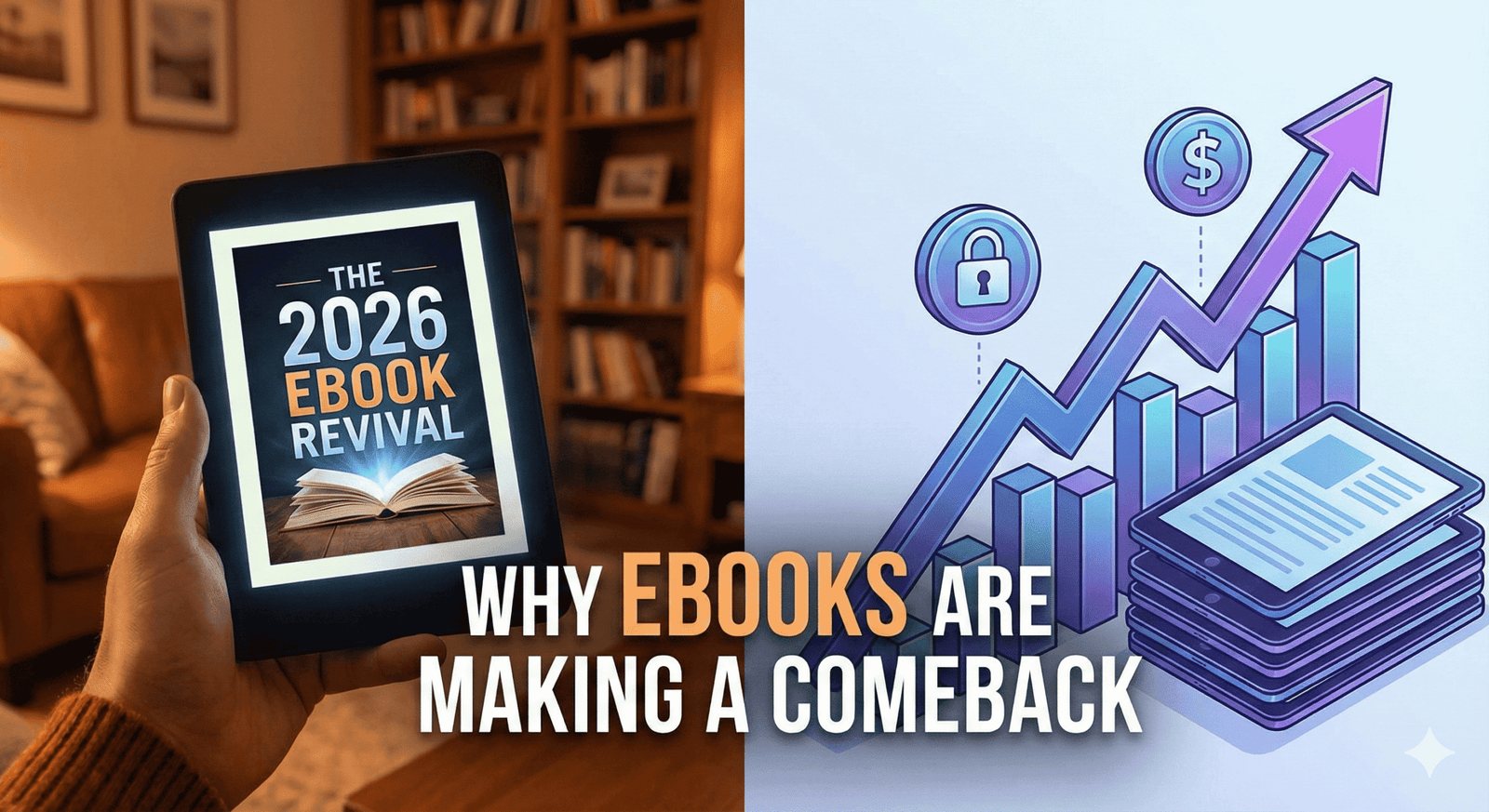
Ebooks Are Thriving in 2026: My Winning Strategy

A futuristic yet cozy conceptual image representing the "Ebooks Comeback of 2026." In the foreground, a sleek, modern e-reader tablet displays the text "OWNERSHIP" on a warm, paper-like screen, resting on a rustic wooden table next to a steaming cup of coffee. In the blurred background, a laptop screen shows a chaotic, grayed-out list of "Subscription Cancelled" notifications, symbolizing the shift away from the subscription economy. The lighting is warm and inviting, highlighting the peace of digital disconnection.

You know the feeling. It usually hits you on a Sunday evening, or maybe the first of the month when you check your bank notification feed. You scroll down the list of transactions, and it’s a death by a thousand cuts. $14.99 for a streaming service you haven’t opened in weeks. $9.99 for a music app. $5.00 for a newsletter you meant to read but archived instead. $29.99 for software you used once for a specific project.

It’s called subscription fatigue, and if you are feeling it, you are not alone.

For the better part of a decade, we were told that “access” was better than “ownership.” We were sold the idea that renting our digital lives was convenient. But as we head into 2026, the wind is shifting. You are starting to realize that renting everything means you own nothing. You are tired of the monthly bleed. You are tired of price hikes for services that remove content without warning.

This collective exhaustion is fueling a quiet revolution: The return of the Ebook.

But this isn’t the Kindle Gold Rush of 2012. The landscape for ebooks in 2026 is different, smarter, and more profitable for creators who understand the shift. This year isn’t about churning out cheap content; it’s about digital sovereignty. It’s about paying once, keeping it forever, and solving specific problems without a login screen.

If you have been thinking about creating a digital product, or if you are just looking for a way to escape the subscription trap yourself, this is your wake-up call. Here is why ebooks are reclaiming the throne, and exactly how I position and sell mine in this new economy.

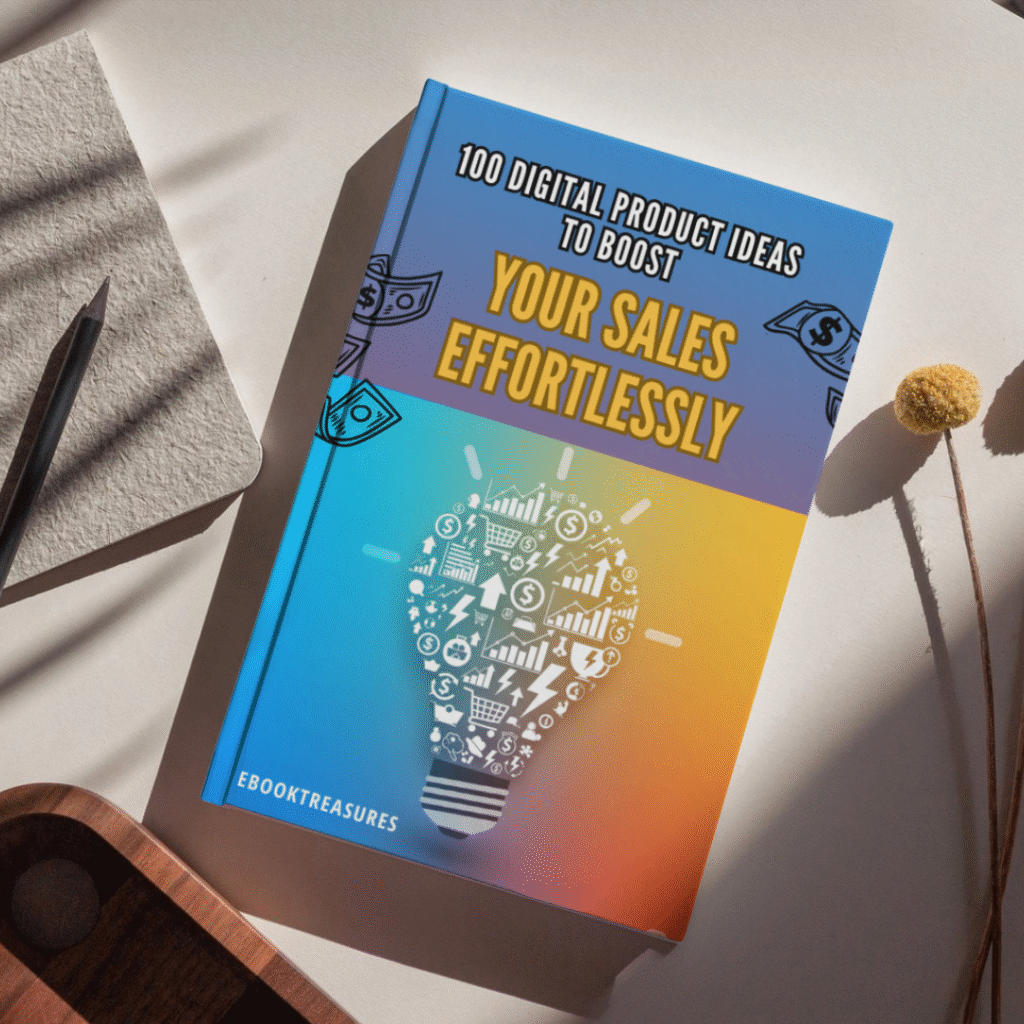
100 Digital Product Ideas to Boost Your Sales Effortlessly

Original price was: $ 19,99.Current price is: $ 1,99.

Feeling stuck in the “idea phase”? 🤔 Turn your creative passion into profit with this ultimate list of digital product ideas!

This guide is your secret weapon to finally stop brainstorming and start selling. 🚀


The “Great Unsubscribing”: Why 2026 is the Year of the Ebook

To understand why ebooks are making such a massive comeback, you have to look at the consumer psychology of 2026.

We have reached a saturation point. The average household is now juggling more subscriptions than they can keep track of, and the value proposition is crumbling. When every app, tool, and creator wants a monthly fee, the consumer’s natural reaction is to retreat. You are likely becoming more selective. You are cancelling the “nice-to-haves” and keeping only the “need-to-haves.”

The Craving for Ownership

In this climate, the one-time purchase has become a luxury feature. When you buy an ebook, you make a single transaction. There is no looming charge next month. That psychological safety is incredibly attractive right now. You pay $20, you get the file, and it lives on your device forever. It is yours. No server shutdowns can take it away from you.

The “Offline” Movement

There is another layer to this: the desire to disconnect. We are seeing a massive surge in “dumb phone” usage and offline hobbies. Ebooks—especially when read on dedicated e-ink devices—offer a way to learn and consume content without the distraction of notifications.

When you buy a subscription to an online course, you are often forced to log into a platform designed to distract you. When you buy a PDF or ePub file, you can take it to the park, turn off your Wi-Fi, and actually focus. As a creator, if you can package your knowledge into a format that respects the buyer’s desire for peace and ownership, you are already winning.


Niche is the New Viral: What Readers Are Actually Buying

So, the market is hungry for ownership. But what are they actually buying?

If you are planning to write “How to Get Rich” or a generic “Guide to Fitness,” stop. The 2026 market is allergic to generic advice. AI can generate generic advice in seconds for free. Why would anyone pay you for it?

The ebooks that are selling right now are hyper-specific. They address “micro-problems” or “micro-hobbies” that AI is too broad to handle effectively with human nuance.

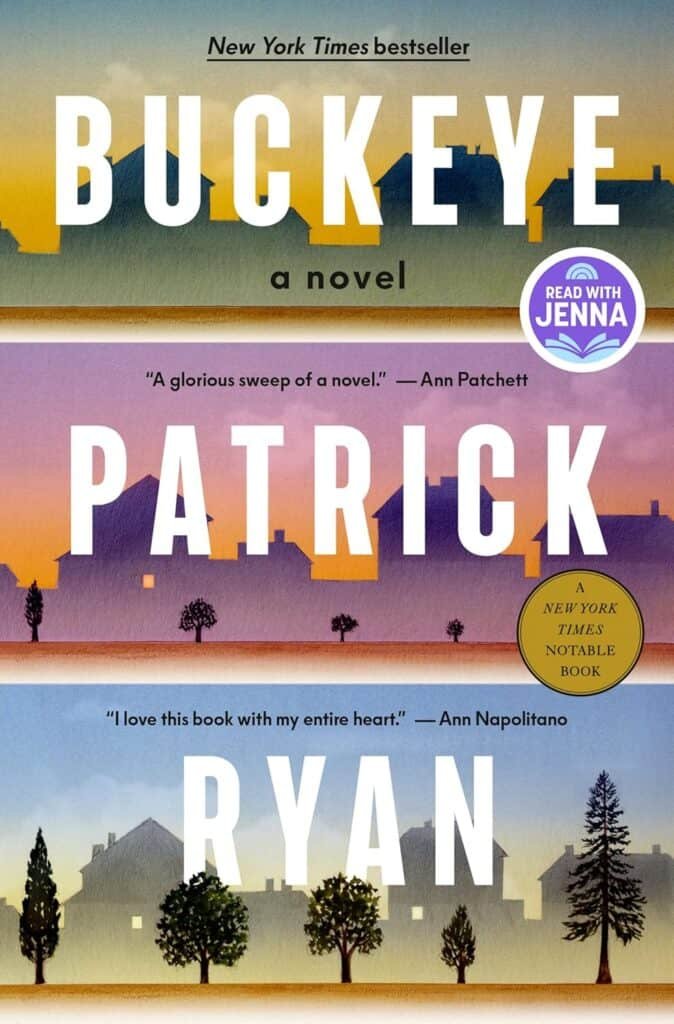
Buckeye: A Read with Jenna Pick: A Novel

The Shift to “Micro-Mastery”

You need to drill down. Instead of a book on “Gardening,” successful sellers are releasing guides on “High-Yield Urban Gardening for North-Facing Balconies.” Instead of “Negotiation Skills,” they are selling “Scripted Responses for Freelance Graphic Designers Dealing with Scope Creep.”

Here are the hot niches I am seeing dominate in 2026:

  • AI-Proof Soft Skills: As automation takes over technical tasks, you are seeing a high demand for books on human-centric skills: emotional intelligence, conflict resolution, and community building.
  • Digital Detox & Analog Living: Ironically, people are buying digital books on how to live less digital lives. Guides on woodworking, film photography, and bread-making are exploding.
  • Specialized Health & Diet: Not generic weight loss, but very specific protocol-based guides (e.g., “The histamine-intolerance cookbook for busy parents”).

The key is to solve a specific pain point so effectively that the purchase feels like a no-brainer. If you can save someone ten hours of Googling or $500 in mistakes, a $25 ebook is a steal.


The “Secret Sauce” Recipe for a Best-Selling Ebook

You might think that writing an ebook requires you to be the next Hemingway. That is a myth that holds too many people back. Non-fiction ebooks are not literature; they are solutions.

When I plan a new product, I don’t treat it like writing a novel. I treat it like cooking a meal. It needs specific ingredients to work. If you leave one out, the result is bland. If you get the ratios right, customers will come back for seconds.

Here is the exact formula I use for every launch to ensure the product resonates with the 2026 buyer.

The Best-Seller Formula

IngredientQuantityWhy It Matters
Urgent Pain Point1 Major ProblemPeople do not pay for “information” anymore; information is free. They pay to make a specific pain go away. If your book doesn’t solve a burning problem, it’s just a nice-to-have.
Personal Experience2 CupsThis is your competitive advantage against AI. ChatGPT can list facts, but it cannot share your story of failure and redemption. Your scars are your credibility.
Scannable FormattingGenerous DashNobody reads walls of text on a screen. Use H2s, H3s, bullet points, and bold text liberally. Design for the scanner, not the scholar.
Bonus Resources1-2 ItemsA checklist, a spreadsheet, or a template included with the download increases the “perceived value” instantly. It turns a “book” into a “toolkit.”
Killer Title1 (Optimized)If they don’t click, they don’t buy. Your title must promise a benefit, not just describe the topic.

How I Sell Mine: A Simple Strategy That Works

Writing the book is only 20% of the work. The other 80% is getting it into the hands of the people who need it.

You might be dreading the idea of marketing. You picture yourself doing silly dances on TikTok or spamming your friends on Facebook. Let me stop you there. That is the old way. In 2026, the most effective way to sell ebooks is through passive trust, not active noise.

Here is the breakdown of the strategy I use to sell my ebooks on autopilot.

1. The “Freebie” Bridge

You cannot walk up to a stranger and ask for money. You have to buy them a drink first. In the digital world, this is your “Lead Magnet.”

I never ask for a sale immediately. Instead, I offer a free “slice” of the value. If my ebook is about “Urban Gardening,” my freebie might be a one-page PDF: “The Top 5 Plants That Won’t Die on Your Balcony.”

When you offer this for free in exchange for an email address, you do two things:

  • You filter for interest: Only people actually interested in gardening will download it.
  • You build trust: If your free stuff is good, they assume your paid stuff is amazing.

2. SEO Over Social Media (The Long Game)

Social media is a hamster wheel. You post today, and it’s gone tomorrow. I prefer to build assets that work for me while I sleep.

This is why I focus on SEO (Search Engine Optimization). I write blog posts—just like the one you are reading right now—that target the specific questions my potential customers are asking Google.

If someone searches “How to grow tomatoes in pots,” I want them to find my article. In that article, I give them great free advice, and then I gently mention: “If you want the full step-by-step system, check out my comprehensive guide.”

This traffic is high-intent. They were already looking for a solution. I didn’t have to interrupt their scrolling; I just answered their question.

3. The Power of Bundling

Here is a secret to doubling your revenue without doubling your customers: Bundling.

A $20 ebook is a great entry point. But many of your customers are “super-buyers.” They want the premium experience. So, I always offer a higher-tier version.

  • Tier 1 ($20): The Ebook (PDF/ePub).
  • Tier 2 ($45): The Ebook + Audiobook version (read by me) + A printable workbook + A database of resources.

You will be shocked at how many people opt for Tier 2. It increases your “Average Order Value” significantly, and it serves the customer better by giving them different ways to consume the content.


The Tech Stack You Need (Keep It Simple)

One of the biggest hurdles you face is probably the tech. You think you need a fancy website, a complex shopping cart, and a degree in coding.

You don’t. In fact, complexity is the enemy of execution. In 2026, the tools for selling digital products are incredibly streamlined.

Writing

  • Google Docs or Notion: You don’t need Scrivener. Just write. Export as a PDF. Done.

Design

  • Canva: This is non-negotiable. Use it to design your cover (make it look professional!) and to lay out the interior pages. They have thousands of “Ebook” templates.

Selling

  • Gumroad or Lemon Squeezy: These are my go-to platforms. They handle the payments, the file delivery, and the taxes. You just upload your file, set a price, and get a link.
  • Shopify: If you plan on building a larger brand with multiple products, Shopify is great, but for your first ebook, keep it simple.

FAQ: Common Questions About Selling Ebooks

I hear the same questions all the time from people who are hesitant to start. Let’s address the elephant in the room.

Q: Is the ebook market actually growing?

A: Yes. While the broader publishing industry has its ups and downs, the independent creator economy is thriving. As mentioned earlier, subscription fatigue is driving people back to one-off purchases. They want to own their library.

Q: Do I need to be an expert writer?

A: No. You need to be a clear communicator. People are not buying your book for your prose; they are buying it for your process. If you can explain how to get from Point A to Point B clearly, you are a good enough writer.

Q: How long should my ebook be?

A: Length does not equal value. Do not fluff it up. A 30-page guide that solves a painful, expensive problem is worth infinitely more than a 300-page book that meanders. Respect your reader’s time.

Q: Can I use AI to write my ebook?

A: You can use AI for outlining, brainstorming, and research. But please, write the voice yourself. In 2026, readers are sophisticated. They can smell “ChatGPT syntax” from a mile away. If your book feels robotic, you will lose trust, and you will never get a repeat customer.


Conclusion: The Best Time to Start Was Yesterday

The digital landscape is shifting under our feet. The era of mindless subscriptions is waning, and the era of intentional ownership is returning. This is good news for you.

It means you don’t need millions of followers to make a living. You don’t need to feed the content algorithm every single day. You just need to package your knowledge into a helpful, tangible asset that people can own.

You have experiences, skills, and solutions inside you right now that others are desperately Googling for. They are willing to pay for the shortcut you can provide. The only thing standing between you and a new income stream is the decision to start writing.

Don’t let another year of “renting” your life go by. Take control.

Why You Need Rank Math’s New “llms.txt” Feature to Rank in ChatGPT (2026 Guide)

SEO is no longer just about Google.

If you’ve noticed your organic click-through rates dropping even while your rankings stay stable, you aren’t imagining things. In 2025, over half of all searches end without a click, often because AI Overviews and chatbots like ChatGPT, Claude, and Perplexity are answering the user’s question before they ever visit your site.

Most website owners are panicking. But smart SEOs are pivoting.

Instead of fighting the AI revolution, you need to feed it. And Rank Math just released a “secret weapon” feature that allows you to do exactly that: the Advanced llms.txt Generator.

Here is why this tiny text file is going to be the most critical part of your SEO strategy in 2026, and how to set it up in minutes using Rank Math Pro.

What is an llms.txt File? (The “Robots.txt” for AI)

You already know what a robots.txt file is: it tells search engine crawlers where they can and cannot go.

An llms.txt file is the exact opposite. It is a lightweight, Markdown-formatted file that lives in the root of your website (e.g., yourdomain.com/llms.txt) designed specifically for Large Language Models (LLMs) like ChatGPT and Claude.

Instead of blocking bots, this file says: “Hey AI, here is my most important content, organized perfectly for you to read and cite.”

Without this file, AI crawlers have to guess what your site is about by scraping messy HTML code. With it, you are spoon-feeding them your best content, significantly increasing the chances of your brand being mentioned in AI-generated answers.

How Rank Math Pro Automates the Process

Until recently, creating an llms.txt file required manual coding or messing around with FTP uploads. But Rank Math has officially added a 1-click llms.txt generator to their suite of tools.

This feature is a game-changer because it dynamically updates your AI sitemap whenever you publish new content.

Step-by-Step: Setting It Up in Rank Math

If you are already using Rank Math Pro, you can enable this in seconds. If not, you should grab a license here: RANK MATH PRO.

  1. Enable the Module: Go to your WordPress Dashboard > Rank Math SEO > Dashboard. Scroll down and toggle on the “LLMS Txt” module.
  2. Configure Your Settings: Navigate to General Settings > Edit llms.txt.
  3. Select Your Content: You don’t want to feed everything to the AI—just your high-value assets. Rank Math allows you to select specific Post Types (like “Posts” or “Products”) and Taxonomies (like “Categories”) to include.
  4. Add Custom Context: There is a field to add a “Brief description,” which helps AI models understand your brand’s authority and niche.
  5. Save and Preview: Rank Math generates the file instantly. You can view it at yoursite.com/llms.txt.

Bonus: Tracking Your “Ghost” Traffic from AI

The biggest complaint about AI search is that it’s hard to measure. If ChatGPT answers a user’s question using your content, you don’t always get a click, so it doesn’t show up in Google Analytics.

Rank Math Pro has solved this with their new AI Search Traffic Tracker.

Inside the Rank Math Analytics dashboard, you can now filter your traffic sources to specifically see visitors coming from:

  • ChatGPT
  • Perplexity
  • Google Gemini
  • Claude

This lets you see exactly which AI platforms are sending you users, allowing you to double down on the content that performs best in the “AI Engine” ecosystem.

The 2026 Strategy: GEO (Generative Engine Optimization)

We are entering the era of GEO—Generative Engine Optimization. The goal isn’t just to rank #1 on Google; it’s to be the “cited source” in the AI’s answer.

By implementing llms.txt today, you are putting your site in the top 1% of the web that is “AI Friendly.” While your competitors are still obsessing over meta tags, you are building a direct pipeline to the future of search.

Don’t wait until 2026 to catch up.

You can get the Advanced llms.txt Generator, the AI Traffic Tracker, and their powerful Schema Generator all in one package.

👉 Upgrade to Rank Math Pro here: RANK MATH PRO

ebooktreasures/blog

The Best Underrated eBooks of 2025: 10 Hidden Gems You Missed

"Glowing e-reader tablet resting on an antique wooden desk surrounded by vintage books, a compass, and gemstones, symbolizing the discovery of the best underrated ebooks of 2025."

You know the feeling. You scroll through “BookTok” or your Instagram feed, and it’s the same five neon-colored covers staring back at you. Again. It feels like the entire world is reading the exact same dragon rider academy novel or the same celebrity memoir.

But you? You’re looking for something else. You want that electric thrill of stumbling upon a story that feels like a secret—a hidden door in a bookstore wall that only you have found.

In 2025, the loudest books weren’t necessarily the best ones. While the algorithms were busy pushing the massive bestsellers, a quiet revolution of incredible storytelling was happening in the margins. From lyrical novellas about grammar-magic to gritty industrial fantasies and heart-wrenching indie romances, the real treasures were hiding in plain sight.

This isn’t a list of the New York Times bestsellers you already know. This is your treasure map to the best underrated ebooks of 2025—stories that deserve to be read, cherished, and shared.

What Makes an eBook a “Hidden Gem”?

Before we dive into the list, let’s define what we’re actually hunting for. In the vast ocean of digital publishing, a “hidden gem” isn’t just a book with low sales. It’s a specific kind of magic that meets three strict criteria:

  • The “Under-1k” Club: These books often have fewer than 1,000 reviews on major platforms like Amazon or Goodreads, despite having stellar ratings (4.5 stars and up).
  • The “Indie” Spirit: Many are published by independent presses or self-published authors who took creative risks that big publishers were too scared to touch.
  • Genre-Bending: These stories often refuse to sit politely in one category. They are the “romantasy-thrillers” or the “cozy-grimdark” mysteries that defy the algorithm.

If you are ready to break free from the echo chamber, load up your Kindle or Kobo. Here are your new favorites.

The Unsung Heroes of Sci-Fi & Fantasy

2025 was the year of “Romantasy” juggernauts, but if you looked past the dragons-and-dating tropes, you found some of the most inventive world-building in a decade.

The River Has Roots by Amal El-Mohtar

If you loved This Is How You Lose the Time War, this standalone novella will wreck you in the best way possible. It’s a fairy tale about a town where grammar is magic and a woman who must sing to willow trees to keep her world safe.

  • Why it’s a treasure: The prose is so lush it feels like drinking honey. It’s a short, potent shot of wonder that respects your time but lingers in your mind for weeks.
  • Perfect for: Readers who want a story that feels like a dream you don’t want to wake up from.

Grave Empire by Richard Swan

Forget medieval knights. This is “flintlock fantasy” at its finest. Set in a world on the brink of an industrial revolution, it mixes gunpowder, arcane horror, and political intrigue.

  • Why it’s a treasure: It’s dark, gritty, and complex—a “Grimdark” novel for people who think they hate Grimdark. It challenges the standard fantasy tropes of “good vs. evil” with a messy, realistic world of gray morality.
  • The Vibe: Peaky Blinders meets The Witcher.

When the Tides Held the Moon by Venessa Vida Kelley

This April 2025 release is the definition of a hidden gem. Set in 1910s Coney Island, it follows a Puerto Rican ironworker who builds a tank for a sideshow, only to fall in love with the merman trapped inside.

  • Why it’s a treasure: It’s a queer, historical romantasy that deals with colonialism, identity, and love in a way that feels achingly real. The author is also an illustrator, and her visual eye translates into breathtaking descriptions.

Table 1: Your Fantasy Story Ingredients

Not sure which one to pick? Check the “recipe” below to see what matches your taste.

Book TitleBase Ingredient (Genre)Spice (Trope)Secret Sauce (Vibe)Serving Size
The River Has RootsFairy TaleMagical RealismLyrical & DreamyNovella (Short)
Grave EmpireEpic FantasyPolitical IntrigueIndustrial & GrittyNovel (Long)
When the Tides…Historical FantasyForbidden LoveLush & RomanticNovel (Medium)

Gripping Thrillers & Mysteries Flying Under the Radar

The thriller charts are usually clogged with “The Girl Who…” titles. These picks, however, offer something sharper.

The Blue Horse by Bruce Borgos

This July release flew under the radar for many, but it is a masterclass in modern Western mystery. Sheriff Porter Beck patrols the high deserts of Nevada, dealing with everything from nuclear secrets to old-school murder.

  • Why it’s a treasure: It’s smart. The protagonist isn’t a brooding alcoholic stereotype; he’s witty, capable, and facing modern threats (cyber-warfare) in an ancient setting.

Grimdark by Shannon Morgan

Don’t let the title fool you—this isn’t a fantasy war novel. It’s a gothic mystery released in late July 2025. It spans three timelines (1216, 1645, and present day) centered around a spooky English manor.

  • Why it’s a treasure: It perfectly blends historical fiction with supernatural horror. If you like the “past lives” trope and atmospheric dread, this is unputdownable.

Indie Romance: Hidden Love Stories of 2025

Romance readers are the most voracious on the planet, which means the “best” lists are often just the “most marketed” lists. Here is a story that offers genuine connection.

Along Came Amor by Alexis Daria

While not strictly “unknown,” this book didn’t get the massive viral explosion it deserved compared to other rom-coms this year. It follows a divorced school teacher and a wealthy hotelier who start a “no strings” fling that gets complicated fast.

  • Why it’s a treasure: It tackles toxic family dynamics with incredible nuance. It’s not just about the romance; it’s about a woman learning to set boundaries and find her voice. The “heat” level is high, but the emotional payoff is even higher.

Table 2: Romance “Ingredients” Breakdown

Book TitleMain CoupleHeat LevelKey TropeMood
Along Came AmorTeacher x Hotelier🔥🔥🔥 (High)Forced ProximityEmpowering
When the Tides…Worker x Merman🔥🔥 (Med)Star-CrossedYearning & Sweet

Non-Fiction Treasures for Self-Growth

Sometimes the best escape is a deep dive into reality.

The Waterbearers by Sasha Bonét

This memoir/cultural history explores the spiritual and healing roles Black women have played throughout history.

  • Why it’s a treasure: It’s beautifully written non-fiction that feels like a conversation with a wise friend. It weaves personal narrative with history in a way that feels grounding and expansive—perfect for a year where everything felt a bit chaotic.

How to Find These eBooks (Format & Device Guide)

You found the book you want, but now you need to get it onto your device without a headache.

  • Kindle Users: Look for MOBI or AZW3 files if buying directly from an author’s website. If you only have an EPUB, use the “Send to Kindle” email feature—Amazon converts it automatically now!
  • Kobo/Nook/iPad: EPUB is your best friend. It is the universal standard.
  • PDF: Avoid this for reading novels if you can. It doesn’t “reflow” text, meaning you’ll be pinching and zooming on your phone screen like it’s 2012.

Frequently Asked Questions (FAQ)

Q: Where can I find these best underrated ebooks 2025?

A: While available on Amazon, many of these “hidden gems” put more money in the author’s pocket if you buy from platforms like Kobo, Barnes & Noble, or direct from the author’s website/Carrd link.

Q: Are indie ebooks lower quality than traditional books?

A: Absolutely not. In 2025, the line is blurrier than ever. Many professional authors (like Richard Swan or Alexis Daria) release books that rival or exceed the editing and production quality of the “Big 5” publishers.

Q: How do I find hidden gems before they go viral?

A: Stop looking at the “Top 100” charts. instead, browse the “Movers & Shakers” lists deep in specific sub-categories (e.g., “Metaphysical Fantasy” instead of just “Fantasy”). Also, subscribe to newsletters like Ebook Treasures that do the digging for you.

Conclusion

The best story of your year might be waiting in a file size of just 2MB, written by an author you’ve never heard of—until now. 2025 has been a stellar year for the underdogs, the risk-takers, and the quiet storytellers.

So, do yourself a favor. Skip the book everyone is talking about at the water cooler. Download one of these treasures instead. You might just find that the best view is the one nobody else is looking at.

Have you read any of these hidden gems? Or do you have a secret favorite from 2025 that we missed? Drop a comment below—we love adding new treasures to our map!

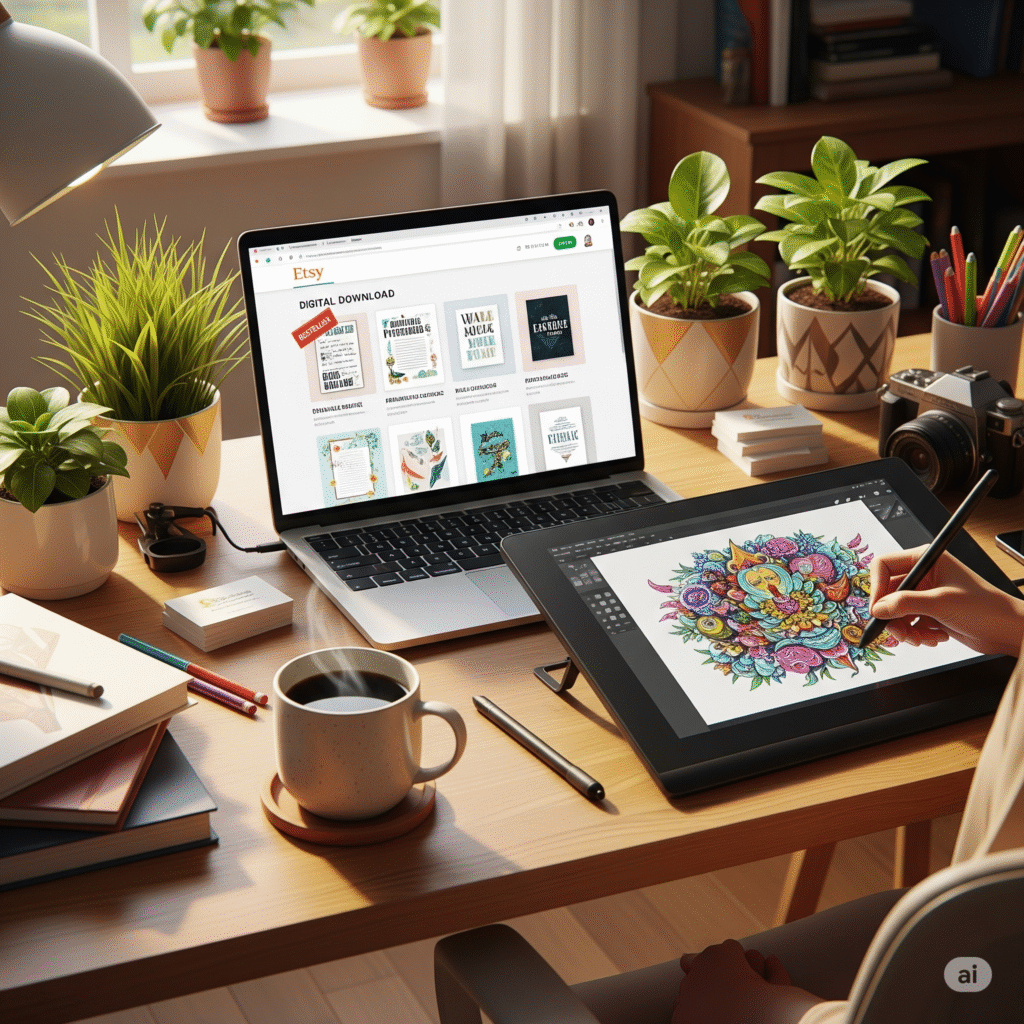
Etsy Digital Downloads: The Easiest Way to Start an Online Business in 2025

Etsy Digital Downloads

Have you ever found yourself scrolling through social media late at night, seeing creators launching beautiful products and thinking, “I wish I could do that”? There’s a spark of an idea in your mind, a desire to build something of your own, but it’s quickly extinguished by overwhelming thoughts of inventory, shipping logistics, and startup costs. That dream of creative and financial freedom feels like it’s behind a locked door, and you don’t have the key. What if I told you the key is simpler than you ever imagined? It’s digital, it’s creative, and it’s waiting for you on a platform you already know and love. This is the world of Etsy digital downloads, and it’s not just a business model—it’s the most accessible path to turning your creativity into a source of passive income, starting today.

This isn’t about some far-fetched get-rich-quick scheme. It’s about a tangible, proven method that thousands of people just like you are using to build side hustles that grow into full-time incomes. It’s about taking that unique spark you have and turning it into a product that can reach customers all over the world, without you ever having to package a box or stand in line at the post office. If you’re ready to unlock that door, keep reading. Your journey starts now.

What Exactly Are Etsy Digital Downloads (And Why Are They a Game-Changer)?

Let’s break it down to the basics. An Etsy digital download is any file that a customer can purchase and receive instantly online. Think of printable art for a nursery, a budget tracker spreadsheet, a social media template, or even a sewing pattern. Instead of a physical item arriving in the mail, your customer gets a link to download the file directly to their computer or tablet.

This simple distinction is what makes this business model a complete game-changer, especially for first-time entrepreneurs. The global market for digital goods is expanding at an incredible rate, with projections showing consistent double-digit growth year over year. You’re not just tapping into a niche hobby; you’re entering a thriving and modern sector of e-commerce.

The Magic of “Create Once, Sell Forever”

The core appeal of selling digital products lies in a powerful concept: you do the creative work once. You design that beautiful weekly planner, you create that set of unique social media icons, and then you can sell it an infinite number of times.

Imagine this: you spend a weekend creating a fantastic digital product. You list it in your Etsy shop. A month later, while you’re on vacation, you wake up to notifications of sales you made overnight. The system is entirely automated. This is the essence of passive income. Your digital asset is working for you 24/7, generating revenue without requiring your constant attention. It’s a stark contrast to physical products, where every sale means sourcing materials, creating the item, packaging it, and shipping it.

Why Etsy is the Perfect Launchpad for Your Digital Business

You might wonder, “Why not just sell on my own website?” While that’s a great long-term goal, starting on Etsy gives you a massive, unfair advantage. Here’s why it’s the ideal launchpad:

  • Built-in Traffic: Etsy is a bustling marketplace with over 90 million active buyers. These aren’t just random internet users; they are people who arrive on the site with the specific intention of buying unique, creative goods. You don’t have to spend a fortune on ads to find your first customers; they are already there, searching for what you have to offer.
  • Trusted Platform: Customers trust Etsy. They are comfortable entering their payment information and know that the platform will protect them. This built-in trust transfers to your shop, removing a major barrier that new independent websites face.
  • Automated Delivery: This is a huge relief. Once a customer completes their purchase, Etsy automatically sends them an email with the download link and makes the file available in their account. You don’t have to do anything. This seamless process ensures happy customers and frees up your time.
  • Low Startup Costs: The financial risk is astonishingly low. It costs a mere $0.20 USD to list an item for four months. You only incur other fees, like transaction and payment processing fees, after you’ve made a sale. You can genuinely start this business with less than the cost of a cup of coffee.

Finding Your Niche: Profitable Etsy Digital Download Ideas for 2025

The most common question from aspiring sellers is, “But what would I even sell?” The possibilities are vast, but success often comes from niching down. Don’t just sell a “planner.” Sell a “planner for new freelance writers” or a “meal prep planner for busy vegan families.” Specificity sells. Here are some profitable categories to get your ideas flowing:

For the Organized & Productive: Planners and Trackers

This is an evergreen category. People are always looking for better ways to organize their lives and finances.

  • List:
    • Customizable Digital Planners (for apps like GoodNotes, Notability, and OneNote)
    • Printable Budget Trackers and Debt Snowball Spreadsheets
    • Fitness and Wellness Journals (workout logs, habit trackers)
    • Social Media Content Calendars for small business owners
    • ADHD-Friendly Planners with minimalist, non-distracting layouts

For the Creative & Artistic: Art and Templates

If you have an eye for design, this is your playground. You can help others make their personal and professional lives more beautiful.

  • List:
    • Printable Wall Art & Themed Poster Collections (boho, minimalist, nursery)
    • Professional Resume & CV Templates with matching cover letters
    • Lightroom Presets for photographers and influencers
    • Canva Templates for Instagram Stories, Pinterest Pins, and Facebook banners
    • Customizable Digital Business Cards

For Life’s Big Moments: Event & Celebration Downloads

People spend money on major life events, and digital downloads offer an affordable, instant solution for their planning needs.

  • List:
    • Complete Wedding Invitation Suites (invites, RSVPs, detail cards)
    • Printable Bachelorette and Bachelor Party Games
    • Baby Shower Invitations & Themed Décor Kits (banners, cupcake toppers)
    • Customizable Birthday Party Invitations for kids and adults
    • Printable Holiday-Themed Activities and Gift Tags

The Recipe for Your First Best-Selling Digital Product

Creating your first product can feel daunting, but it’s much more manageable when you think of it like following a recipe. You just need the right ingredients and a clear set of instructions.

The ‘Ingredients’ for a Perfect Digital Download

This table breaks down the essential components you’ll need to assemble for a product that not only looks great but also sells well.

IngredientQuantity/EffortNotes (The ‘How-To’)
A Niche IdeaHigh ImportanceSolve a specific problem for a specific audience. Don’t be generic. Think, “Who is this for and how does it help them?”
Quality DesignHigh ImportanceUse clean, legible fonts, a harmonious color palette, and high-resolution graphics. Your design must look professional.
User-Friendly ToolsVariesStart for free with a powerful tool like Canva. As you grow, you might consider investing in the Adobe Suite for more advanced capabilities.
A Compelling MockupHigh ImportanceThis is your product photography. Use mockup templates to display your digital file in a realistic, appealing setting. Show it on a tablet screen or framed on a wall.
Clear InstructionsMedium EffortInclude a simple, one-page PDF guide on how to download, print, or use the digital file. This small step dramatically reduces customer questions.

Export to Sheets

The ‘Method’: Your 5-Step Guide to Creating Your Download

Follow these steps in order, and you’ll move from a blank page to a finished, market-ready product.

  1. Research & Validate: Before you design anything, go to Etsy and act like a customer. Search for the product you want to create. Are other people selling it? Look at the best-sellers. What do they do well? Read their reviews. Can you identify a gap in the market or a way to serve a niche audience even better?
  2. Design & Create: Now, open your chosen tool (Canva is perfect for beginners) and start bringing your vision to life. Focus on creating value. If it’s a planner, make sure it’s intuitive. If it’s wall art, ensure the file is high-resolution (300 DPI is standard for printing).
  3. Format & Package: Save your work in the most user-friendly formats. For anything printable, PDF is king. For graphics or templates, PNG, JPEG, or SVG might be better. If you have multiple files, compress them into a single .zip folder for easy downloading.
  4. Create Stunning Mockups: This step is non-negotiable. Customers can’t hold your product, so you have to help them visualize it. Use mockup templates to show your planner on an iPad or your printable art in a beautifully decorated room. This is what makes someone stop scrolling and click.
  5. Price Your Product: Don’t fall into the trap of a race to the bottom. Research your competitors to understand the market rate, but price your product based on the value it provides. A well-designed, comprehensive business planner is worth more than a simple to-do list.

Setting Up Your Etsy Shop for Digital Success

Creating a great product is only half the battle. Now you need to make sure customers can find it. This is where a little knowledge of Etsy SEO (Search Engine Optimization) goes a long way.

Mastering Etsy SEO for Digital Downloads

Crafting Keyword-Rich Titles

Your title is the most important piece of your SEO puzzle. It needs to be descriptive and packed with the phrases your ideal customer would use. Front-load the most important keywords.

  • Good: Pretty Planner
  • Great: Digital Planner for GoodNotes, Minimalist Daily & Weekly Planner, iPad Planner
Writing Descriptions That Convert

Your description is your sales pitch. Start by describing the benefit—how will this product improve your customer’s life? Then, get into the features. Use bullet points to detail what’s included (e.g., file formats, dimensions, number of pages). Answer every potential question a customer might have before they even have to ask.

The Power of Using All 13 Tags

Etsy gives you 13 “tags” for each listing. Use every single one. These are opportunities to match with customer searches. Think beyond single words. Use multi-word phrases (long-tail keywords).

  • Good: “planner,” “budget”
  • Great: “digital budget planner,” “monthly finance tracker,” “paycheck budget printable”

Conclusion

That locked door to starting your own business isn’t so intimidating anymore, is it? The key, Etsy digital downloads, is already in your hand. You don’t need a warehouse, a huge loan, or a degree in logistics. You just need that spark of an idea and the courage to follow the simple, accessible steps outlined here. The potential for a creative, flexible, and profitable online business is no longer a “someday” dream. It’s a tangible reality waiting for you to build it.

Stop letting the “what ifs” hold you back. The perfect time to start is never going to arrive. The only thing standing between you and your first sale is action. Take one small step today. Open Canva. Brainstorm a niche. Set up your Etsy shop shell. Your first sale is closer than you think.

What’s one digital product idea you’ve been dreaming about? Share it in the comments below!

Frequently Asked Questions About Etsy Digital Downloads

  • Q1: What exactly are Etsy digital downloads?
    • A1: Etsy digital downloads are files that customers purchase and receive instantly via email or their Etsy account. Unlike physical items, there is no shipping involved. Common examples include printable art, digital planners, e-books, and templates. This model allows for passive income, as a single file can be sold infinitely without any additional work from you.
  • Q2: Do I need to be a professional graphic designer to succeed?
    • A2: Absolutely not! While design skills are helpful, platforms like Canva offer thousands of user-friendly templates and tools that allow anyone to create professional-looking products without any formal design training. Your unique perspective and understanding of your niche are far more important than technical design mastery.
  • Q3: How much does it really cost to start selling digital products on Etsy?
    • A3: The startup costs are incredibly low, which is a major advantage. Etsy charges a listing fee of $0.20 USD, which keeps your listing active for four months. After that, their standard transaction and payment processing fees apply only after you make a sale. You can genuinely start this business with less than the cost of a cup of coffee.
  • Q4: How do I handle customer service for a digital item?
    • A4: Customer service is typically minimal if you’re proactive. Most inquiries are about how to download or use a file. You can solve over 90% of potential issues by including a clear, simple instruction PDF with every purchase and having a detailed FAQ section in your product descriptions. It’s about anticipating your customer’s needs.

Staff picks

tags : Etsy Digital Downloads Etsy Digital Downloads Etsy Digital Downloads Etsy Digital Downloads Etsy Digital Downloads Etsy Digital Downloads Etsy Digital Downloads Etsy Digital Downloads Etsy Digital Downloads Etsy Digital Downloads Etsy Digital Downloads Etsy Digital Downloads Etsy Digital Downloads Etsy Digital Downloads Etsy Digital Downloads Etsy Digital Downloads Etsy Digital Downloads

The Ultimate Productivity Hack: 7 Free Online Tools to Reclaim Your Time and Focus

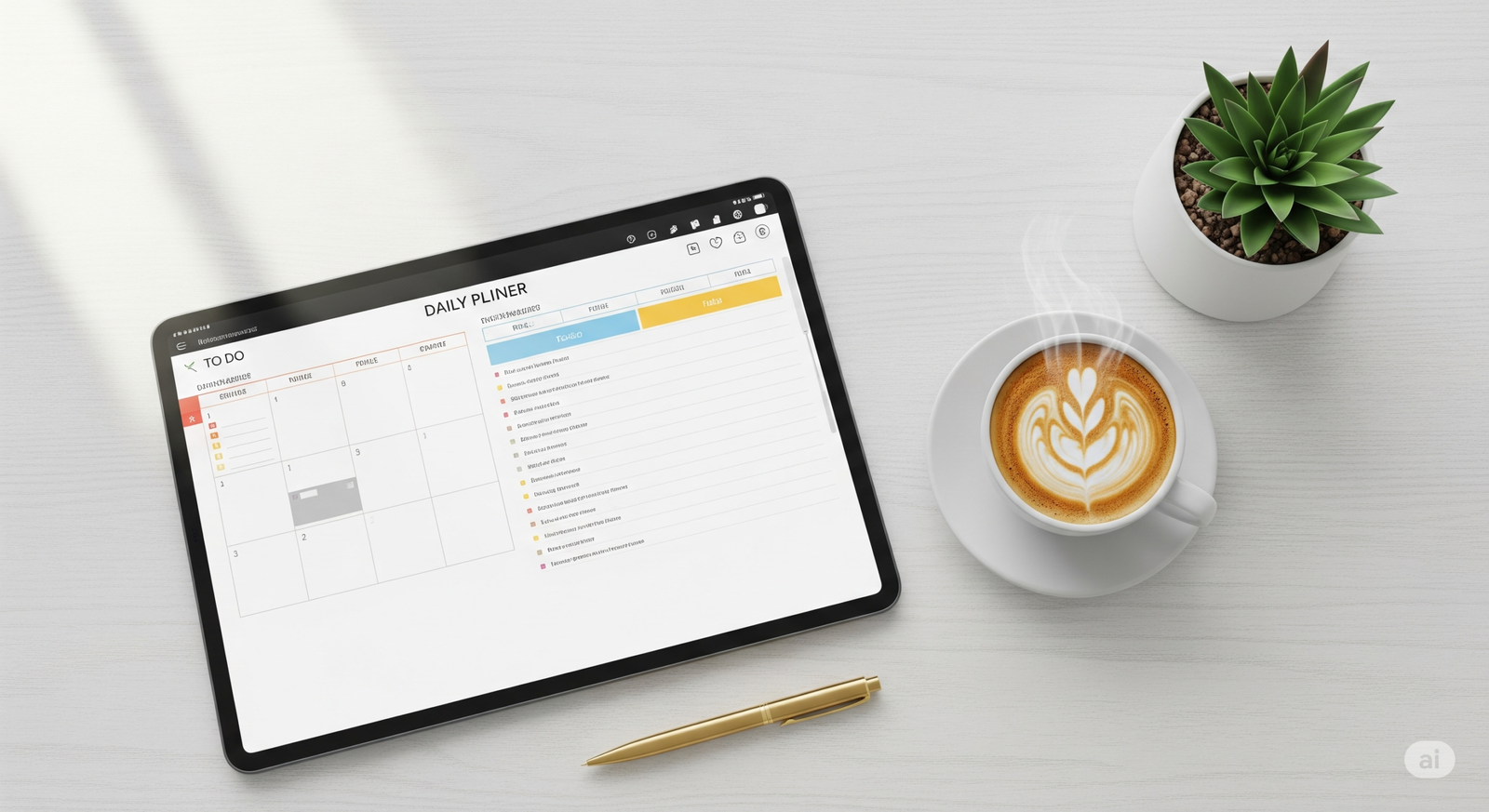
A clean and modern desk setup showing a digital planner on a tablet, representing the use of free online tools for productivity, next to a cup of coffee and a pen.

Free Online Tools …It’s 10 PM on a Sunday. The house is quiet, the weekend is a fading memory, and you’re staring at your screen. A fresh week looms, bringing with it that familiar, creeping wave of pressure. Your to-do list seems less like a plan and more like a mountain, a daunting peak of tasks—big, small, and everything in between—each demanding a precious piece of your time and finite energy.

We’ve all been there. That feeling of being perpetually one step behind, of playing a constant game of catch-up where the finish line keeps moving. You find yourself wishing for a 25-hour day or an extra day in the week just to get ahead. But what if the secret isn’t finding more time, but using the time you have more intelligently? What if you had a secret toolkit, a collection of digital Swiss Army knives that could automate the tedious, simplify the complex, and give you back those moments you so desperately need?

This isn’t about a radical, life-altering overhaul. You don’t need another complex system or an expensive subscription. This is about the power of small, strategic wins. It’s about finding an easier way to do the little things, so you have more bandwidth for the big things. And your journey to a more streamlined, less stressful week all starts with the right free online tools.

Why Smart, Simple Tools Are Your Greatest Productivity Asset

In the quest for productivity, we often focus on big-picture strategies like time management systems or project management software. While those are valuable, the real, unsung heroes of efficiency are the small tools that shave seconds and minutes off your daily tasks. This is the magic of “micro-efficiencies.” When you save thirty seconds resizing an image or ten seconds correcting a sentence, it feels insignificant. But do that dozens of times a day, and you’ve suddenly reclaimed hours over the course of a week.

One of the biggest thieves of your focus is something called “context switching.” Think about it: you’re writing an important email, and you need to resize a photo to attach. You stop writing, open a heavy-duty photo editor, wait for it to load, find the right menu, resize the image, save it, close the program, and then try to remember what you were trying to say in your email. Your brain has been pulled in five different directions. According to research highlighted by the American Psychological Association, this kind of multitasking can slash your productivity by a staggering 40%.

Simple, single-purpose tools are the antidote. They are designed to do one thing, do it well, and get out of your way. They help you:

  • Reduce your mental clutter: You don’t need to remember complex software workflows for simple jobs.
  • Eliminate decision fatigue: The tool does one thing, so there are no distracting options or upsells.
  • Empower you to stay in the flow: You solve your micro-problem in seconds and get right back to your deep, high-impact work.

Your Essential Toolkit: A Deep Dive into 7 Powerful Free Online Tools

Ready to build your personal productivity arsenal? Here’s a detailed look at seven incredibly useful tools that will make an immediate impact on your workflow, all without costing you a single penny.

1. The Instant Image Resizer: Perfect Visuals in a Flash

You’ve found the perfect image for your blog post or that crucial presentation. But when you go to upload it, you hit a wall: the file is too large, or the dimensions are all wrong. The frustration is real. Instead of wrestling with complicated software, our Instant Image Resizer is your one-click solution. It strips away the complexity, letting you tailor any image to your exact needs in seconds.

  • Optimizing Blog Post ImagesA slow-loading website is a sure-fire way to lose visitors. Large, unoptimized images are one of the biggest culprits. By using an online resizer, you can quickly shrink your images to the perfect dimensions for the web, dramatically improving your site’s loading speed. This isn’t just good for user experience; it’s a critical factor for SEO, helping you rank higher in search results.
  • Creating Social Media ContentEvery social media platform has its own preferred image dimensions. An Instagram post is different from a LinkedIn banner, which is different from a Twitter header. This tool lets you crop and resize your visuals to fit perfectly on any platform, ensuring your profile and posts always look professional and polished.

2. The Accurate Word Counter: Master Your Message

For anyone who works with words, length matters. Students have strict essay requirements, marketers have character limits for ads and social media, and writers need to hit specific targets. Guessing your word count is inefficient. The Accurate Word Counter gives you an instantaneous and precise count, empowering you to write with clarity and purpose.

  • Meeting Academic RequirementsWhen your professor assigns a 2,000-word essay, 1,900 isn’t enough and 2,100 is too much. This tool allows you to check your progress as you write, ensuring your final submission meets the requirements without any last-minute panic or fluff.
  • Crafting SEO ContentIn the world of SEO, every character counts. Meta descriptions need to be under 160 characters to display properly, while title tags should be under 60. This tool lets you draft and refine your SEO content to the perfect length, maximizing your visibility on search engine results pages.

3. The Versatile Multi Unit Converter: Your Global Translator

Have you ever tried a recipe from an international blog and been stumped by grams and milliliters? Or needed to convert inches to centimeters for a project? Our Multi Unit Converter is your go-to for seamless conversions between virtually any unit of measurement—length, weight, temperature, and more. It removes the guesswork and the risk of manual miscalculation.

  • For the Home CookUnlock a world of international cuisine! Effortlessly convert measurements from global recipes, turning grams into cups and Celsius into Fahrenheit, so you can cook with confidence and get delicious results every time.
  • For the Student or ProfessionalIn fields like science, engineering, and international business, switching between metric and imperial units is a daily reality. This tool provides a quick, reliable way to convert data for reports, presentations, and projects, ensuring accuracy and clarity.

4. The Clever Text Case Converter: Fix Typos with One Click

We’ve all done it: you look up after typing a long sentence only to realize the CAPS LOCK was on the entire time. The thought of retyping it all is demoralizing. The Text Case Converter is a simple yet profoundly satisfying tool that fixes your text instantly. Switch between UPPERCASE, lowercase, and Title Case with a single click.

  • Formatting HeadlinesCreating clean, professional-looking headlines is essential for reports, blogs, and presentations. This tool lets you instantly apply “Title Case” or “Sentence case” to your headings, ensuring consistency and readability.
  • Cleaning Up DataWhen you copy and paste text from different sources (like spreadsheets or PDFs), it often comes with inconsistent formatting. Use this tool to quickly standardize your text into a single, clean format, saving you a huge amount of manual editing time.

5. The Precise Age Calculator: Beyond Just Birthdays

While it’s fun to know your exact age down to the day, the Age Calculator has a surprising number of practical uses. Whether for personal projects, historical research, or even administrative forms, this tool gives you a fast and accurate calculation of a time span between two dates.

  • For Genealogy and ResearchIf you’re working on a family tree or a historical project, you constantly need to calculate ages and time periods. This tool makes it effortless to figure out how old someone was during a specific event or the exact time span between two key dates in history.
  • For Fun and MilestonesTrack exciting milestones in a unique way! See how many months and days you have until your next big vacation, or calculate how old your pet is in dog (or cat) years. It’s a fun tool with endless possibilities.

6. The Indispensable Number to Words Converter

When you’re writing a check, filling out a legal form, or drafting a formal invoice, you often have to write out numbers as words. This is a common spot for errors, and in financial or legal contexts, a small mistake can be a big problem. This tool provides an error-proof way to convert any number into its written equivalent.

  • Writing Checks and InvoicesEnsure your financial documents are always accurate. Simply type in the numerical value, and the tool will generate the correct written-out amount, protecting you from common errors and potential fraud.
  • Formal Document PreparationIn legal contracts, academic papers, and other formal reports, clarity is key. Using the written-out form of numbers adds a layer of professionalism and prevents any ambiguity in your documents.

7. The Focused Countdown Timer: Manufacture Your Deadlines

Procrastination often stems from feeling like you have an infinite amount of time. The best way to combat this is to create focused blocks of time. Our Countdown Timer is the perfect tool for implementing powerful productivity techniques like the Pomodoro Method, where you work in focused 25-minute sprints.

  • For Focused Work SessionsSet the timer for 25, 45, or 60 minutes and commit to working on a single task without distraction until it goes off. This simple act of timeboxing can dramatically increase your focus and output.
  • For Presentations and MeetingsKeep your meetings and presentations on track. Use the timer to allocate specific amounts of time to each agenda item or to rehearse your speech, ensuring you deliver a polished and professional performance every time.

Your Recipe for a More Productive Week

Think of these tools as the essential ingredients in your recipe for success. When you encounter a common productivity problem, you now have the exact ingredient to solve it quickly and efficiently. Here’s how you can combine these tools to cook up a more productive week:

Common Problem / TaskIngredient (Tool to Use)Method (How It Boosts Your Productivity)
“My blog page is loading slowly.”Image ResizerInstantly shrink image file sizes for a faster, SEO-friendly website.
“I need this report to be exactly 1,500 words.”Word CounterPaste your text for an immediate, accurate word count. No more guessing.
“This recipe is in grams, but my cups are imperial.”Multi Unit ConverterGet a precise conversion in seconds to avoid culinary disasters.
“I need to write a check for $1,250.50.”Number to Words ConverterGenerate the formally written amount to prevent errors and fraud.
“I need to focus for the next hour.”Countdown TimerSet a timer to create a focused work block and minimize distractions.

Export to Sheets

Conclusion: Stop Working Harder, Start Working Smarter

The power to transform your week, to reclaim those lost hours and reduce your stress, is already at your fingertips. Productivity isn’t about grinding harder or sacrificing your well-being; it’s about having the right systems in place. It’s about leveraging smart, simple solutions to eliminate the small frictions that drain your energy and steal your focus.

These seven tools are more than just utilities; they are your partners in efficiency. They are designed to be simple, accessible, and ready the moment you need them. So, stop letting small tasks slow you down and start building a workflow that feels effortless.

Ready to get started? Bookmark the tools page right now and pick just one tool from this list to try this week. You’ll be amazed at the difference it makes.

Frequently Asked Questions (FAQ)

1. What are the best free online tools for students?

For students, the most valuable free online tools in this collection are undoubtedly the Word Counter (for hitting essay requirements perfectly), the Multi Unit Converter (a lifesaver for science and math classes), and the Countdown Timer (ideal for implementing study techniques like the Pomodoro Method to avoid burnout).

2. Do I need to sign up or install anything to use these tools?

Absolutely not. All of these tools are entirely browser-based. There is no software to install, no accounts to create, and no registration required. They are built for immediate access because the last thing a productivity tool should do is waste your time.

3. How can using a simple tool like a Text Case Converter actually impact my productivity?

It’s all about protecting your mental momentum. Every time you have to stop a high-level task (like writing or strategizing) to fix a low-level problem (like a formatting error), you are “context switching.” This breaks your focus. A single-task tool like the Text Case Converter lets you solve the problem in a literal second and immediately return to your primary task, keeping your valuable focus intact.

Free Online Tools, Free Online Tools, Free Online Tools, Free Online Tools, Free Online Tools, Free Online Tools Free, Online Tools Free, Online Tools Free, Online Tools, Free Online Tools

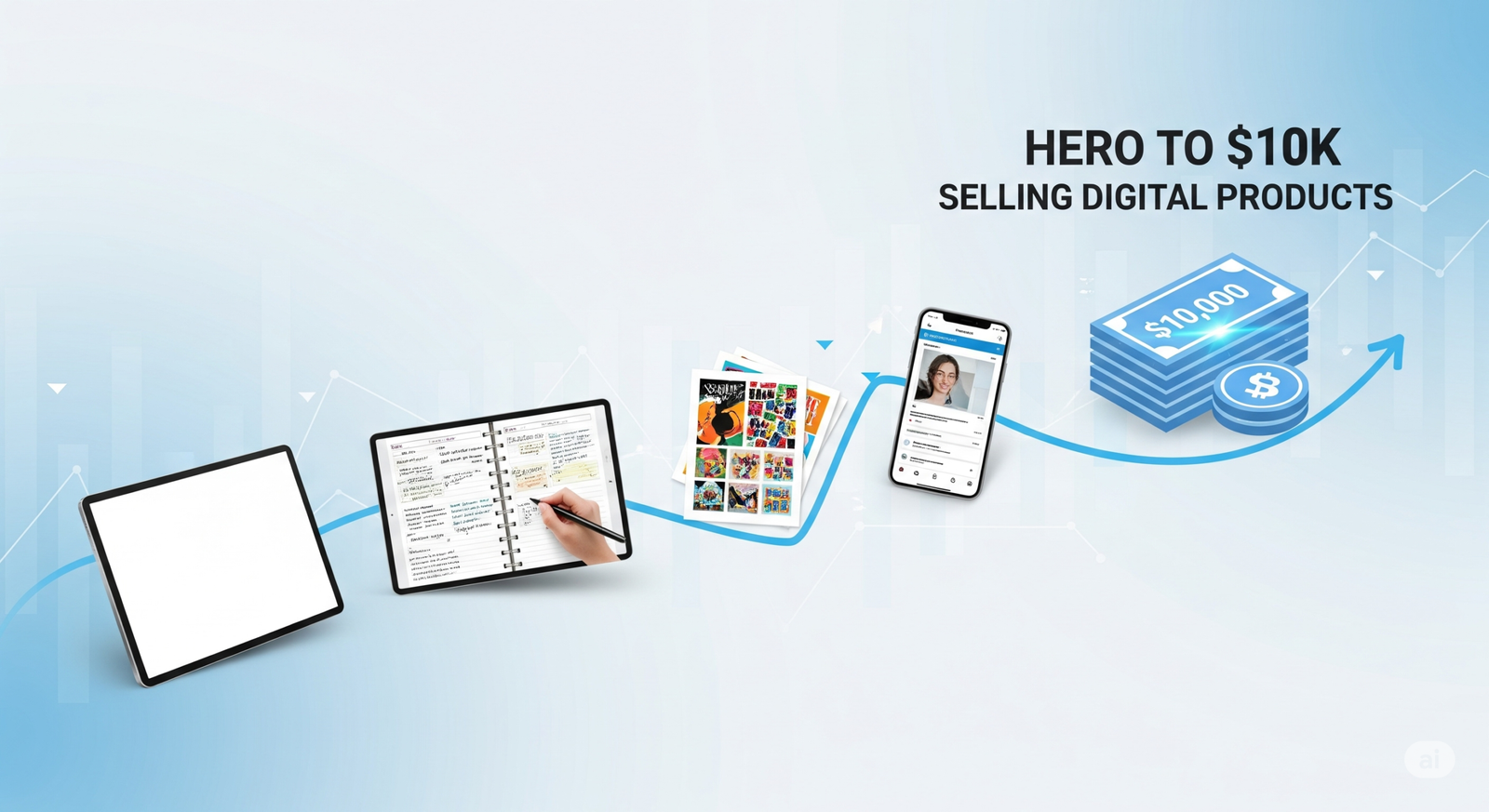
From Zero to $10k: My Journey Selling Digital Templates and Printables

From Zero to $10k

From Zero to $10k: My Journey Selling Digital Templates and Printables

Introduction: The Spark That Ignites the Journey

You’re at a crossroads, envisioning a life where your creativity is a source of consistent income. I remember that feeling vividly. The allure of passive income, the idea of creating something once and having it generate revenue while you sleep, is powerful. But with that vision comes a flood of questions: Where do I start? What should I sell? Is this even possible for someone like me? I stood in your shoes, brimming with ideas but paralyzed by doubt.

My journey began with a simple idea: to turn my love for organization into digital planners and trackers. I was working a full-time job and felt a growing need for a creative outlet that could also provide a safety net. The thought of making my first sale felt like a monumental achievement, a validation that my idea had merit. But the path from that first sale to reaching a significant milestone like From Zero to $10k was a marathon, not a sprint. This article is your roadmap, a guide through the blueprint I created, the tools I used, and the lessons I learned. It’s a personal journey, but the principles are universal. My goal is to empower you with the knowledge and confidence to start your own expedition, turning your creative passions into a thriving, profitable business.

The Blueprint: Laying the Foundation for a Profitable Business

Every successful venture starts with a solid plan. Before you even open your design software, you need to establish a blueprint for success. This isn’t just about creating pretty things; it’s about building a business.

Finding Your Niche: What to Create and Who to Serve

The digital product market is vast, and trying to cater to everyone is a sure-fire way to cater to no one. Your first and most crucial step is to find your niche.

Brainstorming Digital Product Ideas

  • Planners and Organizers: Daily planners, weekly meal planners, budget trackers, habit trackers.
  • Creative Templates: Social media templates, business card designs, invitations, thank you cards.
  • Educational Resources: Worksheets, cheat sheets, ebooks, tutorials.
  • Printables: Wall art, calendars, greeting cards, coloring pages.

The key is to find the intersection between your skills, passions, and what the market actually wants. What are you genuinely excited to create? What problems are you uniquely positioned to solve? This passion will be your fuel during the long hours of creation and promotion.

Validating Your Idea: Is There a Market for Your Products?

Before you pour hours into creating a product, you need to know there’s a demand for it.

  • Research Trends: Use tools like Pinterest Trends and Google Trends to see what people are searching for. Are “undated planners” or “wedding invitations” trending? This data will help you create products that are already in demand.
  • Analyze Competitors: Head to marketplaces like Etsy and Creative Market. Search for your potential product ideas and study the top-selling items. What are their price points? What do their photos look like? Read the customer reviews to see what people love and what they wish was different. This isn’t about copying; it’s about understanding the market and finding an opportunity to stand out.

The Workshop: Crafting High-Quality Digital Products

Once you have your blueprint, it’s time to get to work. The quality of your products will be a major factor in your success.

Essential Tools for Creation

You don’t need expensive software to get started. Many successful creators began their journey with free or low-cost tools.

Design Software:

  • For Beginners: Canva is an absolute game-changer. Its drag-and-drop interface and vast library of free elements make it incredibly easy to create professional-looking designs, even if you have no prior experience.
  • For Professionals: The Adobe Creative Suite, including Photoshop and Illustrator, offers unparalleled power and flexibility. While there’s a steeper learning curve, these tools allow for a level of customization that’s hard to beat.

Efficiency and Workflow:

  • Batch Creation: To get to From Zero to $10k, you need to have a variety of products available. Instead of creating one product at a time, try batching. Set aside a few hours to design 10 social media templates in one sitting. This focused work helps you maintain a consistent style and saves you time in the long run.
  • Mockups: How you present your products is just as important as the product itself. Invest time in creating high-quality product mockups. These are professional-looking photos that showcase your digital product in a real-world setting. You can find mockup templates on sites like Creative Market or even use Canva’s built-in mockup feature.

The Marketplace: Strategies for Selling and Scaling

You’ve created amazing products; now it’s time to get them in front of the right people. This is where your journey from From Zero to $10k really takes off.

Choosing Your Sales Platform

Your choice of platform can significantly impact your initial success.

Marketplaces:

  • Etsy: The biggest advantage of Etsy is its built-in audience of millions of shoppers actively looking for unique products. This is where I started, and it’s where I made my first $1k. The downside is the competition, but with a solid niche and great photos, you can stand out.
  • Creative Market: This platform is geared towards designers and creatives. The audience here is often looking for more professional-grade assets. The competition is still there, but the buyers are often willing to pay more for high-quality items.

Building Your Own Store:

  • Shopify and Gumroad: Having your own store gives you full control over your brand, pricing, and customer data. It’s a powerful long-term strategy. The challenge is that you have to drive all the traffic yourself.
  • Build Your Email List: This is the most valuable asset you’ll ever build. Offer a free printable or digital guide in exchange for an email address. This allows you to communicate directly with your audience, launch new products, and build a loyal community.

Marketing Your Products for Growth

You can’t just list your products and hope for the best. You need to actively promote them.

  • Social Media: Pinterest is a powerhouse for driving traffic to digital products. Create visually appealing pins that link directly to your product listings. Instagram is great for building a community and showcasing your products in action.
  • Content Marketing: Start a blog or a YouTube channel related to your niche. If you sell meal planners, write articles about meal prepping tips. If you sell social media templates, create a tutorial on how to use them. This establishes you as an expert and drives organic traffic to your store.

Reaching the Goal: The Journey to Your First $10k

This is the part you’ve been waiting for—how I actually got to From Zero to $10k.

The Numbers Game: From Zero to $10k in Action

It wasn’t a straight line. There were slow months and months where sales skyrocketed. Here’s a breakdown of my journey:

MonthPlatformBest-Selling Product(s)Key Takeaway
1-3EtsyWedding Invitation SuiteConsistent product uploads and SEO are crucial.
4-6Etsy & BlogSocial Media Templates, Blog PlannerStarted a blog and saw a significant traffic boost.
7-9Etsy, Blog & GumroadHabit Trackers, EbookLaunched on Gumroad and sold through my email list.
10-12All PlatformsAll ProductsReached the $10k milestone through a combination of traffic sources and consistent effort.

Export to Sheets

Lessons Learned and Key Takeaways

  • Consistency is King: The most important thing I did was show up every day. I consistently created new products, optimized my listings, and engaged with my audience.
  • Price for Value: Don’t be afraid to charge what your work is worth. It’s easy to undervalue your products when you’re starting out, but remember the time and effort you’ve put in.
  • Listen to Your Customers: Pay attention to the feedback you receive. Are people asking for a different color or a new feature? Use this feedback to improve your existing products and create new ones that you know your audience will love.

Conclusion: Beyond the $10k Milestone

The journey From Zero to $10k is more than just a financial goal; it’s a testament to your hard work, creativity, and resilience. It proves that with a solid plan and consistent effort, you can build a business that provides you with both financial freedom and a creative outlet.

This milestone isn’t the end; it’s a launchpad. Once you’ve reached it, you’ll have the confidence and the foundation to scale your business even further. Whether that means expanding your product line, exploring new platforms, or hiring a team, the possibilities are endless.

Now it’s your turn. Take that first step. Brainstorm your first product, create a simple design, and list it for sale. The world is waiting to see what you create.

Frequently Asked Questions about the Journey From Zero to $10k

  • Q: How long did it take you to get From Zero to $10k?
    • A: It took me about one year of consistent effort. However, it’s important to remember that everyone’s journey is different. Focus on building a sustainable business, and the results will follow.
  • Q: Is it too late to start selling digital templates and printables?
    • A: Not at all! The market is still thriving. The key is to find a unique niche and offer products that solve a specific problem for a specific audience.
  • Q: What is the biggest challenge in the journey From Zero to $10k?
    • A: The biggest challenge for me was overcoming self-doubt. It’s easy to feel like an imposter when you’re starting out, but the more you create and the more feedback you get, the more confident you’ll become.
  • Q: What’s the most important tip you have for someone starting their journey From Zero to $10k?
    • A: Just start. Don’t wait until everything is perfect. Create a few products, get them listed, and then learn as you go. Action is the best antidote to fear.