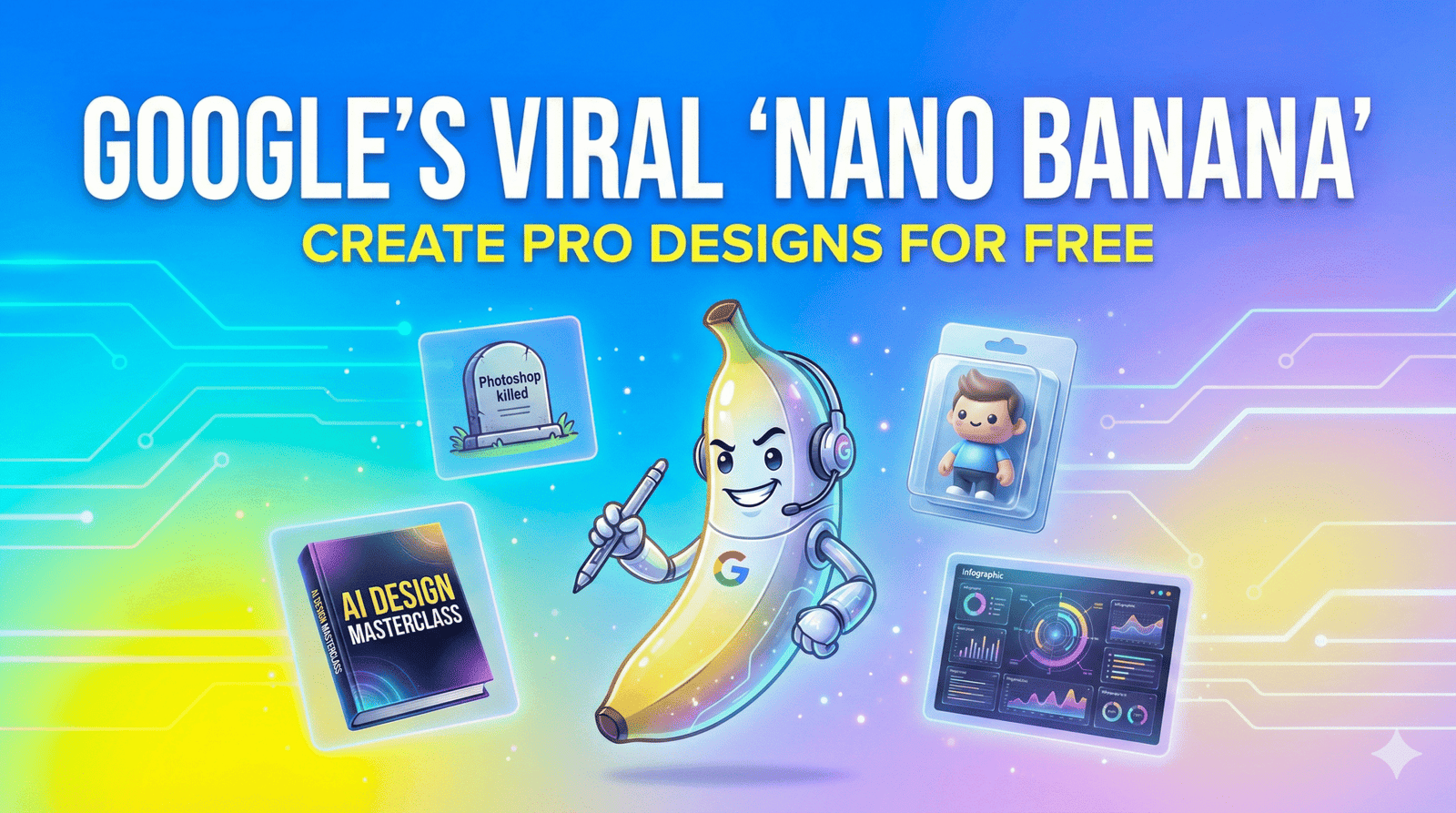
How to Use Google’s Viral “Nano Banana” Tool to Create Professional Designs (for Free) 2025
Table of Contents
Introduction: The Day Photoshop Became “Optional”
You know that feeling. You’re staring at a blank screen, the cursor blinking mockingly at you. You have a brilliant concept for a digital product—maybe a viral ebook cover, a set of stickers, or a high-converting YouTube thumbnail—but the barrier between your brain and the screen feels insurmountable. You either have to pay a designer $500 on Upwork and wait three days, or wrestle with complex software that feels like it requires a pilot’s license to operate.
For years, we’ve been told that “AI will help,” but mostly, it just gave us six-fingered hands and text that looked like alien hieroglyphics.
Then, last week happened. A little yellow fruit emoji took over your X (formerly Twitter) feed.
It’s called Nano Banana Pro, and despite the absolutely ridiculous name, it has completely shattered the ceiling for what free tools can do. Google’s accidental viral sensation—officially powered by the terrifyingly smart Gemini 3 architecture—isn’t just another image generator. It’s a design engine that understands physics, lighting, and most importantly, human language.
If you are tired of monthly subscriptions and steep learning curves, you are in the right place. I’m going to walk you through exactly how you can use this tool to build professional-grade digital products today, for free.
What is “Nano Banana” (and Why is Everyone Posting It?)
First, let’s address the elephant—or rather, the fruit—in the room. Why is a trillion-dollar company like Google releasing a tool called “Nano Banana”?
It started as a leak. In early November 2025, an anonymous model appeared on the AI benchmark site “LMArena” under the codename nano-banana-v1. It absolutely crushed the competition, beating Midjourney v6 and Flux in blind tests. The community fell in love with the quirky name, and by the time Google officially revealed it as Gemini 3 Pro Image, the internet had already decided: it’s Nano Banana. Google, smart enough to read the room, kept the branding.
Why It’s Viral Right Now
There are two massive trends driving the obsession:
- The “Figurine” Mode: You’ve likely seen your friends posting 3D, vinyl-toy versions of themselves. That’s Nano Banana’s signature style, which captures likeness without hitting the “uncanny valley.”
- The “Thinking” Editor: Unlike older models that just slapped pixels together, this new model “thinks” before it draws. If you ask for a “reflection in a puddle,” it calculates the angle of the light.
This isn’t just a toy; it’s a paradigm shift. It connects directly to Google Search, meaning it knows what a “iPhone 17 Pro Max” looks like the day it launches, without waiting for a model update.
Step-by-Step: How to Access Nano Banana Pro for Free
You don’t need a waitlist, and currently, you don’t even need a credit card for the base tier. Here is how you get in.
The Setup Process
- Open the App: Navigate to the Gemini App on your phone or desktop browser.
- Switch Modes: By default, Gemini might use the faster, lower-quality “Flash” model. You need to look for the model toggle at the top of the chat window.
- Select “Thinking”: Click on the dropdown and select “Gemini Thinking (Nano Banana)”. You’ll know it’s active when you see the small yellow icon next to the prompt bar.
- Activate Creative Mode: Type the command
/activate creativeor simply start your prompt with “Generate an image of…”
Note: The free tier gives you about 50 “Pro” generations a day before throttling you back to the standard model. Use them wisely.
The “Ingredients” Recipe: Writing the Perfect Nano Banana Prompt
Most people fail at AI art because they talk to it like a robot (“Dog, sitting, 4k”). Nano Banana Pro is built on a Large Language Model (LLM), so you need to talk to it like a human art director.
To get results that look like you hired a pro agency, use this “Ingredients” framework. Think of it like cooking; you can’t just throw everything in the pot and hope for the best.
| Ingredient Category | What to Add | Example Prompt Fragment |
| The Base (Subject) | The main focus. Be specific about materials. | “A futuristic sneaker made of translucent frosted glass and matte rubber…” |
| The Seasoning (Lighting) | This defines the mood. Use photography terms. | “…lit by softbox studio lighting with a warm rim light on the edges…” |
| The Garnish (Camera) | Tells the AI how to “shoot” the photo. | “…shot on a 35mm lens, f/1.8 aperture for a blurry background, low angle view…” |
| The Secret Sauce (Action) | What is happening? Give it energy. | “…suspended in mid-air, creating a dynamic splash of neon water droplets.” |
Pro Tip: The “Secret Sauce” is where Nano Banana shines. You can add abstract concepts like “Make it look like it smells like vanilla” and the model will actually adjust the color palette to creamy whites and soft yellows to match that “vibe.”
3 Ways to Create Sellable Digital Products with Nano Banana
You aren’t here just to make pretty pictures; you want to build assets. Here are three high-value use cases you can start monetizing immediately.
1. The “Text-Perfect” Ebook Cover
For years, the biggest giveaway of AI art was the text. It would spell “Mystery” as “Mysterye.” Nano Banana Pro has solved this with OCR-level text rendering.
- The Problem: Authors need covers that look professional but can’t afford $300 custom designs.
- The Workflow:
- Prompt: “A minimal thriller book cover titled ‘THE SILENT WATCHER’ in bold, distressed sans-serif font. The text should be white and centered at the top. The background is a foggy forest with a single red balloon. High contrast, professional typography.”
- Result: You get a cover where the text is perfectly spelled and integrated into the fog—not just floating on top.
- Monetization: Offer “Instant Kindle Covers” on Fiverr or Etsy.
2. Viral “Figurine” Avatars (The Current Trend)
This is the hottest trend on social media right now. People love seeing themselves as collectible toys.
- How to do it: Upload a clear selfie of yourself (or your client) into the chat.
- The Prompt: “Turn this person into a collectible 3D vinyl toy figure. Glossy plastic finish, big eyes, cute proportions. They are wearing a cyberpunk jacket. Displayed inside a plastic blister pack with a label that says ‘VIBE CODER’.”
- Monetization: Sell “Custom Avatar” packages to streamers and influencers who want branded profile pics.
3. Infographics that Actually Make Sense
This is the killer feature for business clients. Because Nano Banana connects to Google Search, it doesn’t hallucinate facts as often.
- The Workflow: Ask Nano Banana to “Create a vertical infographic about the ‘Benefits of Green Tea’ using real data from health websites. Use a pastel color palette and clean vector icons.”
- Why it’s huge: It will pull real health benefits (antioxidants, brain function) and layout the text in a readable, designer-friendly format. You can sell these as “Social Media Content Packs” to health coaches.
Editing Like a Pro: The “Thinking” Edit Mode
Here is where you save money on Photoshop. Usually, if an AI image is 90% perfect but has one flaw (like a weird eye or a coffee cup floating in mid-air), you have to trash it.
With Nano Banana, you use Conversational In-Painting.
Once you generate an image, simply reply to it:
- “Remove the sunglasses, but keep the reflection in the eyes.”
- “Change the coffee cup to a matcha latte, and make the steam shape like a heart.”
- “The lighting is too harsh. Change it to ‘Golden Hour’ sunset lighting.”
The model understands the 3D geometry of the scene. It won’t just paste a flat sticker of a latte on top; it will relight the latte to match the sunset you asked for. This “Physics-Aware Editing” is what sets it apart from Midjourney.
Frequently Asked Questions (FAQ)
Q: Is Nano Banana Pro actually free?
A: Yes and no. The base model is free within the Gemini app for a set number of generations per day. If you are a heavy user (generating hundreds of images), you will need the Gemini Advanced subscription. However, the free tier is generous enough for most casual creators.
Q: Can I use these images for commercial use?
A: Generally, yes. Google’s terms allow for commercial use of images generated by Gemini, but you do not own the copyright (since AI cannot hold copyright). This means you can sell the assets, but you can’t sue someone else for using them. Always check the latest Terms of Service as they update frequently.
Q: How does it compare to Midjourney v6?
A: Midjourney is still slightly more “artistic” and painterly for fantasy and abstract art. However, Nano Banana destroys Midjourney when it comes to instruction following, text rendering, and editing. If you need a specific product shot with specific text, choose Banana. If you want a dreamy oil painting, Midjourney might still have the edge.
Q: Why is it called “Nano Banana”?
A: As mentioned, it was an internal code name that leaked. The developers used fruit names for different model sizes (Nano, Micro, Macro). “Banana” was the code for the image model, and the “Nano” prefix implied it was efficient. The internet loved it, so it stayed.
Conclusion: Don’t Let the Funny Name Fool You
It might sound like a meme, but Nano Banana Pro is the most capable design tool on the market right now. It bridges the gap between “prompting” and “designing.”
For the first time, you don’t need to know how to manipulate layers, masks, or vectors. You just need to know how to describe what you want. The barrier to entry for creating professional digital products has just dropped to zero.
The only question left is: What will you create today?