How to Use AI to Narrate Your Audiobook: A Guide to ElevenLabs (2025)
Table of Contents
You have done a difficult job. You’ve spent months – maybe even years – struggling with plot holes, perfecting character arcs, and staring at a blinking cursor until your eyes water. Your manuscript is finished.
This has been edited. It has a killer cover. But there’s one nagging question your readers keep asking: “When is the audiobook coming out?” For most indie authors, this question is a sore one. You know the answer involves either spending $5,000 on a professional narrator or spending 60 hours in a closet trying to record it yourself without your dog barking in the background. So you keep quiet. You leave that revenue on the table.
But in 2025, silence is a choice, not a requirement. Enter ElevenLabs. We’re not talking about the robotic “GPS voices” of a few years ago. We’re talking about AI that breathes, pauses, whispers and acts. It may growl like a pirate or tremble like a broken lover. And the best? It costs less to produce a perfect novel than a fancy dinner. By the end of this guide, you’ll know exactly how to turn your manuscript into a broadcast-quality audiobook using ElevenLabs’ latest features.
Step 1: The Boring (But Critical) Legal Stuff
Before you rush to generate your first chapter, we need to talk about the rules. The landscape of AI audio is a minefield of “Yes, but…” policies. Let’s clear them up so you don’t get your account banned.
The “Commercial Rights” Trap
This is the most common mistake authors make. You cannot use the “Free” plan on ElevenLabs to sell an audiobook.
- Free Plan: Strictly for personal use or non-commercial demos.
- Starter Plan ($5/mo) & Up: Includes a Commercial License. You own the rights to the audio files you generate, meaning you can sell them on your website, Google Play, or anywhere else that accepts AI audio.
The Golden Rule: If you plan to sell it, you must be on a paid tier while you are generating the audio. (You don’t need to stay subscribed forever, but you must be subscribed when you click “Generate.”)
Where Can You Actually Sell It?
Not every platform welcomes AI narrators with open arms.
- The No-Go Zone: Amazon ACX / Audible. As of late 2025, they still strictly prohibit AI-narrated audiobooks (unless it is a clone of your own voice authorized through their specific beta program). Do not try to sneak it past them; they have detection tools.
- The Green Light: Google Play Books, Kobo Writing Life, and direct sales platforms like Payhip or LemonSqueezy.
- The “Yes, But” Zone: Voices by INaudio (formerly Findaway Voices) allows AI narration, but you must disclose it during the upload process. They distribute to dozens of retailers, including Spotify, that are AI-friendly.
Step 2: Choosing Your Narrator (Without Auditions)
You don’t need to listen to 50 audition tapes anymore. You just need to know what you are looking for. ElevenLabs gives you three powerful ways to find your voice.
Option A: The Voice Library (Fastest)
The library is massive. To avoid “analysis paralysis,” use the filters intelligently.
- Filter by Use Case: Select “Narrative” or “Storytelling.” These voices are trained on long-form content, meaning they won’t sound bored after 5 minutes.
- Check the Specs: Look for voices with a high “Stability” rating. You want a narrator who sounds consistent from Chapter 1 to Chapter 20.
Option B: Voice Design (Custom)
Can’t find the perfect gritty noir detective? Make him.
The Voice Design tool lets you prompt a new voice into existence.
- The Prompt: “Middle-aged American male, deep gravelly voice, slow pacing, cynical but warm tone.”
- The Result: ElevenLabs will generate a unique voice that nobody else has. This is perfect for giving your audiobook a signature sound that isn’t overused by other authors.
Option C: Voice Cloning (The Personal Touch)
- Instant Cloning: You upload 1 minute of audio, and it mimics the voice. Great for quick character inserts.
- Professional Voice Cloning (PVC): This is the “Gold Standard.” You upload 30+ minutes of clean audio (perhaps of you reading your book), and the AI creates a hyper-realistic replica. This allows you to narrate your book without spending 40 hours in a recording booth.
Step 3: Mastering the “Studio” (The Secret Weapon)
Do not—I repeat, do not—try to generate your audiobook in the standard “Speech Synthesis” box one paragraph at a time. You will lose your mind trying to stitch the files together.
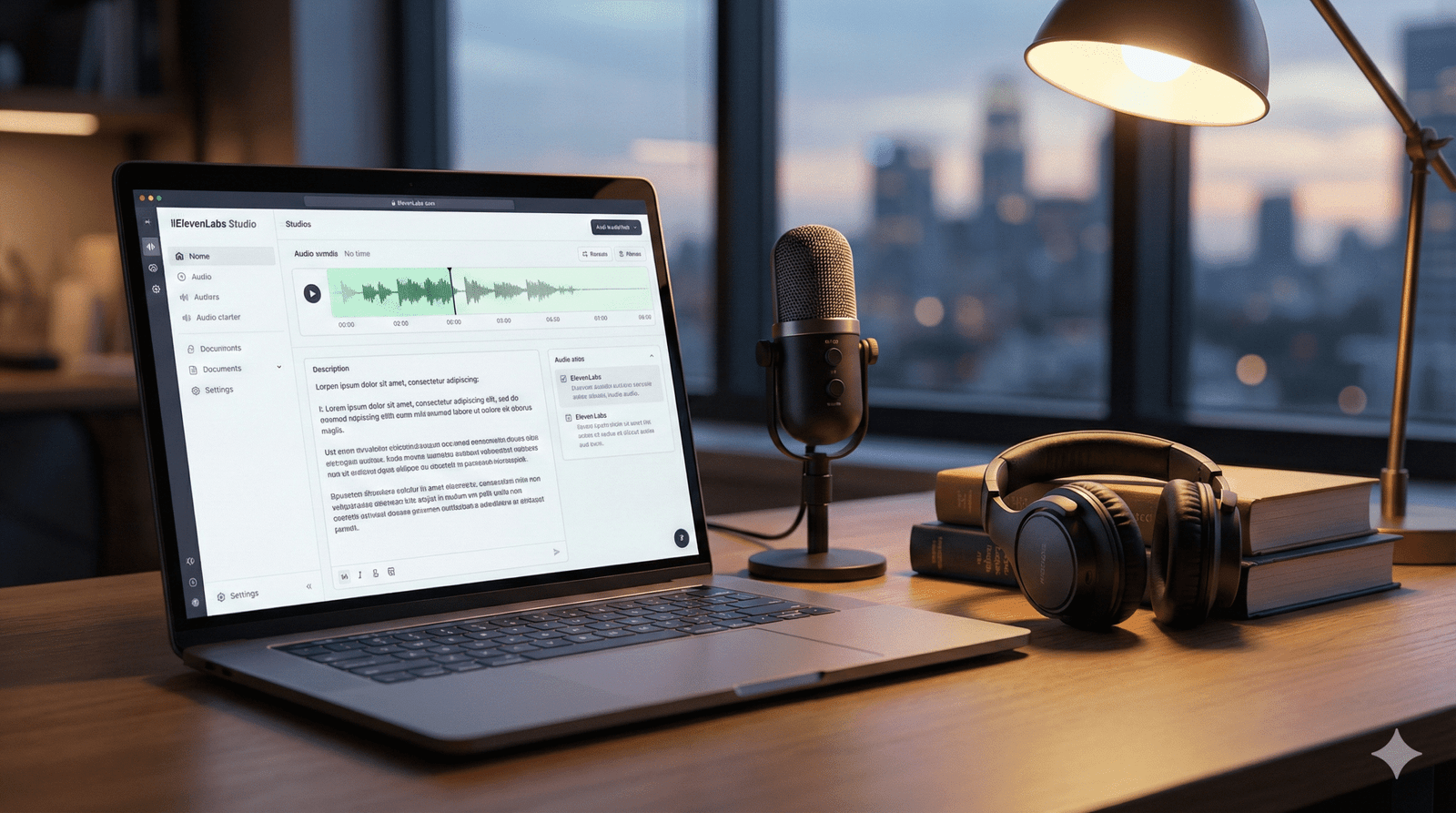
Use the tool specifically designed for this: ElevenLabs Studio (formerly Projects).
Why Use Studio?
Studio acts like a Google Doc that speaks. It understands context. It knows that a sentence at the end of a paragraph should sound different than one in the middle.
The Workflow
- Import: You can upload your EPUB or PDF file directly. Studio will strip out the formatting and leave you with clean text.
- Assign Speakers: This is the killer feature. You can highlight a line of dialogue—say, “Get out of here!”—and assign it to a specific “Character Voice” (e.g., ‘Gruff Thug’). You can assign the rest of the text to your ‘Narrator’ voice. The AI handles the switching seamlessly.
- Pause Control: AI sometimes rushes. In Studio, you can manually insert pause blocks (0.5s, 1.0s) to create dramatic tension or signal a scene break.
Step 4: Breathing Life into AI (Advanced Emotions)
This is where you separate the amateurs from the pros. In 2025, the Eleven Multilingual V3 model introduced “Audio Tags.” These are like stage directions for your AI actor.
Instead of hoping the AI understands a scene is sad, you tell it.
How to Use Audio Tags
You type these commands directly into your text inside Studio. The AI reads the text but acts out the instruction.
Table 1: The “Audio Tag” Recipe Book
| Emotion/Action | The Tag Prompt | Best Used For |
| Secrets | [whisper] "I found the key." [whisper] | Thrillers, Mysteries, Intimate scenes |
| Relief | [sigh] "Finally, it's over." | Chapter endings, emotional climaxes |
| Joy | [laugh] "You have to be kidding me!" | Rom-Com banter, lighthearted moments |
| Anger | [shout] "Get out!" [shout] | Arguments, Action scenes |
| Hesitation | [hesitates] "I... I don't know." | Realistic dialogue, nervousness |
Stability vs. Similarity Settings
If your narrator sounds too robotic, your settings are likely too high.
- Stability: Turn this DOWN to 35-45%. Lower stability allows the AI to have more “inflection” and emotional range.
- Similarity: Keep this HIGH (70-80%). This ensures the voice doesn’t accidentally morph into a different person halfway through a sentence.
Step 5: Post-Production & Exporting
You aren’t done when you click “Download.” To meet industry standards, you need to polish the files.
Export Settings
Always export your audio in MP3 192kbps (or higher). This is the standard quality requirement for almost every retail platform.
The “Human” Polish (Audacity Workflow)
Download the free software Audacity to do the final touches:
- Room Tone: Even though AI has no “background noise,” total digital silence feels unnatural to human ears. It can feel like your headphones died. Add a very faint “room tone” track underneath, or ensure you have 1-3 seconds of silence at the head and tail of every chapter.
- Speed Check: AI often reads about 10-15% faster than a professional human narrator. Select your entire track and use the “Change Tempo” effect to slow it down to 0.90x or 0.95x. This makes the listening experience more comfortable and “thoughtful.”
Frequently Asked Questions (FAQ)
Q: How much does it actually cost to narrate a full book?
A: Let’s do the math. An average novel is 60,000 words (~400,000 characters).
- Creator Plan: You get ~100,000 characters per month for about $22.
- The Strategy: You would need roughly 4 months of credits (or buy extra usage-based credits). Total cost is usually around $80 – $100. Compare that to the $3,000+ for a human narrator.
Q: Can I put my ElevenLabs audiobook on Spotify?
A: Yes! You can distribute to Spotify through Voices by INaudio (formerly Findaway). Just make sure you check the box that asks if the content is “AI Generated.” Honesty is the best policy here.
Q: Will listeners hate it?
A: Honest truth? Some will. There are purists who despise AI. However, for non-fiction, memoirs, and clean-cut genre fiction, the quality of the V3 model is now so high that casual listeners often cannot tell the difference. The key is in Step 4—using those emotional tags to stop it from sounding monotonous.
Conclusion
The gatekeeper left. You no longer need a studio, producers, or a four-figure budget to get your story across to your readers. ElevenLabs has democratized the audiobook industry, but the tool is only as good as the creator using it.
If you copy-paste your entire book and press “go”, you’ll get a mediocre product. But if you use a studio, direct the demo with audio tags, and improve the pace, you’ll create a comprehensive experience that rivals the big publishing houses. Your story is not only worth reading but also worth listening to.
Don’t let “perfect” be the enemy of “published.” Are you ready to hear your characters speak for the first time? Sign up for the ElevenLabs Starter Plan today and create your first chapter for less than the cost of a latte.
ElevenLabs, ElevenLabs, ElevenLabs, ElevenLabs, ElevenLabs, ElevenLabs, ElevenLabs, ElevenLabs, ElevenLabs, ElevenLabs, ElevenLabs, ElevenLabs, ElevenLabs, ElevenLabs, ElevenLabs, ElevenLabs, ElevenLabs,