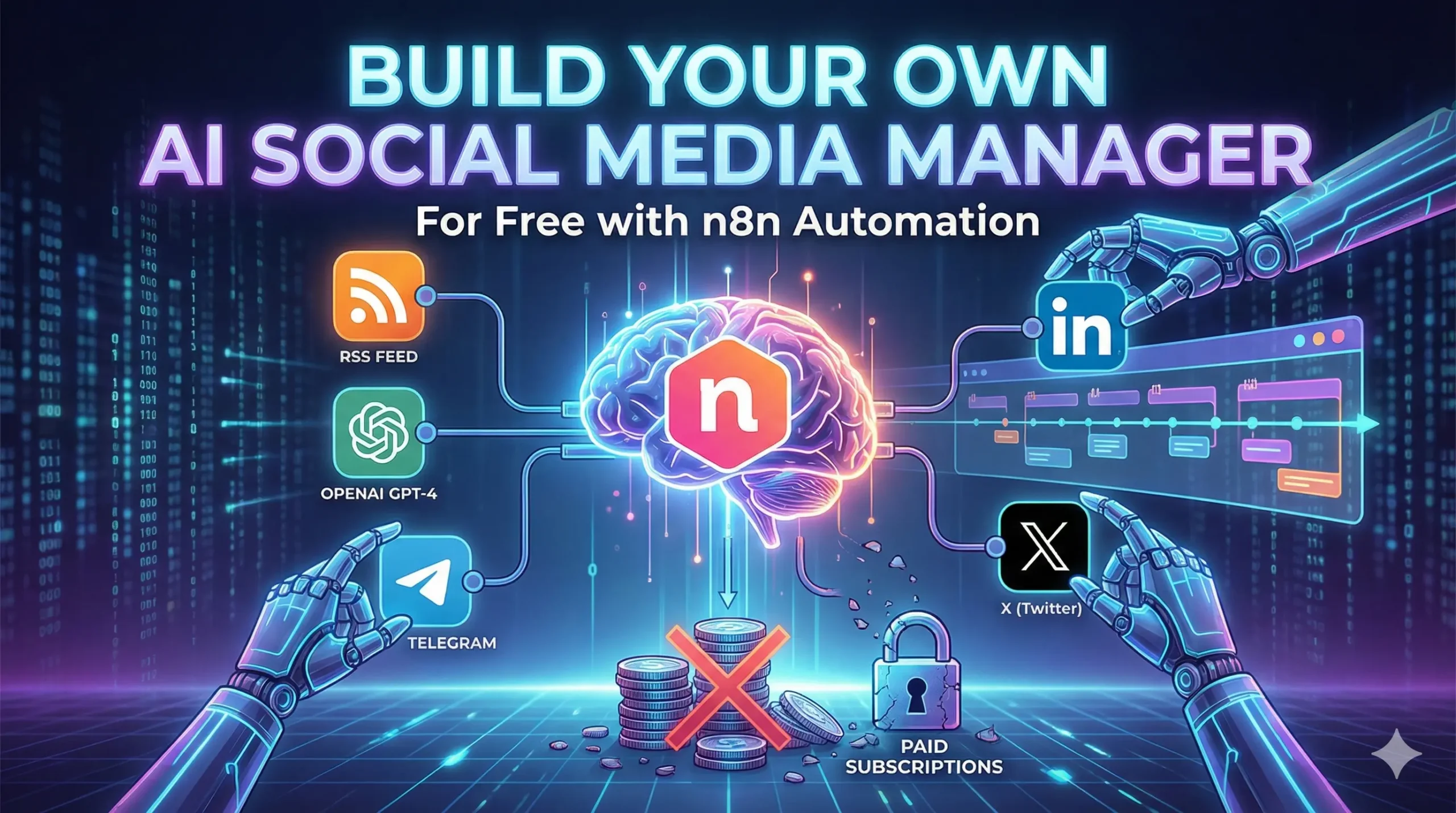
How to Build Your Own AI Social Media Manager for Free (Using n8n Automation)
Table of Contents
You know the drill.
It is 9:00 AM. You have just finished your coffee. You should be writing your next chapter or coding your next feature. But instead, you are logging into Buffer. You are copy-pasting a link. You are trying to shrink a 500-word blog post into a 280-character tweet that sounds clever but not desperate.
Then you do it again for LinkedIn. Then again for Facebook.
By the time you are done, 45 minutes have vanished. You feel drained, not productive.
And the worst part? You are paying for the privilege. Tools like Hootsuite, Buffer, or Sprout Social charge anywhere from $20 to $100 a month just to let you schedule text on the internet. That is $240–$1,200 a year for a digital glorified alarm clock.
Stop paying the “Buffer Tax.”
In 2026, you do not need a subscription. You need a robot.
With the rise of n8n automation (a free, open-source tool), you can build a personal AI agent that is smarter, faster, and cheaper than any SaaS tool on the market.
By the end of this guide, you will have a system that:
- Watches your blog 24/7 for new content.
- Reads your writing and understands your voice.
- Writes viral-ready posts for X (Twitter) and LinkedIn.
- Asks for your permission via Telegram before posting (so it never embarrasses you).
Total setup time? About 20 minutes.
Total cost? The price of the OpenAI tokens (roughly $0.50 a month).
Let’s build your new employee.
Why n8n Automation is the “Secret Weapon” for Creators
If you haven’t heard of n8n yet, think of it as Zapier’s smarter, open-source cousin.
Zapier is great, but it gets expensive fast. Once you start using multi-step workflows (like the one we are building today), they force you onto paid plans. n8n is different. It is “node-based” automation that you can run on your own computer or a cheap server for free.
Here is the math on why this switch is a no-brainer:
| Feature | Buffer/Hootsuite | Zapier | n8n (Self-Hosted) |
| Monthly Cost | $20 – $100+ | $29+ | **$0** |
| AI Capabilities | Basic | Paid Add-on | Unlimited |
| Customizability | Low (Rigid templates) | Medium | Infinite |
| Data Privacy | Their servers | Their servers | Your computer |
But the real power isn’t the money. It’s the flexibility.
If you want your AI agent to sound like a 1920s detective on Tuesdays and a Tech CEO on Fridays, you just change one sentence in the prompt. Try doing that with Hootsuite.
The “Ingredients”: What You Need to Build This Bot
Before we open the hood, let’s gather our tools. You don’t need to be a coder, but you do need these four things ready.
1. n8n (The Body)
You have two options:
- Desktop App (Easiest): Download the free n8n desktop app for Windows or Mac. It runs locally on your machine.
- Cloud (Best for 24/7): Sign up for n8n Cloud (paid) or host it yourself on a cheap DigitalOcean droplet ($5/mo). For this tutorial, the free Desktop app works fine as long as your computer is on.
2. OpenAI API Key (The Brain)
This is what generates the tweets.
- Go to
platform.openai.com. - Sign up and add $5 credit (this will last you months).
- Create a new API Key and save it.
3. Your RSS Feed (The Pulse)
This is how the bot knows you published something.
- If you use WordPress, your feed is
yourdomain.com/feed. - If you use Ghost, Medium, or Substack, just add
/rssto your profile URL.
4. Telegram (The Mouth)
We use Telegram because its API is free and instant. This is how the bot talks to you.
The Recipe Table
| Ingredient | Role | Why You Need It |
| Schedule Node | The Alarm Clock | Triggers the workflow every morning at 9:00 AM. |
| RSS Read Node | The Eyes | Scans your website for new links. |
| Code Node | The Memory | Checks dates so it doesn’t repost old articles. |
| AI Agent Node | The Brain | Transforms long blogs into snappy social copy. |
| Telegram Node | The Boss | Sends you a “Approve/Reject” button. |
| HTTP Request | The Hands | Publishes the final post to X or LinkedIn. |
Step 1: The Trigger (Teaching the Bot to Watch)
Open your n8n canvas. It looks like a blank grid. This is your workspace.
1. Set the Schedule
Click the (+) button and search for “Schedule Trigger”.
- Interval: Days.
- Time: 9:00 AM (or whenever you want to post).
- Why: You don’t want the bot checking every minute. Once a day is enough for most blogs.
2. Read the RSS Feed
Next to the Schedule node, add an “RSS Read” node.
- URL: Paste your blog’s feed URL.
- Return Value: Keep it as “All items”.
The “Memory” Hack:
By default, the RSS node pulls the last 10 posts. We don’t want to spam your followers with 10 tweets at once. We need a filter.
Add a “If” node (or a specialized “Code” node if you are technical).
- Condition: Check if the
pubDate(Publication Date) is after yesterday. - Logic: “If the post is less than 24 hours old, proceed. If not, stop.”
This ensures the workflow only runs when you have actually published something new.
Step 2: The “Brain” (The AI Agent)
This is where the magic happens. In the old days, we used simple “Completion” nodes. In 2026, we use the dedicated “AI Agent” node.
Search for “AI Agent” and add it to the canvas. Connect it to your RSS node.
Configure the Model
You need to tell the Agent which brain to use.
- Click “Connect Model”.
- Select “OpenAI Chat Model“.
- Choose
gpt-4oorgpt-4-turbo. Do not use GPT-3.5 for this; it is too boring for creative writing.
The System Prompt (Copy This)
This is the most important part of the entire tutorial. If your prompt is boring, your tweets will be boring. Paste this into the System Message box:
“You are an expert social media ghostwriter. I will provide you with the full text of a blog article. Your goal is to write engaging, human-sounding content to promote it.
Task 1: LinkedIn Post
- Tone: Professional but conversational. Use short paragraphs.
- Structure: Hook -> Value -> Bullet points -> Call to Action.
- Max Length: 150 words.
Task 2: X (Twitter) Post
- Tone: Punchy, slightly controversial, or intriguing.
- Constraint: Under 280 characters.
- Do NOT use hashtags like #blog #newpost. They kill reach.
Output Format:
Strictly output a JSON object with two keys: ‘linkedin_text’ and ‘twitter_text’.”
By forcing JSON output, you make it easy for n8n to split the text later.
Step 3: The “Human-in-the-Loop” (The Approval System)
Warning: Never let an AI post automatically without checking it first. AI hallucinates. It might make up facts or sound offensive. You need a “Safety Valve.”
We will use Telegram for this because it supports interactive buttons.
1. Create a Telegram Bot
- Open Telegram and search for @BotFather.
- Type
/newbotand give it a name (e.g., “My Social Manager”). - It will give you a Token. Copy this.
2. Add the Telegram Node
In n8n, add a Telegram node.
- Action: Send Message.
- Text: “New Post Detected! Here is the draft:\n\n” + [Map the AI Output here].
- Reply Markup: “Inline Keyboard”.
- Add Button 1: Text: “✅ Post It”, Callback Data: “approve”.
- Add Button 2: Text: “❌ Discard”, Callback Data: “reject”.
3. The “Wait” Node
Now, add a “Wait” node.
- Resume On: Webhook (or Telegram Trigger).
- Logic: The workflow pauses here. It freezes time until you click a button on your phone.
When you click “Approve,” the workflow wakes up and moves to the final step.
Step 4: The Publishing (Connecting to LinkedIn & X)
Your bot has written the text, and you have approved it. Now it needs to push the “Publish” button.
For LinkedIn
n8n has a native LinkedIn node that works perfectly.
- Credentials: Sign in with your LinkedIn account.
- Resource: “Post”.
- Text: Map the
linkedin_textfrom your AI Agent node. - Link: Map the
linkfrom your original RSS node.
For X (Twitter)
This is trickier because X’s API has changed a lot. However, the Free Tier still allows posting (Write-Only access) up to 1,500 tweets a month.
- Go to https://www.google.com/search?q=developer.twitter.com and apply for a Free account.
- Get your Keys: API Key, Secret, Access Token, and Access Secret.
- In n8n: Use the Twitter node.
- Operation: “Post”.
- Text: Map the
twitter_textfrom the AI Agent.
Note: If you can’t get Twitter API access, use the HTTP Request node to send the text to a webhook in a tool like Make.com or Buffer, which acts as a bridge.
Bonus: Making It “Smart” (Advanced Features)
Once you have the basics running, you can give your agent superpowers.
1. Image Generation (DALL-E 3)
Does your blog post lack a good cover image?
Add an OpenAI node before the publishing step. Set it to “Generate Image” (DALL-E 3).
- Prompt: “Create a minimalist, futuristic cover image for a blog post about [Title].”
- Pass the resulting image URL to the LinkedIn node. Now your posts have custom art.
2. The “Thread” Creator
Twitter hates links. Single tweets with links get buried.
Modify your prompt to write a Thread (3-5 tweets).
In n8n, use a “Split In Batches” node to post Tweet 1, wait 2 seconds, post Tweet 2 as a reply, etc. This skyrockets engagement.
FAQ: Common Issues with n8n Social Automation
Do I need to know how to code to use n8n?
No. n8n is a Low-Code tool. It uses a visual interface where you connect dots with lines. However, understanding the concept of JSON (which looks like key: value pairs) helps when formatting the AI output.
Can this get my social account banned?
Only if you spam. Since you are using a “Human-in-the-Loop” (Approval) step, you are safe. You are manually verifying every post. The platforms see this as organic behavior because the content is high-quality and posted at reasonable intervals.
Is n8n actually free?
Yes. The source code is available to run on your own hardware for free. They make money by charging for the “Cloud” hosting version (which is convenient if you don’t want to leave your laptop on).
Why use RSS instead of scraping the page?
Scraping is fragile. If you change your website’s theme, a scraper might break. RSS is a standardized format that never changes. It is the most reliable way to feed data to a robot.
Conclusion: Build Once, Run Forever
You have just built a system that agencies charge $1,000/month to manage.
This isn’t just about saving money on a Buffer subscription. It is about removing the friction between “Creating” and “Sharing.”
As writers, we often finish a blog post and feel exhausted. The marketing feels like a chore, so we skip it. We let our best work die in silence.
Your new n8n AI Agent solves that. It never gets tired. It never forgets to post. It never gets writer’s block. It just works, quietly in the background, ensuring your voice is heard while you focus on the only thing that matters: Writing the next story.
Ready to start?
You don’t have to build this from scratch if you don’t want to. I have exported my personal workflow into a JSON file.
[Click here to download the n8n Workflow Template], import it into your app, add your API keys, and watch your new Social Media Manager come to life.