7 Best AI Book Cover Generators for Self-Publishers (Free & Paid)
Table of Contents
AI book cover generator… You know the feeling. You’ve spent months—maybe even years—pouring your soul into a Google Doc. You’ve survived plot holes, wrestled with character arcs, and finally typed out “The End.” Your manuscript is ready to be presented to the world. But then, you hit the wall that stops most indie authors dead in their tracks: the cover.
They say, “Don’t judge a book by its cover,” but believe the truth—on Amazon, the cover is the only thing people judge. It’s the difference between a reader clicking “Buy Now” or scrolling past your masterpiece without a second glance.
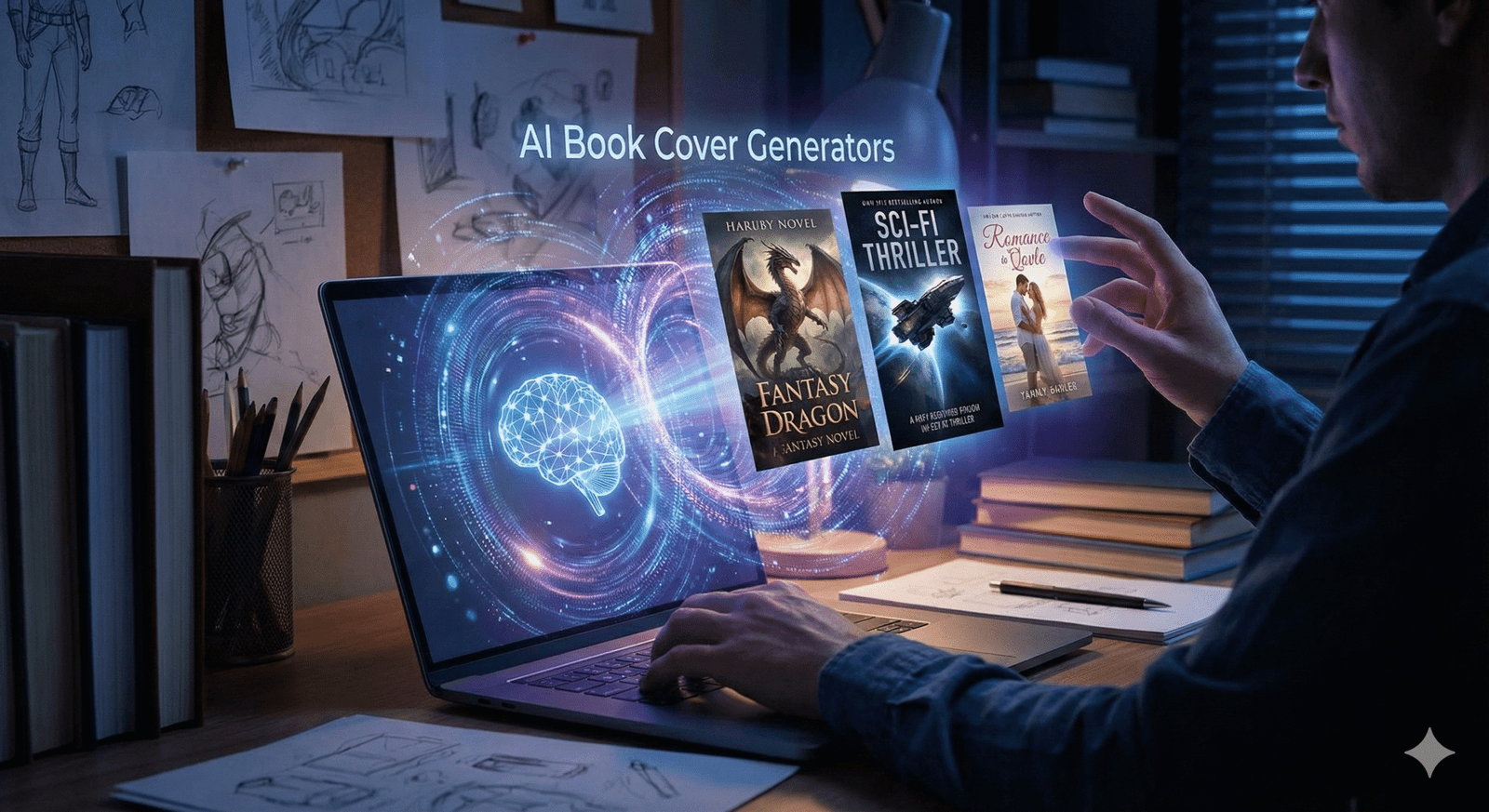
In the past, you had two painful choices: spend over $500 for a professional designer, or struggle with a DIY cover that looks like a DIY cover. But 2025 has changed the game. With the best AI book cover generator tools available today, you can create industry-standard, stunning art for a fraction of the cost. Whether you’re writing a sweeping epic fantasy or a cozy mystery, AI is the equalizer that puts the power of a design studio in your pocket. Let’s take a look at the tools that will turn your manuscript into a bestseller.
Important! The Rules of Using AI for Book Covers (KDP & Copyright)
Before we dive into the fun tools, we need to have a serious talk about the rules. If you are publishing on Amazon Kindle Direct Publishing (KDP), you cannot just upload and pray. The landscape has shifted, and ignorance of these rules can get your account flagged.
- You Must Disclose: Amazon KDP now requires you to check a specific box during the upload process stating if you used AI to create your content or cover. Always check “Yes.” It won’t hurt your ranking—readers generally care about the aesthetic, not the origin—but lying about it violates the Terms of Service and puts your entire author career at risk.
- Copyright is Tricky: Here is the legal nuance you need to know. generally, you cannot copyright the raw image generated by AI because it lacks “human authorship.” However, you can claim copyright on the final composition. This means the specific arrangement of that image combined with your unique typography, title placement, and author name is protectable.
- The “Uncanny Valley” Risk: Amazon is cracking down on low-effort content. If your cover has a character with seven fingers or text that looks like alien hieroglyphics, it signals “low quality” to Amazon’s algorithms. Quality control is your safety net.
Now that we are legal, let’s get creative.
The “Big Guns”: Top Paid AI Generators
If you want your book to look like it was published by a major house like Penguin Random House or Tor, you need the heavy hitters. These tools require a subscription, but they often pay for themselves from a single book sale.
1. MidJourney v6 (The Gold Standard) If you ask any professional AI artist what they use, the answer is almost always MidJourney. Currently in version 6 (v6), this tool understands textures, lighting and style better than anything else on the market. Vibe: It excels in high-concept genres like fantasy, science-fiction, and horror. It can create oil paintings that look as if they belong in a museum, watercolors that flow realistically, or hyper-realistic cinematic shots. The catch: It runs entirely inside Discord. Typing commands in a chat room full of other people feels clunky at first, but the results are unmatched in terms of artistic coherence. Why use it? If you need a specific aesthetic – like “cyberpunk noir” or “Victorian Gothic” – Midjourney nails the atmosphere every time.
2. DALL-E 3 (via ChatGPT Plus) If the Midjourney is the singular performer, the DALL-E 3 is the supporting assistant. Available directly inside ChatGPT Plus, you can talk to it in plain English, making it the most user-friendly option for beginners. Superpower: It listens. If you tell DALL-E, “Make the dragon red, not blue,” or “Put a lighthouse in the background,” it does exactly that. Midjourney often struggles with such specific spatial instructions. The downside: It has a distinct “shiny” look. You often need to be told “avoid shiny AI 3D rendered look” to get something that looks organic and gritty enough for a thriller or mystery.
Best Free (and Freemium) Alternatives
Best Free (and Freemium) Alternatives Budget tight? I understood. From editing to marketing, self-publishing is expensive. Here are the best AI book cover generator options that won’t break the bank.
3. Leonardo.AI (Best Free Alternative) This is arguably the best free alternative to MidJourney. Leonardo offers a generous amount of free credits daily, meaning you can generate dozens of ideas every day without spending a dime. Why authors like it: It has “sophisticated models.” You can select models specifically trained on “RPG Characters” or “ Vintage Photography ” to get the exact look without being an instant engineer. Feature: It creates incredible character portraits. If your romance novel hinges on the hero’s smoldering gaze, start here. This allows you to generate a consistent character format, which is extremely difficult with other tools.
4. Microsoft Designer (Bing Image Creator) Believe it or not, Microsoft offers one of the most powerful tools for free. It uses the DALL-E 3 engine under the hood. Although it has fewer controls than ChatGPT, it is completely free to use with a Microsoft account. It’s perfect for quick brainstorming or testing concepts before committing to a paid tool.
The “All-in-One” Design Suite
Here is a secret: AI is terrible at text.
If you ask an image generator to write your title, it will likely spit out garbled, alien-looking letters. That is why you need a hybrid approach.
5. Canva (Magic Media)
You probably know Canva, but have you used their “Magic Media” tool? This is where your cover actually comes together.
- The Workflow: You use Canva’s AI (or upload an image from Midjourney) to serve as the background. Then, you use Canva’s human tools to overlay your title and author name.
- Why it ranks: It solves the typography problem. A great image with a bad font choice looks amateur. Canva creates the bridge between the two, offering templates that ensure your text is centered, legible, and genre-appropriate.
The Secret Sauce: Prompt Recipes for Authors
Using an AI generator is like cooking. If you just throw random ingredients in a pot, you get a mess. You need a recipe.
When crafting your prompt, don’t just say “a scary house.” Be specific. Use this “Prompt Recipe” table to build your perfect description.
Table 1: The Book Cover “Prompt Recipe”
| Ingredient (Variable) | Fantasy Example | Romance Example | Thriller Example |
| Subject | A hooded assassin standing on a cliff edge | A couple laughing in a rainy cafe, forehead to forehead | A lone silhouette at the end of a dark hallway |
| Art Style | Oil painting, Frank Frazetta style | Soft watercolor, dreamy, pastel tones | High contrast photography, cinematic, 35mm lens |
| Lighting | Golden hour, magical glow, bioluminescent | Soft diffused light, warm candle light | Harsh shadows, noir lighting, blue moonlight |
| Mood | Epic, dangerous, mysterious | Whimsical, cozy, intimate | Tense, suspenseful, gritty |
| Aspect Ratio | --ar 2:3 (Standard eBook size) | --ar 2:3 | --ar 2:3 |
Pro Tip: Always add “negative space at the top” or “minimalist sky” to your prompt. This tells the AI to leave an empty area in the composition where you can easily place your book title later without covering up the main character’s face.
Step-by-Step Guide: From Prompt to Published Cover
Having a cool image isn’t enough. If you upload a raw AI image to Amazon, it might look blurry or “off.” Here is the professional workflow to take that raw generation and turn it into a file ready for Amazon KDP.
Step 1: Generate & Curate
Don’t settle for the first image. Generate at least 20 variations. Look for the one that makes you stop scrolling. Check for common AI errors: counting fingers, checking for “extra limbs,” and ensuring eyes are looking in the right direction.
Step 2: Upscale (Crucial Step!)
AI generators usually create small images (around 1024×1024 pixels). If you print that, it will look blurry and pixelated.
- The Tool: Use a free upscaler like Upscayl (desktop app) or a paid one like Magnific.ai.
- The Goal: Upscale your image 4x. You need your image to be at least 2,560 x 1,600 pixels for a high-quality ebook, and even higher (300 DPI) if you plan to do a paperback print run.
Step 3: Typography is Queen
Take your high-resolution, upscaled image into Canva or Photoshop.
- Genre Match: If you wrote a thriller, use bold, sans-serif fonts (like Bebas Neue or Impact). If it’s fantasy, use serif fonts (like Cinzel or Trajan Pro).
- Contrast: Ensure your title pops against the background. If the background is dark, make the text light (and vice versa). Add a subtle “drop shadow” behind the text to make it readable.
Comparison Table: Price vs. Quality
Still not sure which one to pick? Here is a quick breakdown to help you decide.
| Tool Name | Cost | Learning Curve | Best For | Commercial Rights? |
| Midjourney | $10/mo | High (Discord) | Artistic Quality & Atmosphere | Yes (Paid Plan) |
| DALL-E 3 | $20/mo | Low (Chat) | Specific Instructions & Objects | Yes |
| Leonardo.ai | Freemium | Medium | Characters & Consistency | Yes |
| Canva | Freemium | Low | Typography & Layout | Yes |
Frequently Asked Questions (FAQ)
Can I legally sell a book with an AI cover?
A: Yes, absolutely. Thousands of authors on Amazon KDP use the best AI book cover generator tools. You just need to disclose it during the upload process. The only restriction is that you cannot claim exclusive copyright on the image itself, meaning someone else could theoretically generate a similar image, but your specific cover design (image + text) is yours to sell.
Will readers hate my AI cover?
A: Most readers care about the aesthetic, not the origin. If the cover is beautiful, fits the genre, and looks professional, they will click. The backlash usually comes from covers that look lazy or have obvious errors (like 7 fingers on a hand) or covers that impersonate a specific human artist’s unique style.
How do I fix “AI Hands”?
A: AI struggles with fingers. The best fix is to use “Inpainting” (available in Leonardo or Photoshop Generative Fill). You select the bad hand and ask the AI to “regenerate” just that specific area until it looks right. Alternatively, crop the image so the hands are off-screen—a classic photographer’s trick!
Conclusion
The publishing world is changing. You no longer need a publishing house’s budget to compete with their bestsellers.
Using the best AI book cover generator isn’t about cutting corners; it’s about taking control of your creative vision. It allows you to experiment, iterate, and finally produce a cover that matches the movie playing in your head. The barrier to entry has never been lower, but the standard for quality is high.
So, open up Midjourney or Leonardo. Start prompting using the recipes above. Your story deserves to be seen, and now, you have the tools to make the world look.
Ready to start designing? Don’t let your manuscript sit in the dark any longer. Pick one of these tools today and give your story the face it deserves.
best AI book cover generator best AI book cover generator best AI book cover generator best AI book cover generator best AI book cover generator best AI book cover generator best AI book cover generator