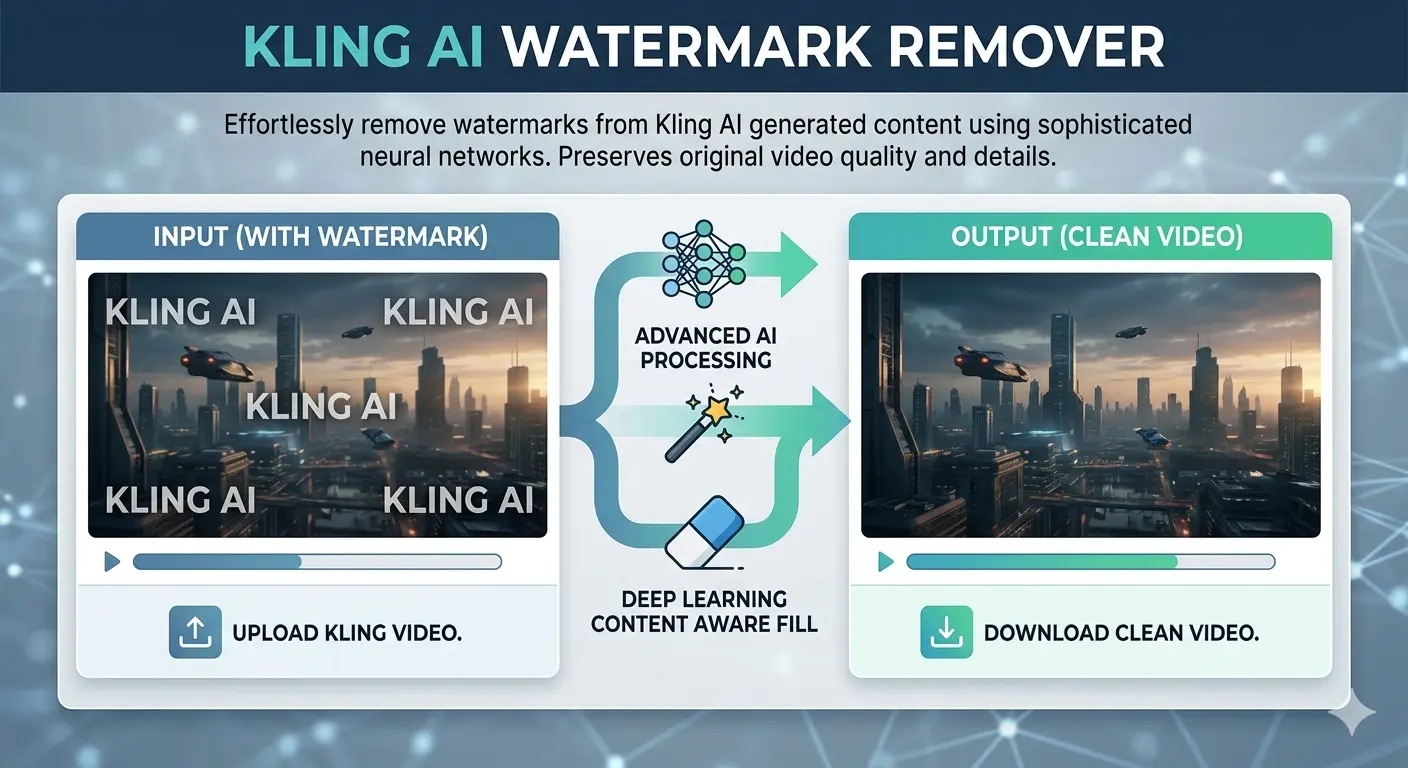
How to Remove the Kling AI Watermark 2026 (The Right Way)
Table of Contents
Stop searching for hacks that don’t work. Here’s the only legitimate, quality-preserving method to get clean, watermark-free video exports from Kling AI — and exactly which plan is worth your money.
⚡ Key Takeaways
- Kling AI‘s watermark cannot be legitimately removed on the free plan — upgrading is the only real solution.
- The Standard plan at ~$10/month is the most affordable way to unlock watermark-free HD exports.
- Paid users often still see watermarks because of a missed download toggle — this guide shows you exactly where it is.
- Invisible SynthID watermarks exist alongside visible ones and cannot be removed by any tool.
- Credits-only top-ups do not unlock watermark removal — you need an active subscription.
The Frustration Is Real — And It’s More Common Than You Think
You’ve spent 20 minutes crafting the perfect prompt. Kling AI generates something genuinely impressive — smooth motion, realistic detail, exactly the kind of AI video content that stops the scroll. Then you go to download it, and there it is: the Kling AI watermark, planted right in the corner of your otherwise pristine clip.
If you’ve been down the rabbit hole of YouTube tutorials promising “unlimited free credits” or browser extension workarounds, here’s the honest truth: those methods no longer work. Kling AI has actively patched every known exploit, and the comment sections on those videos confirm it — “Doesn’t work anymore” is practically the top reply on all of them.
But here’s the good news. There’s a clean, legitimate, and surprisingly affordable way to get watermark-free exports — and once you know how it works, you’ll wonder why you wasted time looking for shortcuts in the first place.

Why Does Kling AI Add a Watermark?
Before jumping into solutions, it helps to understand what you’re actually dealing with — because Kling AI uses two different types of watermarks, and only one of them can be removed.
The Visible Watermark
This is the “Kling AI” logo stamped in the corner of every video generated on the free tier. Its purpose is straightforward: brand identification and a nudge toward paid subscriptions. This watermark is fully removable through an official, legitimate method that we’ll cover in detail below.
The Invisible SynthID Watermark
Kling AI also embeds Google’s SynthID technology — an invisible, pixel-level watermark that identifies content as AI-generated. This one survives screenshots, compression, cropping, and re-encoding. No third-party tool can remove it, and attempting to circumvent it would violate Kling’s terms of service. This guide focuses entirely on the visible watermark, which is the one content creators deal with day-to-day.
The Only Legitimate Method: Upgrade Your Plan
Here’s the thing nobody wants to hear but everyone needs to know: the only reliable, quality-preserving, terms-of-service-compliant way to remove the Kling AI watermark is to subscribe to a paid plan.
There are no workarounds worth your time in 2026. Third-party removal tools either degrade video quality, introduce blurring artifacts around where the watermark used to be, or operate in a legal gray area that could get your content flagged or taken down. If you’re creating content for clients, social media, or any commercial purpose, you need clean source files — not processed copies with AI-inpainting artifacts baked in.
The good news is that the subscription cost is lower than most creators assume. Let’s break it down.
Kling AI Subscription Plans: A Practical Breakdown
Kling AI runs on a credit system called Spirit Units. The critical thing to understand upfront is that watermark removal is tied to your subscription status — not your credit balance. Buying credit top-up packs à la carte does not unlock this feature. You need an active paid plan.
Here’s how the tiers stack up:
Free Plan — $0/month You get 66 daily credits that expire every 24 hours, video resolution capped at 360p–540p, mandatory watermarks on all exports, and a maximum clip length of 5–10 seconds. Great for testing Kling’s interface before you commit. Not suitable for publishing anything.
Standard Plan — ~$10/month This is the entry point for serious creators. You get 660 credits per month, 1080p HD exports, full watermark removal, access to Professional Mode, and unlimited video length. At roughly $79/year on annual billing, it’s one of the most cost-effective upgrades in the AI video tool space right now.
Pro Plan — ~$37/month For more active creators, the Pro plan scales you to 3,000 credits per month with improved processing priority and access to advanced features like extended camera controls and Master Shot. The right choice if you’re producing content regularly for YouTube, TikTok, or client work.
Premier Plan — ~$92/month Designed for high-volume output: 8,000 credits per month, priority queue access, and early access to new Kling features as they roll out. Built for agencies and studio-level production pipelines.
Every paid plan — from Standard upward — removes the visible watermark and unlocks 1080p HD exports. The only difference between tiers is how many videos you can generate each month.

Step-by-Step: How to Download Without a Watermark
Once you’ve subscribed, you’d think getting a clean download would be automatic. Surprisingly, it isn’t — and this is where a huge number of paid users get confused. Here’s exactly what to do:
Step 1 — Log in and go to Pricing/Subscription Sign into your Kling AI account and open the Pricing or Subscription section from your dashboard.
Step 2 — Choose your plan and complete payment Select Standard, Pro, or Premier depending on your output needs. For most solo creators, Standard is the right starting point.
Step 3 — Generate your video as usual Create your video with your preferred prompt. Your paid status is automatically applied — no special settings needed at the generation stage.
Step 4 — Find the watermark toggle before downloading This is the step most people miss. When you go to download, Kling AI defaults to watermarked output even for paid subscribers. Look for the “No Watermark” checkbox or toggle in the download dialog and make sure it’s switched on before exporting.
Step 5 — Download and verify your clean file Your video downloads in full 1080p HD, completely free of visible branding. Ready for publishing, client delivery, or commercial use.
Pro Tip: The single most common complaint from paid Kling AI users is “I subscribed but my videos still have watermarks.” In almost every case, it’s this missed download toggle. Kling defaults to watermarked exports as a system-wide setting — you have to actively opt into clean downloads each time until you change your default export preferences.
Which Plan Is Actually Right for You?
The right plan comes down entirely to how many videos you’re producing per month. Here’s a practical way to think about it:
Casual creators (1–5 videos per week): The Standard plan gives you roughly 18 clean Professional Mode videos per month — more than enough for a consistent presence on one or two social platforms. At ~$10/month, the per-video cost works out to under $2.
Regular creators (5–20 videos per week): The Pro plan at ~$37/month is the sweet spot for active YouTube and TikTok creators, or small teams running content pipelines who need faster queue processing and more volume.
High-volume professionals (20+ videos per week): The Premier plan at ~$92/month with 8,000 credits makes sense for agency-level output or multi-client work. If you’re pushing above 50 videos per month consistently, it’s also worth comparing Kling against Runway’s unlimited plan at $95/month — the math can shift depending on your workflow.
One important note: monthly subscription credits do not roll over. Unused credits at the end of your billing cycle simply expire. If you have a high-output month coming up, separately purchased top-up credit packs are a smarter buy — they stay valid for up to two years.
Frequently Asked Questions
How do I remove the Kling AI watermark for free?
Legitimately? You can’t — not without a paid subscription. Third-party AI watermark removal tools exist, but they compromise video quality and may conflict with Kling’s terms of service, particularly for commercial content. The Standard plan at ~$10/month is the most practical path to clean exports, and the per-video cost is minimal for anyone creating consistently.
Can AI delete or fully remove a watermark?
AI inpainting tools can visually mask visible watermarks by filling in the affected pixels — but this always introduces quality degradation, and the result is a processed copy, not a clean original. For Kling AI’s invisible SynthID watermark, no tool can remove it. It’s embedded at the pixel level and survives all forms of post-processing.
Can you get sued for removing a watermark?
Removing watermarks from content you don’t own — especially for commercial use — can violate copyright law and platform terms of service. In many jurisdictions this falls under the DMCA or equivalent legislation. For your own Kling AI-generated content, subscribing to a paid plan is the only approach that gives you legitimate, license-covered access to watermark-free exports.
Is AI watermark removal legal?
It sits in a legal gray area that’s actively getting murkier as AI content law evolves. For personal, non-commercial use of your own content, removing a visible watermark may be acceptable. For any commercial publishing, client deliverables, or monetized content, always obtain watermark-free exports through Kling’s official paid channel.
Do I need to buy credits or a subscription to remove the watermark?
You need an active subscription — credit top-up packs alone do not unlock watermark removal. This feature is tied to subscription status, not credit balance. It’s a deliberate platform design decision that applies across all paid tiers.
I’m a paid subscriber but my videos still have watermarks. Why?
Almost certainly the download toggle. Kling AI defaults to watermarked downloads even on paid plans. When downloading a video, look for a “No Watermark” toggle or checkbox in the download options — it needs to be manually enabled. Once you switch it on, your exports will be clean.
Can I use watermark-free Kling AI videos commercially?
Yes. All paid plans include commercial use rights for your generated content, meaning you can use clean exports for client projects, monetized channels, brand campaigns, and paid social advertising. Always review Kling AI’s current terms of service for any updated restrictions on specific use cases.
does kling ai allow nsfw
No, Kling AI does not allow NSFW content.
The platform maintains a strict zero-tolerance policy regarding sexually explicit, suggestive, or adult content. Because the model is developed by the Chinese company Kuaishou, it adheres to rigorous content safety regulations (CAC) that are often more restrictive than many Western AI tools.
What’s the cheapest way to get watermark-free Kling AI videos?
The Standard plan at approximately $10/month (or ~$79/year on annual billing) is the entry point. For very occasional use — one or two videos a month — this is already excellent value. If you’re testing whether Kling fits your workflow before committing long-term, start with monthly billing. You can switch to annual later for the 20–34% discount once you’re sure it’s the right tool for you.
Not affiliated with Kling AI. Always verify current pricing directly on the platform before purchasing.