Canvas AI detector 2026 : what can it actually see — and what can’t it?
Table of Contents
- If you’ve ever submitted an assignment on Canvas and wondered whether your professor can tell you used AI — or even whether Canvas itself is silently watching — you’re not alone. It’s one of the most searched questions among students right now, and understandably so. The tools, the policies, and the stakes all feel murky. The answer, as it turns out, is more nuanced than a simple yes or no — and knowing exactly where the line is matters.
Key takeaways
- Canvas has no built-in AI detection of its own
- Detection only happens if your institution has installed a third-party tool like Turnitin
- Canvas does log behavioral data — paste events, tab switches, and submission timing
- AI detection tools carry meaningful false positive rates, especially for ESL students
- A high AI score is a flag for human review, not automatic proof of wrongdoing
Can Canvas see if you use AI?
The short answer: Canvas itself cannot detect AI-generated writing. Canvas is a Learning Management System — a platform for organizing courses, submitting assignments, and communicating with instructors. It is not, at its core, an AI detection engine, and Instructure (the company behind Canvas) has not built any native AI-scanning capability into the platform.
What Canvas does do is log your behavior during submissions and timed quizzes. If you open an assignment and paste 1,500 words in under a minute, that event is recorded. If you switch browser tabs during an exam, Canvas logs exactly when you left and how long you were gone — though it cannot see what you were looking at on the other tab. These behavioral signals are visible to instructors in Canvas’s activity logs, independently of any AI detection tool your school may or may not use.
So to answer some of the most common questions directly: Canvas does not know when you have ChatGPT open in another window. It cannot read your clipboard. It cannot “track” whether an answer came from an AI model. But a submission pasted in seconds, combined with writing that looks nothing like your previous work, can absolutely draw an instructor’s attention — long before any automated tool gets involved.

What AI detector does Canvas use?
Canvas doesn’t use one by default — but your institution might. Through a system called LTI (Learning Tools Interoperability), schools can connect external AI detection tools directly into Canvas’s assignment workflow. Whether those tools are active on any given assignment depends entirely on what your school has paid for and what your instructor has switched on. There is no universal answer here — it varies from institution to institution, and sometimes course to course.
The most common tools connected to Canvas
Turnitin Most common
The most widely used tool at universities already on Canvas. It provides both a plagiarism similarity score and a separate AI writing score. Instructors see the AI report; students typically do not have direct access to it.
Built specifically to detect outputs from models like ChatGPT and GPT-4. Also available at institutional scale through Scaffold AI Detection, which can scan thousands of Canvas submissions at once without instructors having to check each one manually.
Copyleaks Low false-positive rate
Supports over 100 languages and has a notably lower false positive rate in multilingual testing. Several universities switched from Turnitin to Copyleaks in 2024–2025 specifically to reduce bias against international and ESL students.
An AI-focused detector instructors can use independently — downloading submissions from Canvas and running them through the tool separately, even without a formal LTI integration in place.
If you’re unsure whether your school uses any of these tools, the most reliable place to check is your course syllabus or assignment instructions. Many institutions now disclose their use of AI detection software as part of their academic integrity policy.
Does Canvas use Turnitin for AI detection?
Only if your institution has set it up — and only on assignments where your instructor has enabled it. Turnitin is not active by default. It’s an add-on that universities pay for separately, and instructors must turn it on at the assignment level during course setup.
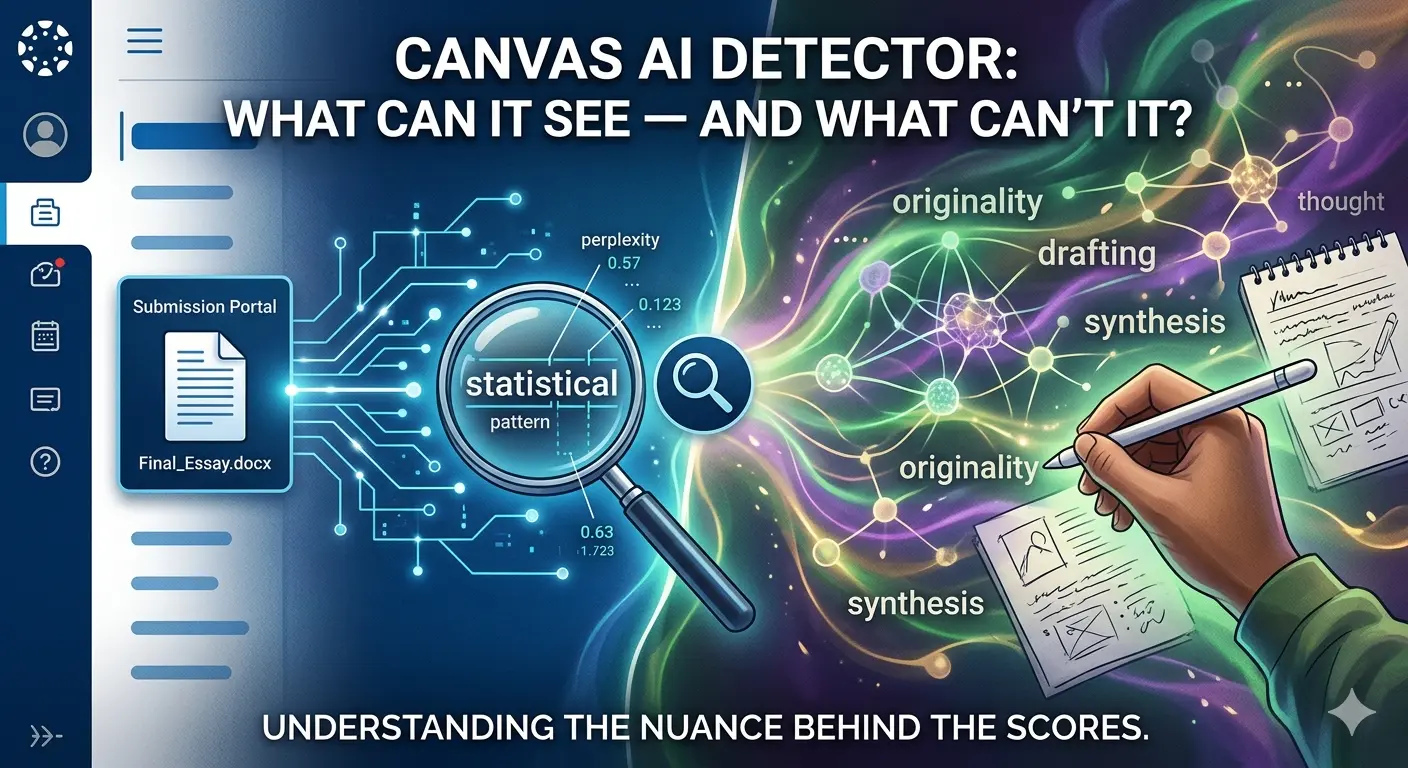
When it is active, Turnitin analyzes submitted text using a deep-learning model trained to recognize the statistical patterns that AI language models tend to produce: consistent sentence lengths, predictable vocabulary choices, and low variation in phrasing complexity. It produces two distinct outputs — a similarity percentage (how much of your text matches existing sources in Turnitin’s database of over 900 million documents) and an AI writing percentage (how likely the tool believes the text was machine-generated). These are separate scores, and one can be high while the other is low.
One important detail: students can see their similarity score after submission on most Canvas setups, but the AI writing score is visible only to instructors. If you want to know your AI score before submitting, you’d need to use a free tool like GPTZero to run a self-check independently.

How accurate is Canvas AI detection, really?
This is where the picture gets more complicated — and more important for students to understand clearly.
~98% Turnitin’s claimed accuracy on unedited AI text
61% ESL student essays misclassified as AI in a Stanford study
3–4% False positive rate for native English speakers
12+ Major universities that have disabled Turnitin AI detection
Turnitin claims close to 98% accuracy when detecting raw, unedited AI output. In practice, real-world conditions are considerably more complicated. Heavily polished, formal academic writing — exactly the kind students are expected to submit — can mimic the statistical patterns that AI detectors associate with machine-generated text.
The situation is particularly concerning for non-native English speakers. A Stanford University study found that AI detectors misclassified over 61% of essays written by non-native speakers as AI-generated, compared to a roughly 5% false positive rate for native speakers. The reason is structural: ESL writing tends to use simpler syntax, more predictable vocabulary, and shorter sentence variation — the same features detectors flag as signs of AI. Turnitin’s own researchers have acknowledged this bias publicly.
The accuracy picture is also less reliable on shorter submissions (under 300–500 words) and on text that has been substantially revised by a human after being generated. Some major universities — including Yale, Vanderbilt, and Johns Hopkins — have disabled Turnitin’s AI detection feature entirely, citing accuracy concerns and the risk of wrongful accusations against genuine students.
An AI detection score is not proof of cheating. Turnitin and most other tools explicitly state their scores are statistical indicators to be reviewed by a human instructor — not automatic verdicts. If you believe you’ve been falsely flagged, drafts, notes, and research materials showing your writing process are the most effective evidence to present.
What do the scores actually mean?
If your institution uses Turnitin inside Canvas, score thresholds vary by school and instructor — there is no single universal standard. Common informal benchmarks: below 20% is generally not a concern; 20–40% may prompt an instructor to take a closer look at the submission in context; above 40% is more likely to trigger a formal conversation. None of these percentages automatically mean anything on their own — they’re starting points for human review, not conclusions.
For the similarity score (plagiarism), a frequently cited informal threshold used at many institutions is 25%, though again this varies widely. A score of 25% or below on similarity is typically not flagged as problematic on its own, especially when the matching text consists of properly cited quotations or common academic phrases.
What Canvas cannot detect
To be precise about the platform’s actual limits: Canvas cannot see what other websites you have open, cannot read your clipboard before you paste, cannot access other applications running on your device, and has no way of knowing whether you discussed an assignment with an AI model verbally or used it only for brainstorming and outlining. Canvas also cannot detect AI use in oral presentations, in-class writing exercises, or any work that isn’t submitted digitally through the platform.
Even with Turnitin active on an assignment, AI text that has been substantially revised — not just synonym-swapped, but genuinely restructured, rewritten in a different voice, and integrated with original ideas — is significantly harder to detect. Detection accuracy on heavily edited text drops considerably from the headline figures vendors advertise.
The core takeaway is this: Canvas itself is not watching for AI. What it can do is log behavioral anomalies and route submissions to third-party tools your school may have installed. Whether those tools are running on a given assignment depends on your institution and your instructor. If they are running, their results are probabilistic — not definitive — and a human reviews them before any action is taken.
If you’ve been flagged and believe it’s a false positive, stay calm and gather your process evidence: earlier drafts, research notes, source materials. That paper trail is your strongest defense.
For questions about your school’s specific AI policy, the most reliable sources are your syllabus, your course’s assignment page, and your institution’s academic integrity documentation.
Does Canvas have its own built-in AI detector?
No. Canvas is a Learning Management System (LMS) used for organizing courses and submissions; it does not have native AI-scanning capabilities. Any AI detection occurs through third-party tools (like Turnitin or Copyleaks) that your school chooses to integrate.
Can my professor see if I have ChatGPT open in another tab?
No. Canvas cannot see which other websites you have open or what other applications are running on your device. However, it does log “tab switching” behavior during timed quizzes, noting when you leave the Canvas page and for how long.
What exactly can Canvas “see” when I submit an assignment?
While it can’t “read” AI, Canvas logs behavioral data, including:
Submission Timing: How long you spent on the page before submitting.
Paste Events: If a 1,500-word essay is pasted into a text box in a matter of seconds.
Activity Logs: Your navigation history within the Canvas site.
Which AI detection tools are most commonly used with Canvas?
Schools typically use “LTI integrations” to connect external tools. The most common are:
Turnitin: The most frequent integration; provides a “Similarity Score” and an “AI Writing Score.”
Copyleaks: Often preferred for its lower false-positive rate with multilingual students.
GPTZero: Specifically designed to flag GPT-generated outputs.
Can I see my AI detection score after I submit?
Usually not. While students can often see their Turnitin “Similarity Score” (for plagiarism), the “AI Writing Score” is typically visible only to the instructor. If you want to check your work beforehand, you should use a free external tool like GPTZero.