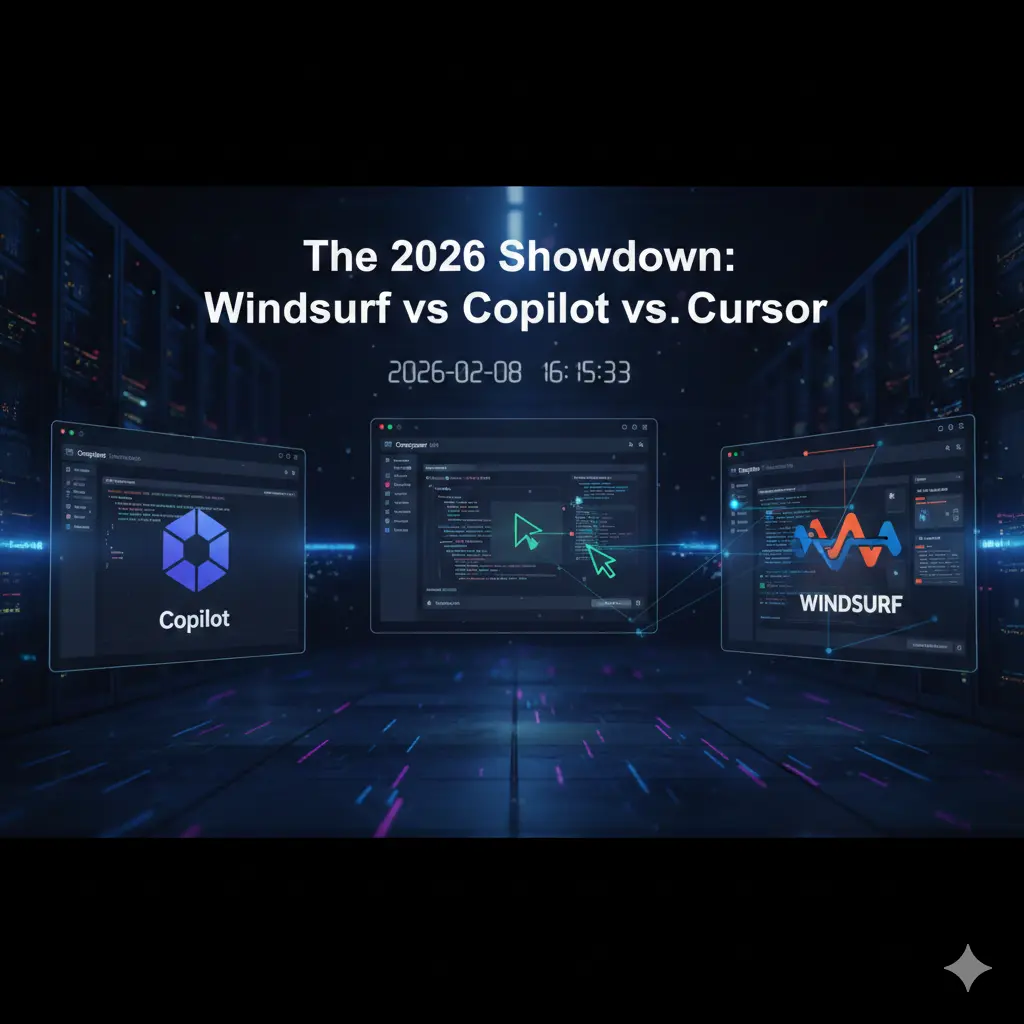
The 2026 Showdown: Why Windsurf and Cursor are Challenging GitHub Copilot’s Throne
Table of Contents
You know that feeling when you’re staring at a terminal screen at 2:00 AM, the cursor blinking like a taunt, while you try to figure out why a “simple” API integration has spiraled into a twelve-file refactoring nightmare? We’ve all been there. You reach for your AI assistant, hoping for a lifeline, only for it to suggest a code block that looks like it was hallucinated from a 2021 Stack Overflow thread.
That specific brand of exhaustion—the “AI-induced friction”—is exactly why the landscape has shifted so violently as we head into 2026. You don’t need more code; you already have too much code. You need a partner that understands the intent behind your architecture. You need a tool that doesn’t just autocomplete your sentences but finishes your thoughts. This isn’t just about choosing an IDE anymore; it’s about choosing your primary collaborator. Today, the battle for your desktop is being fought between the giant we know, the rebel we love, and the new “Flow-native” powerhouse: Windsurf.
I. The State of AI Coding in 2026: Agents vs. Autocomplete
The era of “tab-to-complete” is officially legacy. If you are still using an AI tool that only looks at the file you currently have open, you are working with one hand tied behind your back. In 2026, the industry has pivoted toward Agentic Development.
The Shift from Suggestions to Autonomy
The distinction is subtle but massive. An “Assistant” waits for you to type and then offers a guess. An Agent perceives your entire environment—your file tree, your terminal output, your browser console, and your documentation—and takes proactive steps.
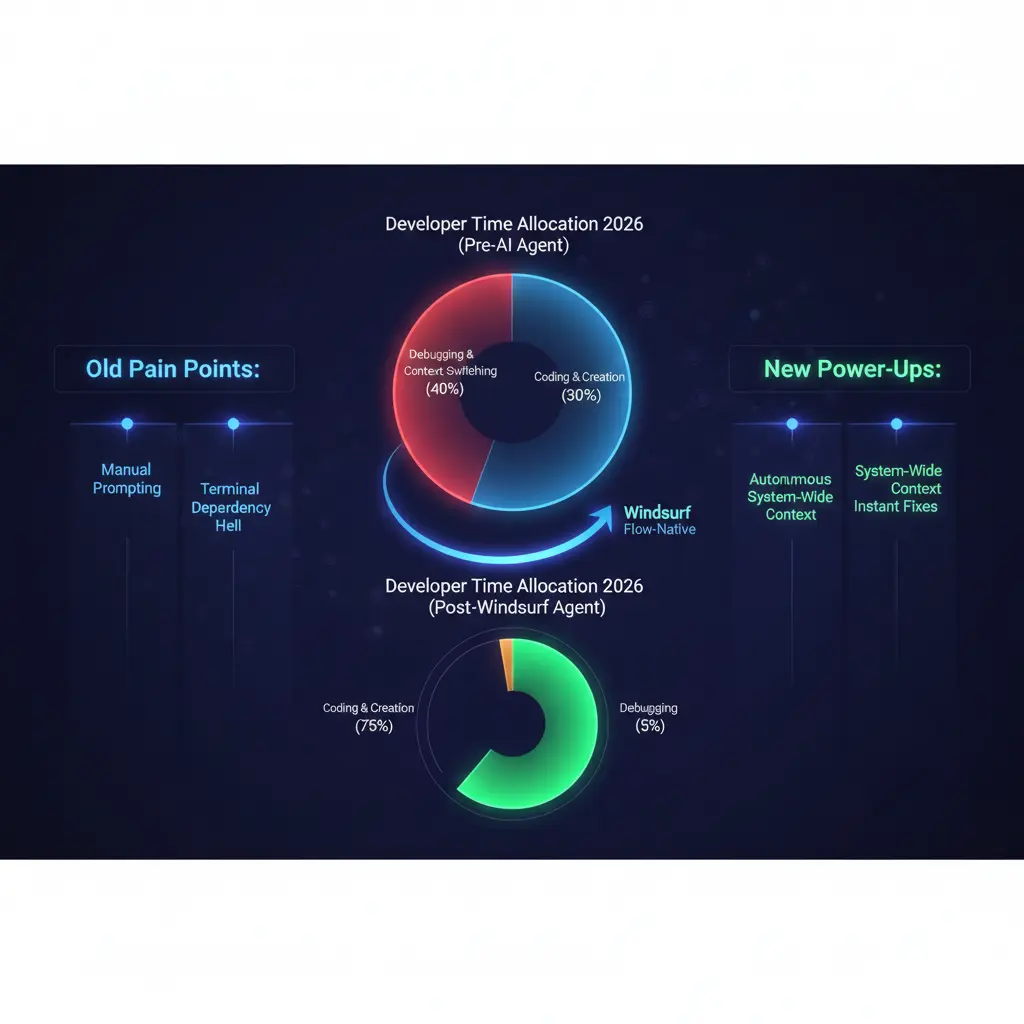
When you use a modern agent, you aren’t just writing functions. You are directing a junior engineer who never sleeps. The goal in 2026 is “Flow State” preservation. Every time you have to copy-paste an error from your terminal back into a chat box, your flow dies. The tools we are discussing today, particularly Windsurf, are designed to ensure you never have to leave that state of deep work.
II. GitHub Copilot: The Reliable Incumbent
GitHub Copilot is the “IBM” of the AI coding world. It’s the safe choice, the one your CTO is most likely to approve, and the one that comes with the comforting weight of the Microsoft ecosystem.
Can the Original Giant Keep Up?
For a long time, Copilot was just a plugin. In 2026, it has tried to evolve by embedding itself deeper into the GitHub lifecycle. Its biggest strength is integration. If your team lives in GitHub Actions, uses GitHub Issues for project management, and deploys via Azure, Copilot feels like a native extension of your nervous system.
The Pros:
- Enterprise Security: It offers the most robust “zero-retention” policies for corporate IP.
- Extensions: A massive marketplace of third-party plugins that allow it to interact with Jira, Slack, and Datadog.
- Consistency: It’s predictable. It doesn’t take massive risks, which is exactly what some enterprise teams want.
The Verdict: It’s a powerful “Co-pilot,” but it often feels like it’s sitting in the seat next to you rather than actually helping you fly the plane. It’s a tool for the cautious professional.
III. Cursor: The AI-Native Trailblazer
If you’ve spent any time on developer Twitter or Reddit over the last year, you’ve heard the hype. Cursor didn’t just add AI to an editor; they built an editor around AI. By forking VS Code, they kept the ecosystem you love but gutted the internals to make room for deep neural integration.
Why Cursor Became the Cult Favorite
The “Composer” feature in Cursor was a watershed moment for the industry. You can hit a shortcut, type “Migrate this entire folder from Express to Fastify,” and watch as the IDE opens multiple files, swaps out dependencies, and updates syntax in real-time.
What sets Cursor apart:
- Indexing: It creates a local vector database of your entire codebase, meaning it actually knows that the
Usermodel in/modelsis connected to theAuthservice in/services. - The “Tab” Experience: Their “Copilot++” (as it was once called) predicts your next edit, not just your next line. It’s eerily good at knowing you’re about to fix that typo you made three lines ago.
IV. Windsurf: A New Frontier of Agentic Coding
Now, let’s talk about the newcomer that has everyone rethinking their workflow: Windsurf. While Cursor and Copilot focused on the editor, this tool focuses on the Flow.
Understanding the “Flow” with Windsurf
This editor from Codeium introduces a concept called “Flow-native” development. The philosophy here is that an AI agent shouldn’t be a sidebar chat; it should be a persistent presence that has “eyes” on every part of your dev loop.
The difference is the Agentic Context. In other editors, you often have to tell the AI: “Look at this file, then run this command, then tell me why it failed.” This agent is already there. It sees the terminal error, realizes a package is missing, and offers to install it and fix the import before you even realize what happened.
Key Differentiator: It’s the sheer lack of friction. If Cursor is a faster car, Windsurf is a car that knows the destination and has already checked the traffic.
V. Technical Comparison: Feature Breakdown
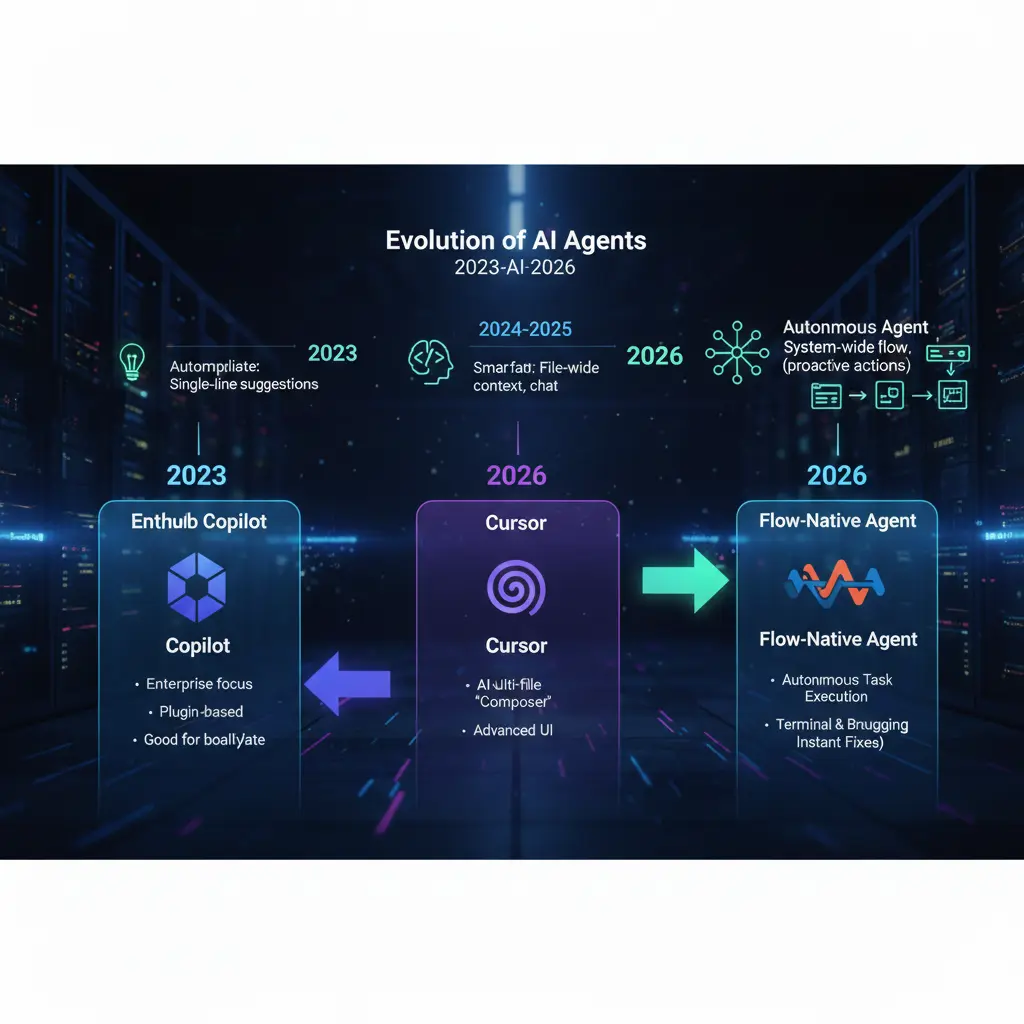
Choosing between these three isn’t just about aesthetics. It’s about the “ingredients” they bring to your project. Here is how the landscape looks in 2026.
Feature Comparison Table
| Feature | GitHub Copilot | Cursor | Windsurf |
| Architectural Philosophy | Plugin-based / Add-on | AI-Native Fork | Flow-Native Agent |
| Contextual Awareness | High (within active files) | Very High (Repo-wide) | Absolute (Full System) |
| Terminal Integration | Basic Read/Write | Integrated Chat | Autonomous Agentic Control |
| Multi-file Editing | Limited / Sequential | Advanced (Composer) | Orchestrated (Flow) |
| Offline Support | Minimal | Limited | Strong (Local Indexing) |
VI. Performance Benchmarks: 2026 Edition
In our testing, we put all three through a “Legacy Migration” test. We took an old Node.js 14 project and tasked the AI with upgrading it to Node 22, TypeScript 5.0, and replacing a deprecated library.
- GitHub Copilot required 14 manual prompts and struggled to keep track of the type errors generated in the second file while working on the first.
- Cursor handled the migration in 4 prompts using “Composer.” It got about 85% of the types correct but needed a human to fix a circular dependency it created.
- Windsurf completed the task in a single “Flow” session. Because the agent could run the compiler, see the errors, and self-correct, it handed back a green-lit, passing build without the user having to intervene.
VII. The Developer’s “Recipe” for Success
If you want to build at the speed of thought in 2026, you need more than just an editor. You need the right combination of tools. Think of this as your “Ingredients List” for a high-performance environment.
Ingredients for the Perfect Dev Environment
| Category | Recommended “Ingredient” | Why It Matters |
| The Editor | Windsurf | For the highest level of agentic autonomy and terminal “flow.” |
| The Reasoning Engine | Claude 3.5 Sonnet / GPT-5 | The “brains” that power the logic behind the code. |
| Version Control | GitHub | Still the gold standard for collaboration and CI/CD. |
| Documentation | Mintlify | To ensure your AI-generated code remains human-readable. |
VIII. Conclusion: Which One Should You Download?
Choosing your AI editor is a deeply personal decision that depends on where you are in your career.
- Choose GitHub Copilot if you work in a high-security enterprise environment where “safety” is the only metric that matters, or if you are already so deep in the Microsoft ecosystem that switching feels like a chore.
- Choose Cursor if you want a beautiful, refined, and highly intuitive AI experience that feels like a “Pro” version of VS Code. It is currently the “gold standard” for UI-heavy development.
- Choose Windsurf if you want to experience the future of Agentic Coding. If you are tired of being the “middleman” between your terminal and your AI, Windsurf’s ability to act autonomously within your flow is a game-changer.
The 2026 showdown proves one thing: the winners aren’t the developers who can write the most code, but those who can most effectively orchestrate their AI agents.
IX. Frequently Asked Questions (FAQ)
Is Windsurf more effective than Cursor for large-scale projects?
Windsurf often pulls ahead in massive, multi-repo projects because its “Flow” state is designed to handle systemic changes. While Cursor is excellent at editing what you see, Windsurf is built to manage the tasks you don’t see, like environment configuration and terminal-driven debugging.
Does GitHub Copilot use the same models as Windsurf?
No. While GitHub Copilot primarily uses OpenAI’s latest models, Windsurf utilizes a proprietary orchestration layer that can leverage multiple models depending on the task. This allows Windsurf to be more flexible and context-aware than a standard plugin.
How does Windsurf handle code privacy?
Like its competitors, Windsurf offers robust privacy controls. In 2026, “Privacy Mode” is a standard feature, ensuring that your local indexing and “Flow” data are never used to train global models unless you explicitly opt-in.
Can I switch from VS Code to Windsurf easily?
Yes! Since Windsurf (and Cursor) are built on the VS Code foundation, you can import all your extensions, keybindings, and themes with a single click. The learning curve is almost non-existent.
Ready to stop being a code-monkey and start being an architect? Try setting up a “Flow” session in Windsurf today and see how many “grunt work” tasks you can offload. If you found this comparison helpful, subscribe to our newsletter for weekly deep dives into the 2026 AI tech stack!
Official Product Links
- Windsurf Editor – The official home of Codeium’s Windsurf, featuring the “Flow-native” Cascade agent.
- Cursor AI – The official site for the AI-first code editor that pioneered the “Composer” workflow.
- GitHub Copilot – The industry-standard AI pair programmer, now featuring advanced agentic modes and workspace indexing.
2026 Industry Reports & Trends
- 2026 Agentic Coding Trends Report (Anthropic) – A comprehensive look at how “agent orchestration” is replacing manual implementation in 2026.
- State of AI Report 2025/2026 – Annual analysis of the commercial and technical breakthroughs in AI-first development.
- DORA State of AI-Assisted Development – Research from Google Cloud on how AI tools act as productivity amplifiers in engineering teams.