Unlock the Magic: 10 Hidden Canva Keywords for Sci-Fi & Fantasy Book Covers [2026 Cheat Sheet]
Table of Contents
You know the feeling.
It is 11:00 PM. You have finished writing your novel. The hard part is supposed to be over. You open Canva, full of hope, ready to design a placeholder cover that doesn’t look terrible. You type “Spaceship” into the search bar.
And then your heart sinks.
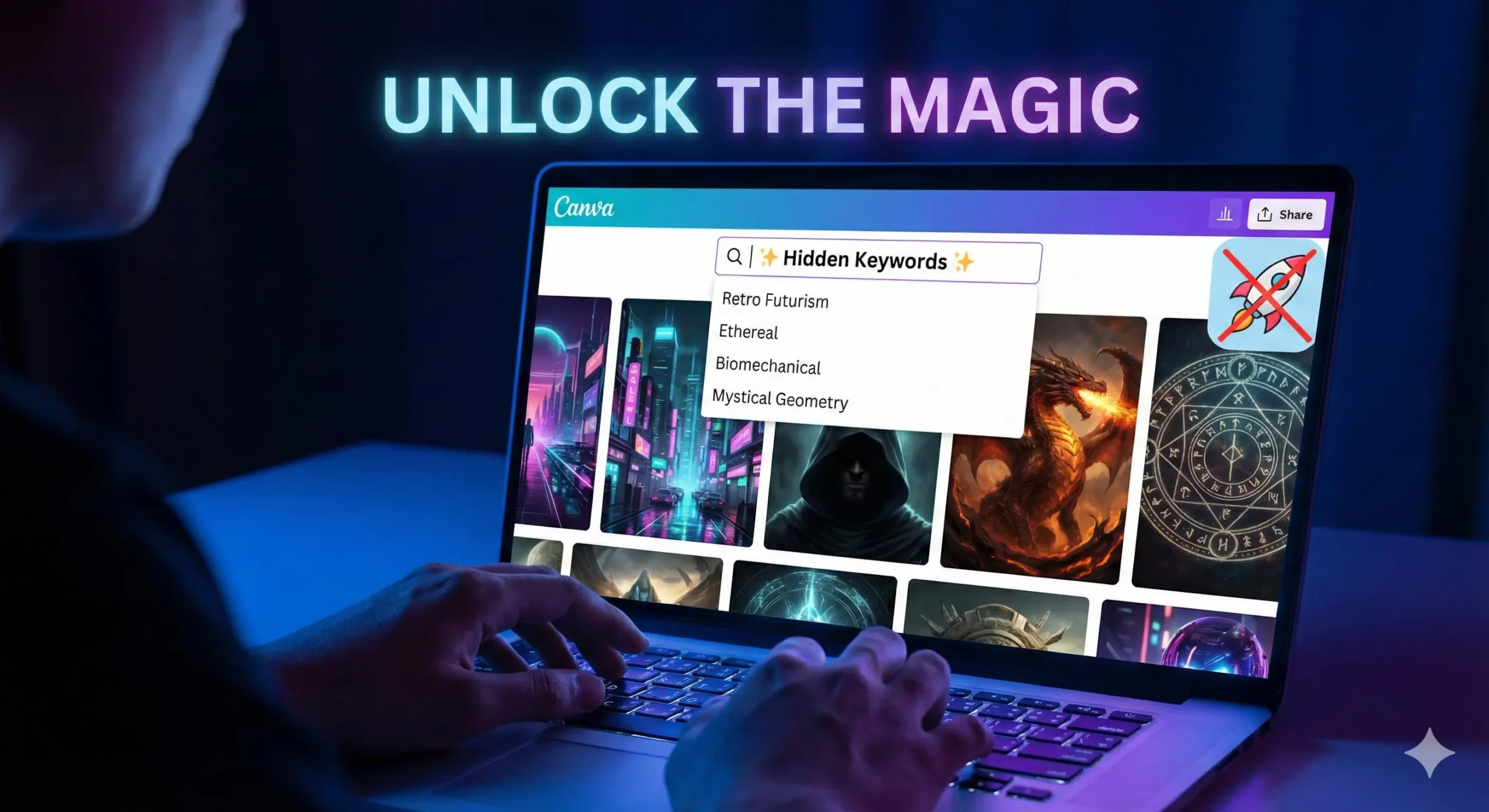
Instead of the epic, interstellar dreadnought you imagined, Canva gives you a cartoon rocket that looks like it belongs on a kindergartner’s lunchbox. You type in “Magic,” and you get a clip-art rabbit in a hat.
This is the “Stock Photo Nightmare.” It is the moment you realize that your wallet can’t afford a $500 professional designer, but your pride can’t stomach a cover that looks amateur. You feel stuck. You start wondering if you should just use a solid color background and call it “minimalist.”
But here is the secret that professional designers don’t want you to know: Canva isn’t the problem. The platform is packed with incredible, high-definition, cinematic art that looks like it cost thousands of dollars to commission. The problem isn’t the library; it is your vocabulary.
You aren’t finding the good stuff because you don’t know the magic words to ask for it.
By the end of this article, you will have a “Cheat Sheet” of Canva keywords that unlocks the hidden tier of design assets. We are going to turn your free account into a high-end design studio.
Why the Right Canva Keywords Change Everything
To understand why your searches are failing, you have to understand how the algorithm works. Canva’s search bar is literal, not intuitive. If you search for generic terms, you get generic results.
When you type “Space,” the algorithm serves you the most popular, most used assets. Unfortunately, the most used assets are often simple icons used by teachers and students for presentations. They are flat, colorful, and completely wrong for a serious Sci-Fi novel.
Professional designers—even those using Canva—do not search for “Space.” They search for art styles and texture types.
They know that to get a gritty, realistic look, you need to use keywords that describe the mood and the technique, not just the object. Mastering these Canva keywords is the difference between a cover that screams “Self-Published” and a cover that looks like it belongs on a Barnes & Noble shelf next to Andy Weir or Sarah J. Maas.
The “Book Cover Recipe”: Ingredients for a Bestseller
Before we dive into the specific keywords, you need to understand how to build the scene. A professional book cover is never just one photo. If you just slap a photo of a dragon on a page and add text, it will look flat.
Great covers are composites. They are like sandwiches; you need layers to make them taste good. You generally need three specific types of assets to build a cohesive scene.
Use this recipe table to understand what you should be searching for.
The 3-Layer Cover Recipe
| Layer | The Role it Plays | Why You Need It | Canva Keyword Examples |
| 1. The Base | Sets the atmosphere and setting. | This fills the background. It should never be plain white or black. | Nebula, Dark Forest, Cyberpunk City, Grunge Texture |
| 2. The Hero | The focal point. | This is what catches the eye. Usually a character or a symbolic object. | Silhouette Man, Cyborg, Hooded Figure, Rusty Sword |
| 3. The Glue | Blends layers together. | This hides the bad Photoshop lines and adds depth/lighting. | Dust Overlay, Lens Flare, Smoke, Fog, Vignette |
If you skip Layer 3 (The Glue), your cover will look like a collage. If you skip Layer 1, it will look boring. You need all three.
Top 5 Hidden Canva Keywords for Sci-Fi Covers
If you are writing Space Opera, Cyberpunk, Dystopian, or Techno-Thriller fiction, you need imagery that feels sharp, technological, and vast. Stop searching for “Robot” and “Future.” Try these instead.
1. “Retro Futurism”
This is the goldmine for that 1980s, Blade Runner, Stranger Things aesthetic.
- What you get: You will find neon grids, chrome typography, vintage sunsets, and laser landscapes.
- Best for: Synth-wave style covers or “Space Opera” that wants to feel nostalgic.
- Pro Tip: Combine this with a bold, metallic font to instantly signal “80s Sci-Fi.”
2. “Glitch”
In 2026, the “clean” future look is out. Readers want gritty, broken tech.
- What you get: Distorted text, static noise, pixelated strips, and “broken screen” effects.
- Best for: Techno-thrillers, stories about AI going rogue (like yours?), or dystopian hacking novels.
- How to use it: Don’t use this as a background. Use it as an overlay on top of your title text to make it look like a computer error.
3. “Biomechanical”
This is arguably the creepiest keyword on the list, heavily inspired by H.R. Giger (the artist behind Alien).
- What you get: Unsettling blends of human flesh and machinery, wires embedded in skin, and metallic bones.
- Best for: Sci-Fi Horror or deep Space adventures where the aliens are terrifying, not cute.
- Why it works: It provides texture. Even if you don’t use a full biomechanical creature, using a “biomechanical texture” background adds a sense of unease.
4. “HUD” (Heads Up Display)
This stands for “Heads Up Display.” It is the secret weapon for making a cover look “techy” without cluttering it.
- What you get: Glowing targeting circles, data streams, coding lines, and cybernetic framing elements.
- Best for: Military Sci-Fi or LitRPG.
- How to use it: Lower the transparency to 20% and place these circles behind your main character. It instantly makes them look like they are being targeted or scanned.
5. “Synthwave Landscape”
If you need a background and you are tired of generic starry skies, this is your savior.
- What you get: Infinite purple grids, mountains made of wireframes, and low-poly horizons.
- Best for: Cyberpunk and Virtual Reality (VR) based stories.
Top 5 Hidden Canva Keywords for Fantasy Covers
Fantasy is harder to pull off in Canva because “bad” fantasy art looks really cheesy (think dragons that look like plastic toys). To get that gritty, Game of Thrones or Fourth Wing look, you need keywords that emphasize lighting and atmosphere.
6. “Ethereal”
This is the “Romantasy” (Romance Fantasy) essential.
- What you get: Soft, ghostly clouds, dreamlike lighting, and spirits that fade into mist.
- Best for: Paranormal romance, ghost stories, or High Fantasy involving elves.
- Why it works: It softens the edges of your design. If your character cutout looks too sharp, put an “Ethereal” cloud in front of them.
7. “Mystical Geometry”
Stop searching for “magic circle.” It usually gives you cartoons.
- What you get: Intricate mandalas, glowing gold lines, alchemy symbols, and sacred shapes.
- Best for: “Magic Academy” books or Urban Fantasy.
- How to use it: Place a gold geometric shape behind your title text. It frames the title and makes it look like a spell.
8. “Cinematic Lighting”
This is a “modifier” keyword. This is the single most important tip in this article.
- The Hack: Do not just search for “Woman.” Search for “Woman Cinematic Lighting.”
- What you get: Instead of a flat stock photo, you get 3D renders with dramatic shadows, rim lighting, and high contrast.
- Best for: Finding your main character. This keyword filters out the “corporate stock photos” and leaves you with the epic, movie-poster style images.
9. “Dark Academia”
This trend is still huge in 2026.
- What you get: Dusty libraries, burning candles, parchment textures, skulls, and leather-bound books.
- Best for: Urban fantasy, secret society thrillers, or vampire novels.
- Pro Tip: Use a “Dark Academia” background and darken it significantly so your white text pops off the cover.
10. “Double Exposure”
This is a specific artistic technique that blends two images together (usually a silhouette and a nature scene).
- What you get: A wolf shape filled with a forest; a woman’s profile filled with a galaxy.
- Best for: Literary fiction or high-concept fantasy.
- Why it works: It looks incredibly expensive. If you find a good “Double Exposure” element, you often don’t need anything else on the cover except the title.
How to Combine These Elements (The “Blending” Secret)
Now that you have the ingredients, how do you cook the meal?
The biggest giveaway of an amateur cover is that the elements look “pasted on.” The character is clearly sitting on top of the background, not in it. The lighting doesn’t match.
To fix this, you need the “Glue“ (Layer 3 from our recipe table).
The “Gradient Fade” Trick
Search for “Gradient Fade” or “Black Gradient.”
You will get a square that fades from black to transparent. Place this at the bottom of your book cover. It hides the feet of your character (which are usually the hardest part to blend) and creates a dark area where your Author Name will be perfectly readable.
The “Smoke Overlay” Trick
Search for “Smoke Black Background” or “Fog.”
Place this over your character but under your text. Then, use the Transparency Slider (the checkerboard icon in the top right) to lower it to 30-50%. This creates “atmosphere” between the reader and the character, making the character feel like they are standing in a real environment.
The Color Filter Consistency
Once you have all your elements on the page, select your background image. Go to “Edit Photo” -> “Filters.” Pick a filter (like “Nordic” for cold fantasy or “Solar” for warm sci-fi).
Crucial Step: Apply that same filter to your character cutout. This forces the color grading to match, tricking the eye into thinking they were photographed in the same room.
FAQ: Mastering Canva Keywords for Book Design
Can I use Canva images for commercial book covers?
Yes, but you need to know the rules. According to Canva’s licensing agreement, you can use both Free and Pro elements in a design that you sell (like a book cover or PDF).
- The Catch: You cannot sell the raw element. You can’t put a Canva dragon on a white background and sell it as a “Dragon Logo.” But if it is part of a composite design (Dragon + Background + Text), you are safe to publish on Amazon KDP.
- Note: Always check Canva’s latest licensing page, as terms can update.
How do I find more Canva keywords like these?
There is a “Rabbit Hole” feature inside Canva.
- Find an element you love (e.g., a specific cyberpunk city).
- Hover over it in the side menu.
- Click the Three Dots (…).
- Select “See more like this.”
- Look at the keywords tags listed. Click on those tags to see everything else that artist has tagged with that hidden word.
Are these keywords available on the free plan?
Many of these keywords will show a mix of Free and Pro results. If you are strictly on the free plan, click the “Filter” icon in the search bar (the sliders) and check the box for “Free.”
However, specific lighting keywords like “Cinematic” or “3D Render” tend to have much better results in the Pro library. If you are serious about your book, the monthly fee for Pro is cheaper than buying one stock photo from Shutterstock.
Conclusion: Your Book Deserves a Best-Selling Face
You have spent hundreds of hours building worlds in your head. You have written dialogue that makes you cry and plot twists that keep you awake at night. Do not let all that work die in obscurity because of a “cartoon rocket” cover.
You do not need a degree in graphic design to create something beautiful. You just needed the right vocabulary. Now you have it.
Your book is the product, but the cover is the packaging. With these Canva keywords, you can finally create packaging that matches the quality of the story inside.
Now, I want to see what you create.
Open Canva right now. Pick one keyword from this list—maybe “Mystical Geometry” or “Retro Futurism”—and type it in. Just see what comes up.
Did you find a hidden gem? A perfect texture? Screenshot your design (even if it’s a rough draft) and tag us on Pinterest or Instagram. Let’s get your book the attention it deserves.