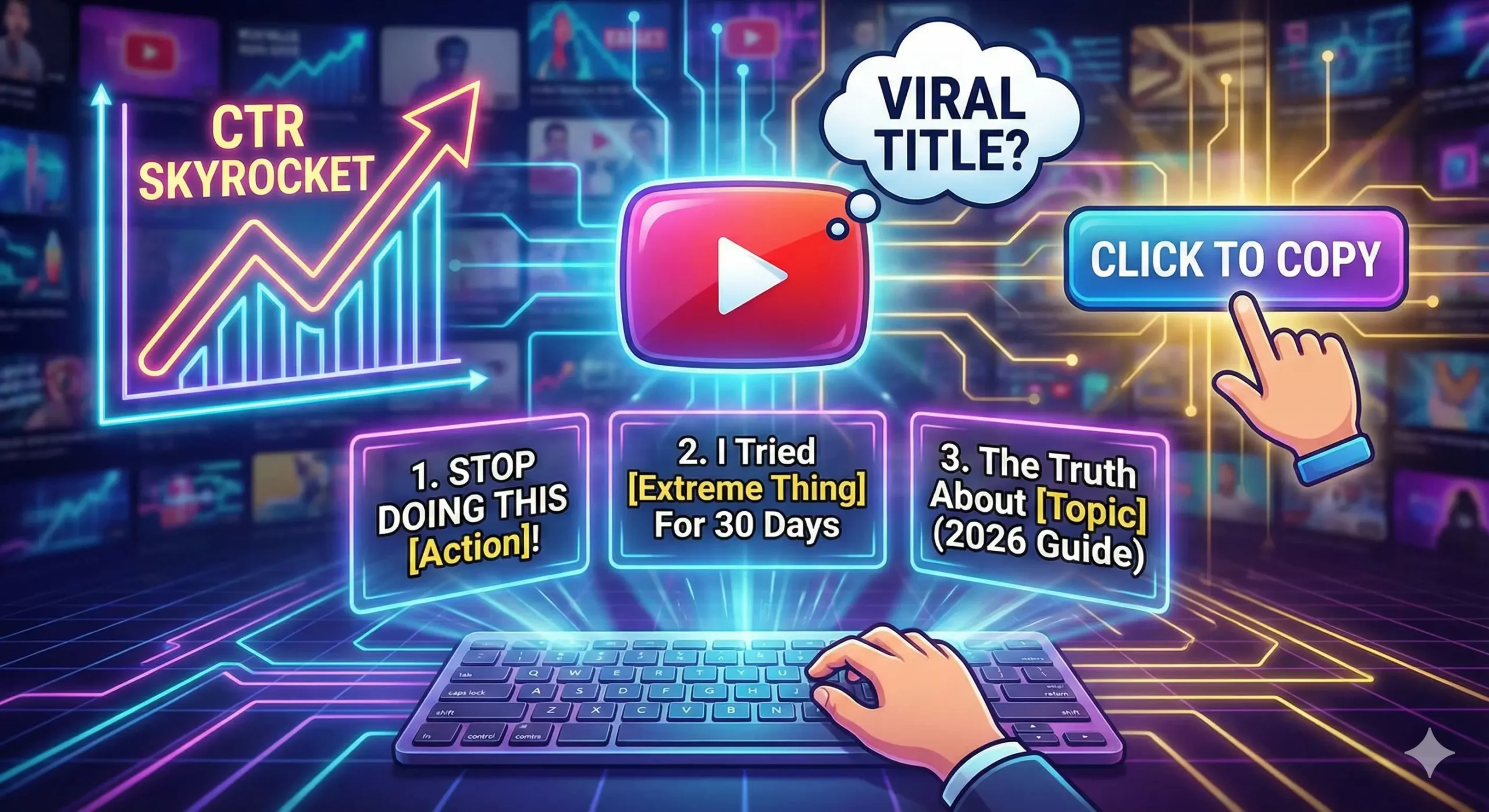
7 Viral YouTube Title Templates to Fix Your Low CTR in 2026 (Copy & Paste)
Table of Contents
You know the feeling. It’s a physical knot in your stomach.
You spent the last week sweating over a video. You wrote the script, you nailed the lighting, you edited until 3:00 AM, and you finally hit “Publish” with a surge of adrenaline. You sit back, waiting for the views to roll in.
An hour passes. 10 views.
A day passes. 45 views.
And half of them are just you checking on your phone to see if the counter is broken.
It’s not broken. The video isn’t broken, either. In fact, your content might be Oscar-worthy. But nobody knows that, because nobody clicked. You just learned the hardest lesson of being a creator in 2026: The best content doesn’t win. The best packaging wins.
If your YouTube title doesn’t stop the scroll, the video doesn’t exist. It’s that simple.
The good news? You don’t need to be a poetic genius to write titles that get clicks. You just need to understand human psychology. The top 1% of creators—from MrBeast to productivity gurus—use the same handful of frameworks over and over again because they work on a biological level.
In this guide, we are going to fix your Click-Through Rate (CTR). We’re going to dismantle the exact “Title Recipes” used by the pros so you can copy, paste, and finally get the views your hard work deserves. YouTube Title
Why Your Current YouTube Titles Are Failing (The 2026 Algorithm)
Before we get to the templates, we need to address the elephant in the room. Why did your last video flop?
Most new creators think the YouTube algorithm is a robot that scans for keywords. They write titles like “How To Bake A Cake For Beginners” and wonder why they get buried.
Here is the reality of 2026: The algorithm is not a robot. The algorithm is a mirror of human behavior.
YouTube cares about one metric above all others: Click Satisfaction.
- Did they click? (CTR)
- Did they stay? (Average View Duration)
If you fail step one, step two doesn’t matter. YouTube Title
The 3-Second Rule
Research suggests that the average mobile user scrolls through their feed at a terrifying speed. You have roughly 3 seconds (often less) to grab their attention.
In those 3 seconds, your viewer’s brain is asking three rapid-fire questions:
- Is this for me?
- Is this new/surprising?
- Is this worth my time?
If your YouTube title is vague, boring, or looks like homework, the brain says “No” before the thumb even stops moving.
A “good” CTR for a small channel typically hovers between 4% and 8%. If you are sitting at 1% or 2%, your titles are the bottleneck. But don’t worry—we can fix that right now by adding the right ingredients. “YouTube Title”
The “Title Recipe” Table: Ingredients for Virality
Cooking a viral title is just like cooking a meal. If you leave out the salt, it tastes bland. If you leave out the “hook” in a title, it reads flat.
Here are the five core psychological triggers that force the human brain to pay attention. Every successful template we discuss later will use at least one of these.
| Ingredient | Why it Matters | Boring Version | Viral Version |
| Curiosity Gap | Creates an “itch” the brain must scratch. We hate not knowing the end of a story. | “My Trip to Japan” | “I Flew to Japan and Made a Huge Mistake” |
| Specific Numbers | Adds credibility. “Some” is vague; “7” is a promise of structure. | “Tips for Weight Loss” | “Lost 10lbs in 14 Days: The Exact Diet” |
| Negativity Bias | Humans are wired to avoid danger 2x more than they seek gain. | “How to Invest Money” | “Stop Investing Until You Watch This” |
| Urgency | Makes the viewer feel they are missing out (FOMO) if they don’t click now. | “iPhone 16 Review” | “Don’t Buy the iPhone 16 Yet” |
| Transformation | Promises a clear result. We don’t want videos; we want the outcome. | “Coding Tutorial” | “From $0 to Hired: My Coding Journey” |
Keep this table in mind. If you write a title and it feels weak, check this list. Did you forget the salt? YouTube Title
7 Viral YouTube Title Templates (Copy & Paste)
Here is the meat of the article. These are the frameworks used by channels with millions of subscribers. You don’t need to reinvent the wheel. Just take your niche, plug it into these templates, and watch your CTR climb.
1. The “Negative” Warning
This is arguably the most powerful template for beginners. Why? Because fear is a stronger motivator than desire.
If you tell someone “How to make $100,” they might click.
If you tell someone “You are losing $100 every day,” they must click.
This template targets the viewer’s insecurity that they are doing something wrong. It positions you as the expert who is going to save them from a disaster.
- The Template: Stop [Action] If You Want [Result]
- The Variation: [Number] Mistakes That Are Killing Your [Goal]
Examples in Different Niches:
- Gaming: “Stop Playing Minecraft Like This (You’re Wasting Time)”
- Finance: “7 Money Traps Keeping You Poor in 2026”
- Fitness: “Stop Doing Sit-Ups! Do This Instead”
- Cooking: “Why You Are Cooking Steak Wrong”
Why it works: It challenges the viewer’s current behavior. They think, “Wait, am I doing it wrong? I need to check.” YouTube Title”
2. The “Extreme” Case Study
Humans are voyeurs. We love watching other people do crazy, difficult, or extreme things—especially things we are too lazy to do ourselves.
This template leverages the concept of “Spectacle.” You are taking a journey and inviting the viewer to see the result. It works exceptionally well because it proves you put in effort. High-effort titles imply a high-quality video.
- The Template: I [Did Extreme Thing] for [Timeframe] and This Happened
- The Variation: I Tried [Popular Trend] So You Don’t Have To
Examples in Different Niches:
- Self-Improvement: “I Woke Up at 4 AM for 30 Days (Here’s The Truth)”
- Tech: “I Ditched My iPhone for a Flip Phone for 1 Week”
- Art: “I Drew for 10 Hours Straight – Here Are The Results”
- Business: “I Sent 1000 Cold Emails. Here Is How Much Money I Made.”
Pro Tip: For this to work, the result needs to be teased in the thumbnail. Don’t give away the ending in the title. YouTube Title
3. The “Beginner’s Guide” (The Search Engine Winner)
While viral hits are nice, sometimes you just want consistent, reliable traffic from Google and YouTube Search. This is where the “Beginner’s Guide” shines.
This template targets “High Intent” viewers. These are people actively searching for a solution. They don’t want mystery; they want clarity. They want to know that your video is the complete resource so they don’t have to watch five other videos.
- The Template: How to [Skill] in 2026 (Step-by-Step)
- The Variation: The Ultimate Guide to [Topic] for Beginners
Examples in Different Niches:
- Marketing: “How to Start a Blog in 2026 (Complete Guide)”
- DIY: “How to Change a Tire (Step-by-Step for Beginners)”
- Gaming: “The Ultimate Elden Ring Guide for New Players”
Why it works: By adding the year (2026) and words like “Complete” or “Step-by-Step,” you signal that this is the most up-to-date and comprehensive resource available. YouTube Title
4. The “Listicle” with a Twist
Lists have been a staple of the internet since the dawn of blogging. But in 2026, a generic list isn’t enough. “10 Tips for Gardening” is boring.
To make a list viral, you need to add a “Twist” or a “Curiosity Hook” to the end. You need to imply that these aren’t just generic tips—they are secrets.
- The Template: [Number] [Topic] Tips That Actually Work
- The Variation: 7 [Topic] Hacks I Wish I Knew Sooner
Examples in Different Niches:
- Productivity: “7 Productivity Apps That Aren’t Just Hype”
- Photography: “5 Camera Tricks That Look Like Magic”
- Travel: “10 Cheap Cities in Europe (That Tourists Don’t Know)”
Why it works: The brain loves order. A number promises a structured, easy-to-digest video. The “Twist” (e.g., “That Tourists Don’t Know”) adds the necessary curiosity to force the click. “YouTube Title”
5. The “Secret/Truth” Reveal
This template plays on the “Us vs. Them” mentality. It suggests that there is a mainstream lie that everyone believes, but you know the truth.
It creates an “Information Gap.” The viewer feels like they are on the outside looking in, and the only way to get “inside” is to click your video. YouTube Title
- The Template: The Truth About [Popular Topic] (Nobody Tells You This)
- The Variation: Why I Stopped [Popular Action]
Examples in Different Niches:
- Career: “The Truth About Being a Software Engineer in 2026”
- Health: “Why I Stopped Drinking Coffee (It Wasn’t Easy)”
- Tech: “The Dark Side of AI That Nobody Talks About”
Pro Tip: Be careful not to lie. If you use “The Truth” in your title, your video needs to deliver an honest, raw, or controversial opinion.
6. The “Comparison” Battle
This is the “Money Maker” template. This targets viewers who are at the bottom of the funnel—they are ready to buy something or make a decision, but they are stuck between two options.
These videos often have high RPM (Revenue Per Mille) because advertisers love them.
- The Template: [Product A] vs. [Product B]: Which is Worth It?
- The Variation: Don’t Buy [Product A] Until You Watch This
Examples in Different Niches:
- Tech: “MacBook Air vs. Pro: The Honest Review”
- Software: “Rank Math vs. Yoast: Which SEO Plugin Wins?”
- Beauty: “Cheap vs. Expensive Makeup: Can You Tell the Difference?”
Why it works: It promises to save the viewer money or prevent buyer’s remorse.
7. The “Instant Fix” Promise
We live in a lazy society. We want results, and we want them now.
This template appeals to the desire for speed and efficiency. It promises to solve a painful problem in a very short amount of time.
- The Template: How to Fix [Problem] in [Short Time]
- The Variation: Get [Result] in Just [Timeframe]
Examples in Different Niches:
- Audio: “How to Fix Bad Audio in 1 Click (Free)”
- Social Media: “Get Your First 100 Subscribers in 24 Hours”
- Home: “Clean Your Entire House in 15 Minutes”
Why it works: It lowers the barrier to entry. The viewer thinks, “Oh, it only takes 15 minutes? I can spare that.”
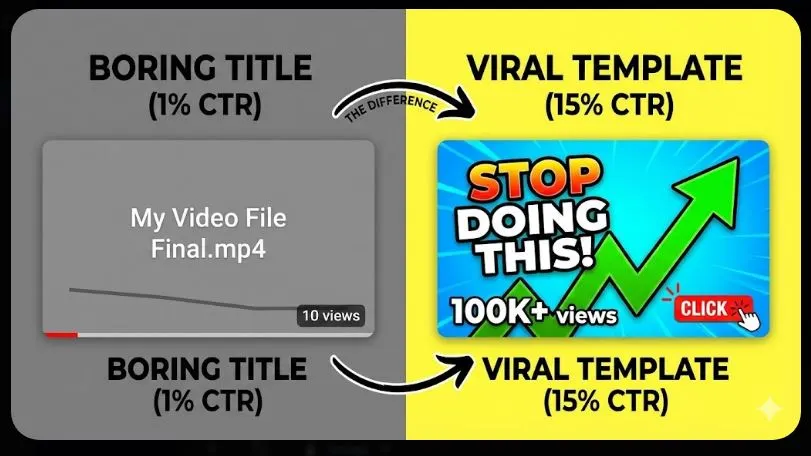
The “Cheat Code” (Don’t Write From Scratch)
Let’s be honest for a second.
Reading these templates is great. But when you are staring at a blank screen after a long day of filming, your brain turns to mush. You try to remember “The Negative Warning” or “The Curiosity Gap,” but you end up writing something boring like “My Video About Cats.”
Writer’s block is the enemy of consistency.
That is exactly why I built a shortcut. You don’t have to guess or memorize these formulas.
I created a Free Viral YouTube Title Generator specifically for creators who struggle with CTR.
It’s not just a random word scrambler. It uses the exact psychological triggers we just talked about. You simply type in your topic (like “Bitcoin,” “Makeup,” or “Gaming”), and it instantly generates 50+ viral-style titles categorized by:
- Clickbait/Curiosity
- Listicles
- Negative/Fear
- How-To Guides
It’s completely free to use, there are no ads, and you don’t need to sign up. Just bookmark it and use it whenever your brain freezes up.
Try the Viral Title Generator Here
3 Rookie Mistakes That Kill Your YouTube Title
Even with the best templates, you can still ruin a title if you make these formatting errors. Avoid these three common traps:
Mistake 1: The “Cut-Off” Disaster
The majority of YouTube views come from mobile. On a phone screen, YouTube only displays about 50 to 60 characters of your title before cutting it off with an ellipsis (…).
- Bad: “In this video I am going to show you exactly how to lose weight fast in the summer”
- Mobile View: “In this video I am going to show you exact…”
- Good: “Lose Weight Fast: The Summer Guide”
Fix: Put your “Hook” or your most important keyword at the very beginning of the title.
Mistake 2: Being “Too Clever”
There is a difference between “Curiosity” and “Confusion.”
If your title is an inside joke that only you understand, nobody will click. A confused mind always says no. Your title needs to be understood by a 5th grader instantly.
- Confusing: “The Paradigm Shift of Solipsism”
- Clear: “Is Reality Even Real?”
Mistake 3: Keyword Stuffing
This isn’t 2015. You don’t need to cram every keyword into the title.
- Spammy: “How to cook steak, best steak recipe, cooking steak for dinner tutorial”
- Viral: “The Perfect Steak (Only 3 Ingredients)”
Write for humans first, robots second.
FAQ: Mastering the Perfect YouTube Title
Since launching the Title Generator, I get asked a lot of specific questions about optimization. Here are the quick answers to help you rank.
How long should a YouTube title be?
Aim for under 60 characters to ensure it is fully visible on mobile devices. However, you can go up to 70 characters if the most critical information is at the start.
Should I put my channel name in the YouTube title?
No. Unless you are already famous (like PewDiePie or MrBeast), nobody is searching for your name. It just wastes valuable space. Put your channel name in the tags or description instead.
Can I change my YouTube title after posting?
Yes! In fact, you should. If a video is performing poorly after the first 24 hours, change the title and thumbnail. This “re-indexes” the video and gives it a second chance to find an audience.
Do caps lock titles help?
Used sparingly, yes. Capitalizing ONE important word (e.g., “Stop doing THIS”) draws the eye. But writing the WHOLE TITLE IN CAPS looks like spam and can actually hurt your CTR.
Do hashtags work in the title?
Don’t put hashtags in the title itself. YouTube allows you to put 3 hashtags in your description, and it will automatically display them above your title. Keeping them out of the title keeps it clean and easy to read.
Conclusion: It’s Time to Stop Being Ignored
Here is the hard truth about content creation: You are not owed an audience.
You can be the funniest, smartest, most talented creator on the platform, but if you don’t master the art of the YouTube title, you will remain invisible.
It feels unfair that you have to be a marketer and a creator, but that is the game we are playing.
The good news is that you don’t have to guess anymore. You have the psychology. You have the 7 Templates. You have the ingredients for curiosity, fear, and desire.
Your homework for your next video is simple:
- Don’t leave the title for the last minute.
- Write at least 5 different versions of your title before choosing one.
- If you get stuck, use the Viral Title Generator to spark some ideas.
The world needs to see the content you are making. Don’t let a bad title be the reason they miss it.
Now, go fix that CTR.