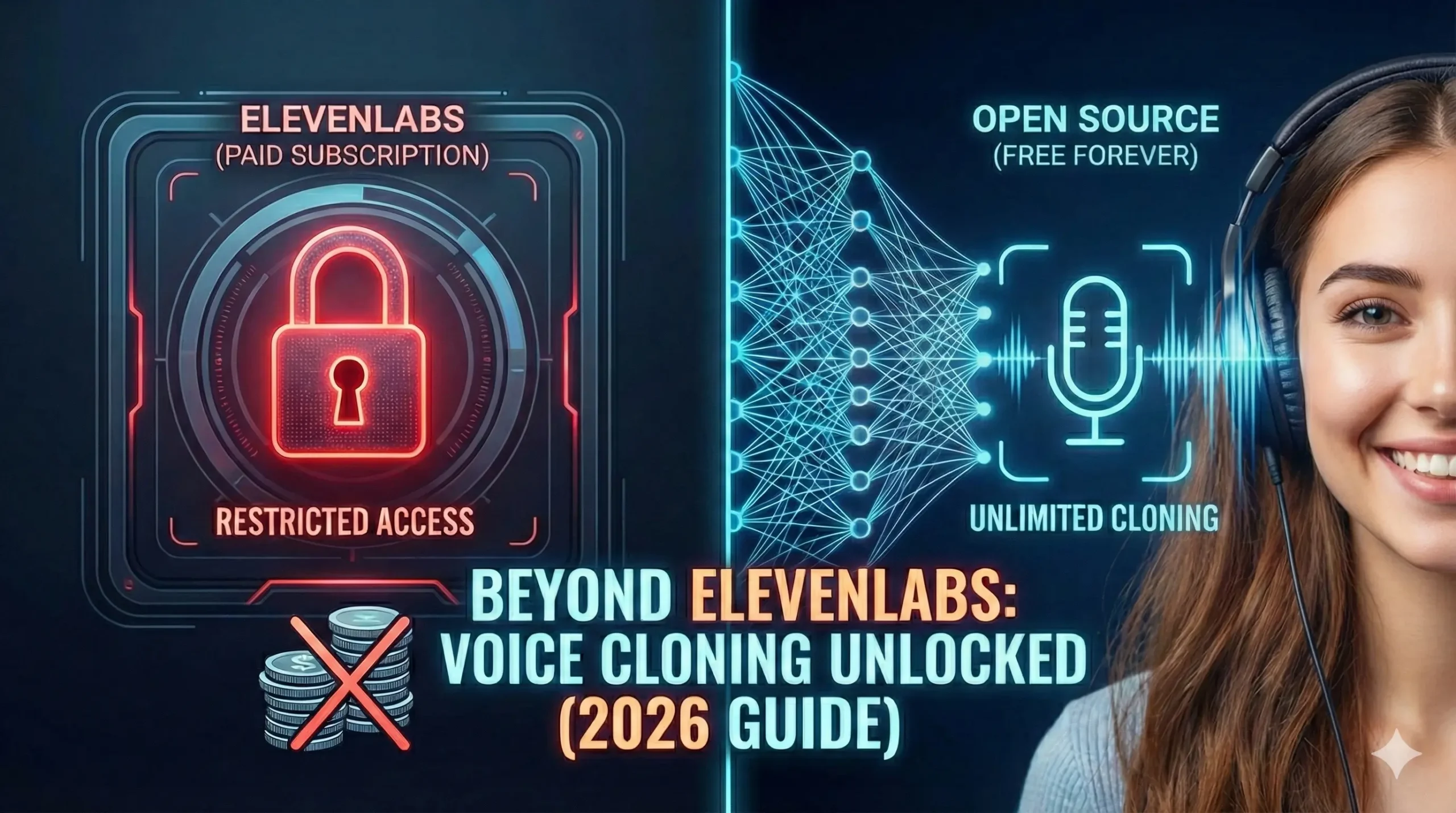
Beyond ElevenLabs: How to Clone Your Voice for Free (The 2026 Guide)
Table of Contents
Do you remember the first time you heard your own voice played back on a recording? It probably made you cringe. It sounded thin, alien, wrong. But then, you tried AI.
I remember sitting in front of my computer late one night, mic in hand, staring at the ElevenLabs subscription page. I had a vision for an audio drama, a project that required five different characters, all played by me. The technology was there—magic, really—but the price tag was a gatekeeper. $22 a month for a few hours of audio? For an indie creator with big dreams and a zero-dollar budget, it felt like the future was locked behind a paywall.
That frustration sparked a journey. I spent months digging through GitHub repositories, breaking Python code, and testing open-source models until I found it: The “Holy Grail” of voice synthesis.
If you are reading this, you are probably standing where I stood: You have a story to tell, a game to narrate, or a channel to grow, but you refuse to pay a “voice tax” every month. Good news. The monopoly is over. In 2026, you don’t need a credit card to clone your voice. You just need this guide.
Why Look Beyond ElevenLabs? (The State of AI Voice in 2026)
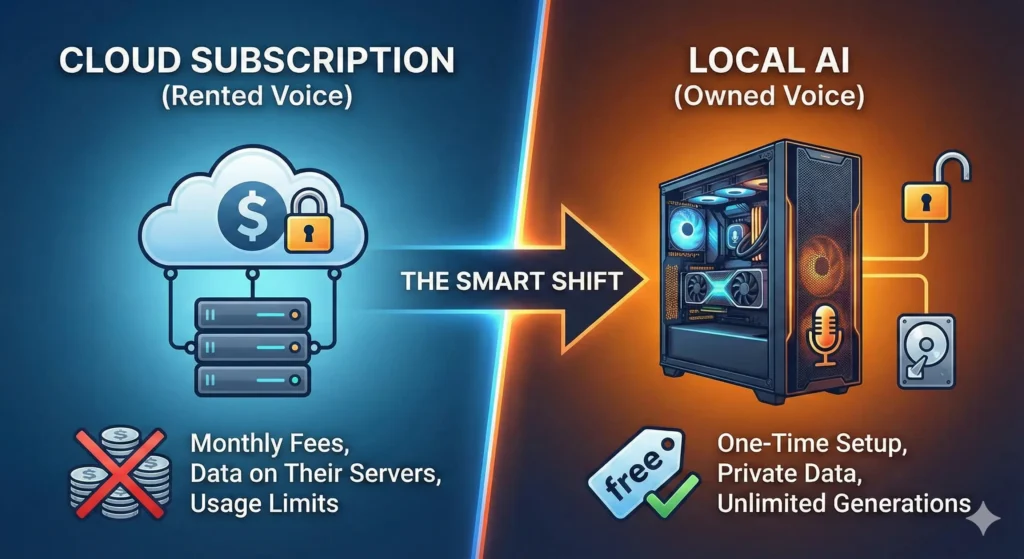
Let’s address the elephant in the room. ElevenLabs is fantastic. They set the standard for quality. But in 2026, relying on a cloud-based subscription for voice cloning comes with three major problems that open-source tools solve.
1. The “Voice Tax”
If you are producing an audiobook or a long-form YouTube video, you eat through characters fast. A standard 10-hour audiobook requires roughly 600,000 characters. On a cloud platform, that single project could cost you upwards of $300. With local AI, it costs you $0.
2. True Ownership
When you clone your voice on a cloud server, who owns the biometrics? The terms of service are often murky. When you run an RVC (Retrieval-based Voice Conversion) model locally on your PC, that file (.pth) lives on your hard drive. No server, no data leaks, no corporate overreach.
3. The “Censorship” Filter
Cloud tools have strict safety filters. While necessary for safety, they often flag creative content—like a villain’s monologue in a video game—as “inappropriate.” Local tools have no moral compass; they simply generate what you tell them to.
The “Voice Cloning Recipe”: What You Need
Before we start cooking, we need to prep the kitchen. You aren’t just downloading an app; you are setting up a local AI workstation.
The good news? In 2026, optimization has gotten so good that you don’t need a NASA supercomputer. However, you do need a dedicated GPU.
Table: The Cloning Kitchen (Hardware & Software)
| Ingredient Category | Recommended Item (2026) | Minimum Requirement |
| Main Hardware (GPU) | NVIDIA RTX 5060 (12GB VRAM) | NVIDIA RTX 3060 (12GB VRAM) |
| The “Oven” (Software) | Pinokio Browser (One-click installer) | Python 3.10 + Git (Manual install) |
| Microphone | USB Condenser (e.g., Blue Yeti X) | Smartphone Voice Memo (Quiet Room) |
| The “Secret Sauce” | 20 Minutes of Clean, Dry Audio | 3 Minutes of Clean Audio |
| AI Architecture | Applio (RVC v3) | XTTS-Unlimited |
⚠️ Warning for Mac Users: While Apple Silicon (M3/M4) chips can run these tools, they are significantly slower than NVIDIA GPUs. If you are on a Mac, expect render times to be 5x longer.
Top 3 Free ElevenLabs Alternatives (Open Source)
The open-source community moves fast. As of 2026, three main contenders have risen to the top. Each serves a different purpose.
1. XTTS-Unlimited (The All-Rounder)
- Best For: Text-to-Speech (TTS).
- How it works: You type text, and it speaks in your cloned voice.
- The Pro: It captures the “cadence” of speech incredibly well. It pauses where you would pause.
- The Con: It can sometimes hallucinate (repeat words) if the sentence is too long.
2. RVC v3 (Retrieval-based Voice Conversion)
- Best For: Speech-to-Speech (STS).
- How it works: You speak into the mic, and it changes your voice into the target voice.
- The Pro: Unbeatable emotion. Because you are acting out the lines, the AI copies your intonation perfectly. If you whisper, the clone whispers. If you scream, the clone screams.
- The Con: You have to record the lines yourself first.
3. OpenVoice V2 (The Speed Demon)
- Best For: Instant Zero-Shot Cloning.
- How it works: You upload a 10-second clip, and it clones the voice instantly without training.
- The Pro: Speed. You can clone a new voice in seconds.
- The Con: It lacks the deep, rich resonance of a fully trained RVC model.
Step-by-Step: How to Clone Your Voice with RVC (Free)
We are going to focus on RVC (Applio) because it offers the highest quality. If done right, it is indistinguishable from reality.
Step 1: The Dataset (Garbage In, Garbage Out)
Your clone is only as good as your audio. You need “Dry” audio—voice recordings with zero reverb or background noise.
- Go to a closet (clothes dampen sound).
- Record yourself reading a book for 10–20 minutes.
- Save it as a single
.wavfile (Mono, 44.1kHz). - Crucial: Do not act too much. Speak in your natural, consistent range.
Step 2: The Environment (Pinokio)
Forget using the Command Prompt. We will use Pinokio, an AI browser that installs complex tools with one click.
- Download and install Pinokio.
- Search for “Applio” (The 2026 interface for RVC).
- Click “Install.”
- Wait for it to download the dependencies (PyTorch, FFmpeg).
- Click “Start.” A web interface will open in your browser.
Step 3: Training Your Model
This is where the magic happens.
- Navigate to the “Train” tab in Applio.
- Experiment Name: Name your model (e.g., “MyVoice_v1”).
- Dataset Path: Paste the location of your
.wavfile. - Settings:
- Epochs: Set to 200. (Less is too robotic; more will “overtrain” and sound metallic).
- Batch Size: Set to 8 (if you have 8GB VRAM) or 16 (if you have 12GB+).
- Sample Rate: 40k.
- Click “One-Click Train.”
- Go make a coffee. Depending on your GPU, this will take 30 minutes to 2 hours.
Step 4: Inference (Testing)
Once finished, go to the “Inference” tab.
- Upload Audio: Upload a clip of you speaking (or anyone speaking).
- Select Model: Choose the “MyVoice_v1.pth” file you just created.
- Convert: Click the button.
- Result: The audio will play back, but now it sounds exactly like your cloned voice.
Troubleshooting Common Voice Glitches
Even in 2026, AI can be finicky. If your clone sounds “off,” here is how to fix it.
The “Metallic” Robot Sound
- Diagnosis: You overtrained the model.
- The Fix: Go back to your training folder. RVC saves a “checkpoint” every 10 epochs. Try loading the file from Epoch 150 instead of 200.
The “Slurring” Effect
- Diagnosis: The AI is struggling to match the pitch of the input audio to the clone.
- The Fix: Adjust the “Hop Length” (or Index Rate). Lowering the hop length (e.g., to 64) increases quality but takes longer to render. Also, ensure your input audio is clear.
Pronunciation Errors
- Diagnosis: This usually happens in XTTS (Text-to-Speech) when it encounters complex names.
- The Fix: Use Phonetic Spelling. If the AI says “Resume” (verb) instead of “Resume” (noun), type it as “Reh-zoom-ay.”
Advanced Techniques: The Hybrid Workflow
For the ultimate professional quality, don’t use just one tool. Use the Hybrid Method.
The “Sandwich” Strategy
- Generate Text: Use XTTS-Unlimited to generate your script. It will have perfect pronunciation but “okay” emotion.
- Refine Audio: Take that generated audio and run it through RVC (Speech-to-Speech) using your high-quality voice model.
- Result: You get the ease of typing (TTS) with the rich audio quality of RVC (STS).
Ethical Responsibility: With Great Power…
We need to have a serious talk. Voice cloning is a superpower, and in 2026, the lines between reality and fiction are blurry.
- Consent is King: Never, ever clone a voice without that person’s explicit permission. It is not just unethical; in many jurisdictions (like the EU and parts of the US), it is now illegal under “Right of Publicity” laws.
- Watermarking: New tools in 2026 allow you to embed an inaudible audio watermark into your clones. This proves the audio is AI-generated. Use this to protect yourself from accusations of fraud.
- The Scam Warning: Be aware that “Voice Phishing” is real. If you publicize your voice model, scammers can use it. Keep your
.pthmodel files offline and secure.
“…once you have the audio, you need the visuals. Learn how to make Viral AI Thumbnails to complete your package.”
Frequently Asked Questions (FAQ)
Is there a free alternative to ElevenLabs that is just as good?
Yes. RVC v3 (Applio) is arguably better than ElevenLabs for “Speech-to-Speech” because it captures the exact emotion of the performance. For “Text-to-Speech,” ElevenLabs still holds a slight edge in ease of use, but XTTS-Unlimited is closing the gap rapidly.
Do I need a powerful PC to run AI voice cloning locally?
You need a dedicated NVIDIA GPU. A RTX 3060 (12GB) is the budget king in 2026. If you have an AMD card or a Mac, you can run these tools, but they will be significantly slower.
Can I use RVC voice models for commercial YouTube videos?
Generally, yes—if you trained the model on your own voice. If you trained the model on a celebrity’s voice (e.g., Morgan Freeman), you cannot use it commercially. You own the copyright to your recording, but you do not own the rights to someone else’s vocal likeness.
How long does it take to clone a voice using open source tools?
With OpenVoice V2, it takes seconds. With RVC, training a high-quality model takes about 30 to 60 minutes on a modern GPU.
Conclusion: Your Voice, Your Rules
The era of paying for every spoken word is over. While tools like ElevenLabs offer convenience, they lease you your freedom. Open-source tools like RVC and XTTS give you ownership.
It requires a little more work. You have to install Pinokio. You have to record a dataset. You have to tweak settings. But the reward is a voice that is uniquely yours, unlimited by credits, paywalls, or censorship.
Don’t just read about it. Download Pinokio, grab your microphone, and create your first clone tonight. The future of content creation isn’t about who has the biggest budget—it’s about who has the best tools.
FOR SEO :
elevenlabs, elevenlabs, elevenlabs, elevenlabs, elevenlabs, elevenlabs, elevenlabs, elevenlabs,